Printer disassembly + baby
A stop motion animation from my studio in Berlin 2011 where I disassemble and reuse old ink jet printers to construct new a series of kinetic artworks. Guest starring Joelle and four-month-old Sophia.
A stop motion animation from my studio in Berlin 2011 where I disassemble and reuse old ink jet printers to construct new a series of kinetic artworks. Guest starring Joelle and four-month-old Sophia.
A study for an upcoming installation in Berlin.
A study for an upcoming installation in Berlin.

I just discovered Fritzing; an application for designing electronic projects and laying-out PCBs. The software is dependable, has a useful website with tutorials and project examples, and they are even starting a fabrication service in Dec 2010. Fritzing was started in August 2007 by the Interaction Design Lab at the University of Applied Sciences Potsdam, Germany.
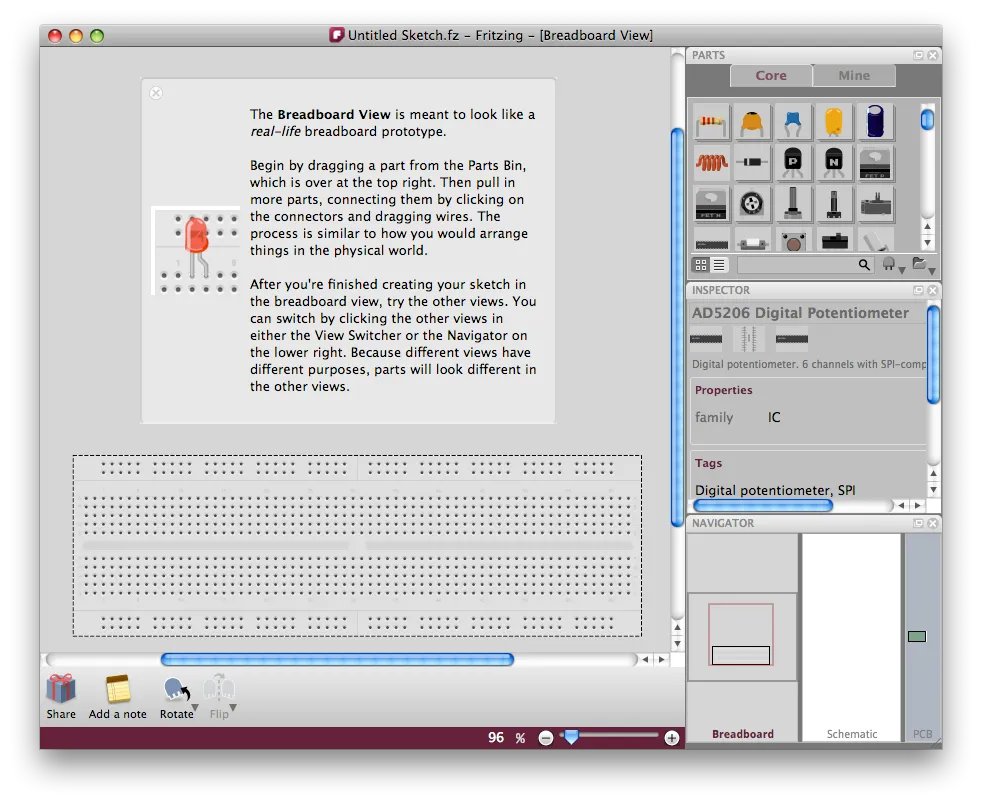
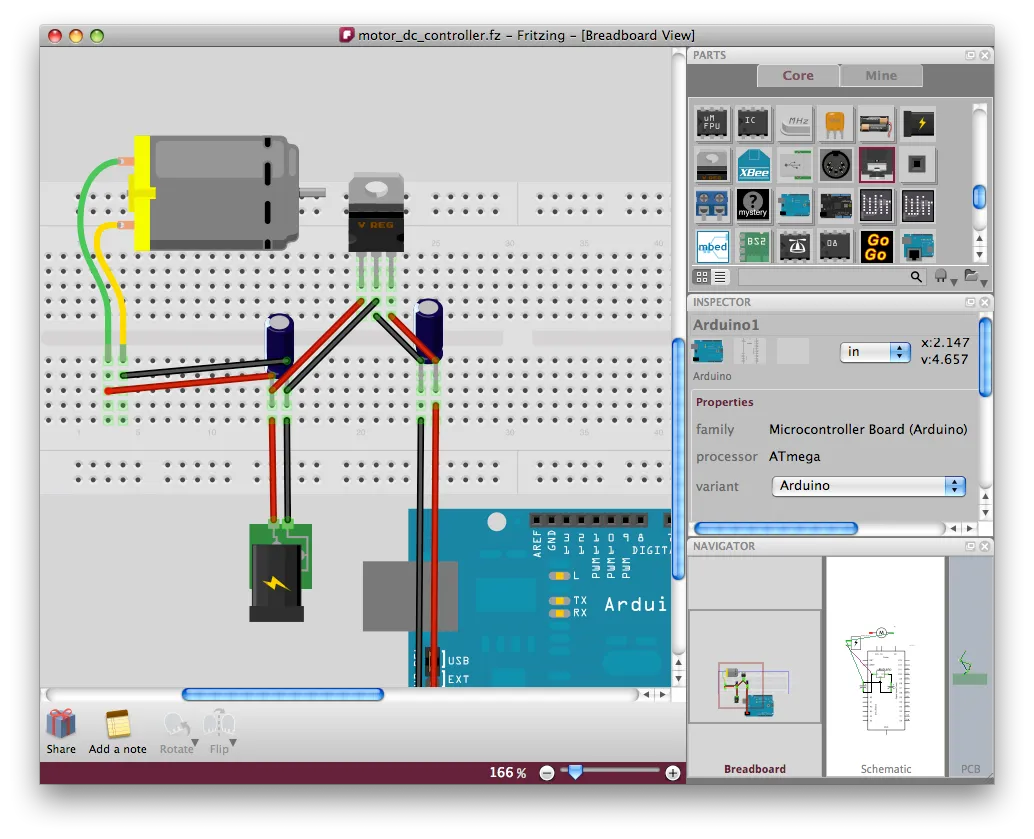
When you launch the software you begin with a breadboard. Then you drag components from a large list on the right, choosing options for the parts. Adjusting rotation, color, and placement is all fairly intuitive. While I found working with “2.5D” perspective is a little awkward at first, you get used to it. For output, you can select between Breadboard, Schematic, and PCB views on the bottom right.
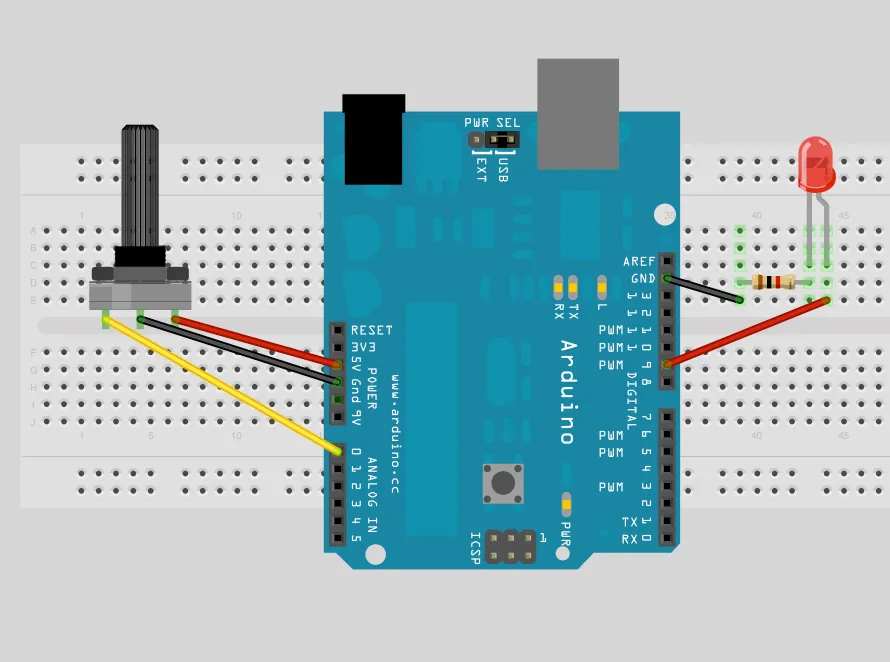
Here’s a design to accompany a previous sketch, Fading an LED with PWM and a Potentiometer
Howdy, it’s been awhile since I last shared news about recent and ongoing projects. Here goes.
1. You Never Close Your Eyes Anymore
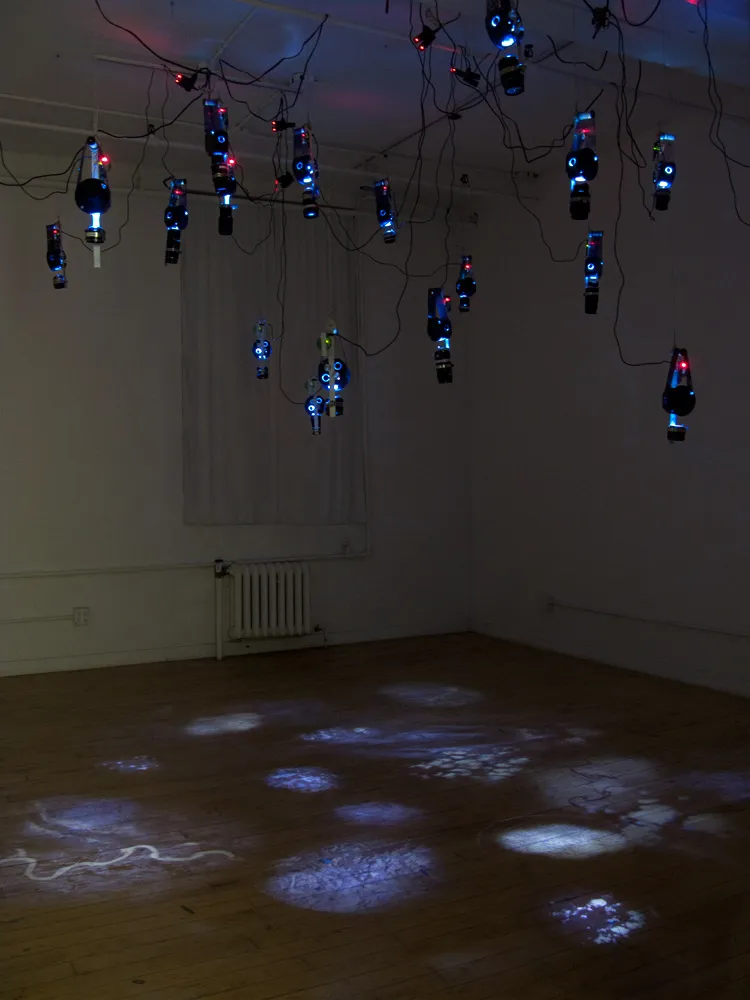
You Never Close Your Eyes Anymore is an installation that projects moving US Geological Survey (USGS) satellite images using handmade kinetic projection devices.
Each device hangs from the ceiling and uses electronic components to rotate strips of satellite images on transparency in front of an LED light source. They are constructed with found materials like camera lenses and consumer by-products and mimic remote sensing devices, bomb sights, and cameras in Unmanned Aerial Vehicles.
The installation includes altered images from various forms of lens-based analysis on a micro and macro scale; land masses, ice sheets, and images of retinas, printed on reflective silver film.
On display now until July 31 at AC Institute 547 W. 27th St, 5th Floor
Hours: Wed., Fri. & Sat.: 1-6pm, Thurs.: 1-8pm
New video by Asa Gauen and images
http://owenmundy.com/site/close_your_eyes
2. Images and video documentation of You Never Close Your Eyes Anymore will also be included in an upcoming Routledge publication and website:
Reframing Photography: Theory and Practice
by Rebekah Modrak, Bill Anthes
ISBN: 978-0-415-77920-3
Publish Date: November 16th 2010
http://www.routledge.com/books/details/9780415779203/
3. Give Me My Data launch
Give Me My Data is a Facebook application designed to give users the ability to export their data out of Facebook for any purpose they see fit. This could include making artwork, archiving and deleting your account, or circumventing the interface Facebook provides. Data can be exported in CSV, XML, and other common formats. Give Me My Data is currently in public-beta.
Website
http://givememydata.com/
Facebook application
http://apps.facebook.com/give_me_my_data/

4. Give Me My Data was also covered recently by the New York Times, BBC, TechCrunch, and others:
Facebook App Brings Back Data by Riva Richmond, New York Times, May 1, 2010
http://gadgetwise.blogs.nytimes.com/2010/05/01/facebook-app-brings-back-data/
5. yourarthere.net launch
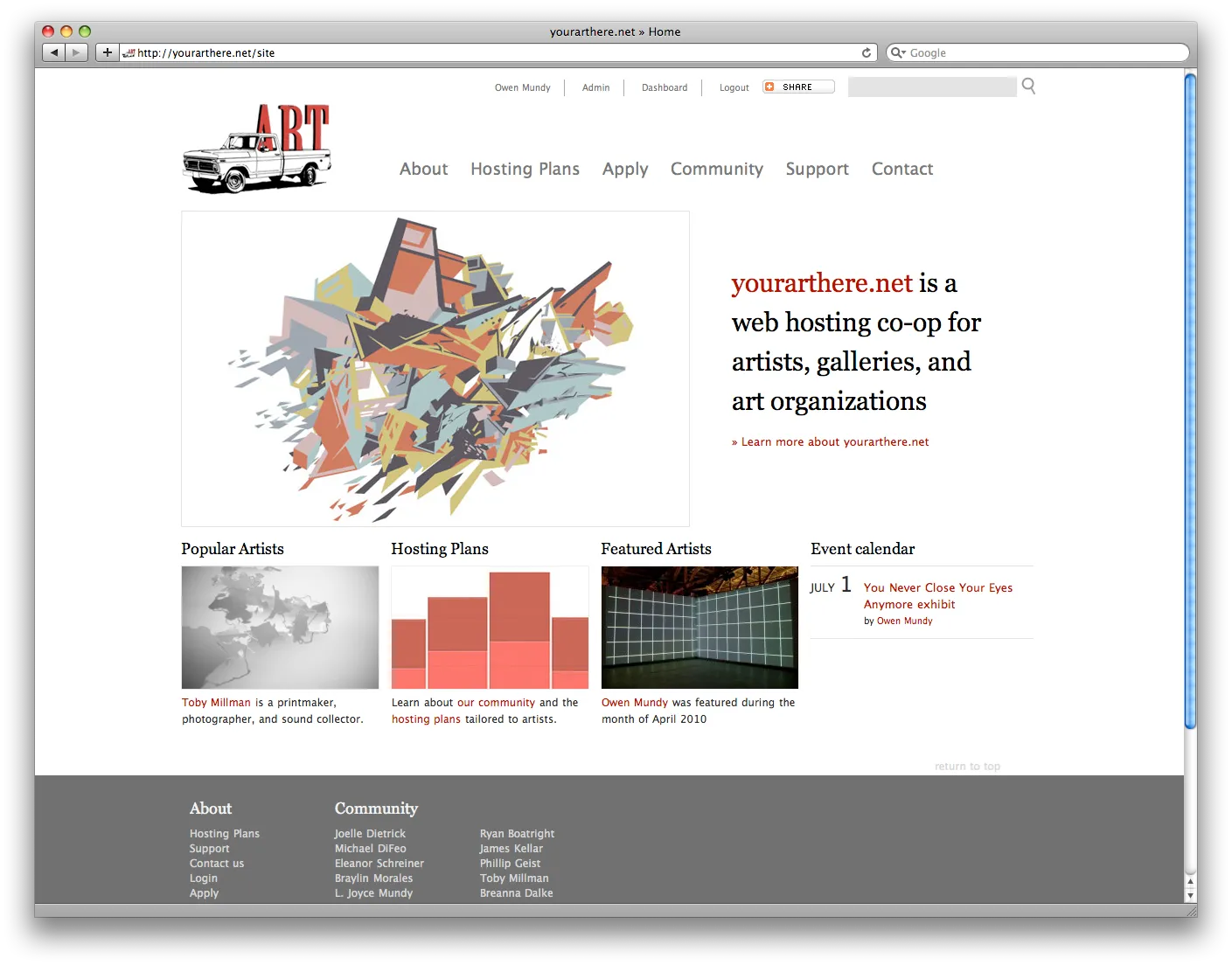
A major server and website upgrade to the yourarthere.net web-hosting co-op for artists and creatives. The new site allows members of the community to create profiles and post images, tags, biography, and events. In addition to the community aspect, yourarthere.net is still the best deal going for hosting your artist website.
Website
http://yourarthere.net
More images
http://owenmundy.com/site/design_yourarthere_net
6. The Americans
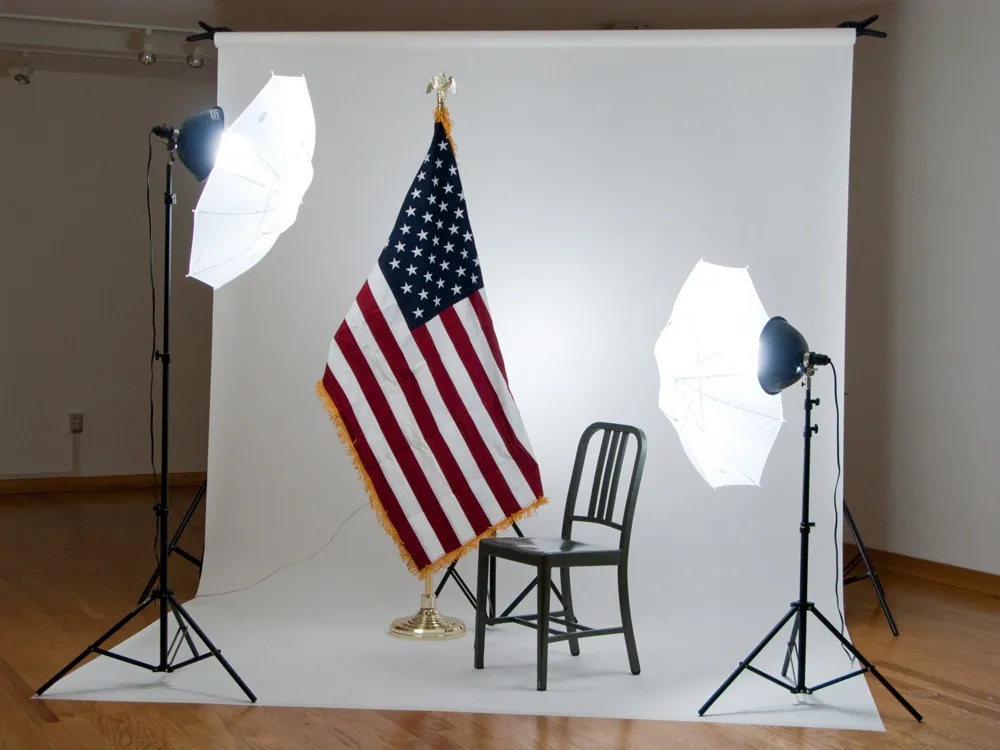
The Americans is currently on view at the Northwest Florida State College in Niceville, FL. It features a new work with the same title.
More images
http://owenmundy.com/site/the-americans
7. Your Art Here billboard hanger
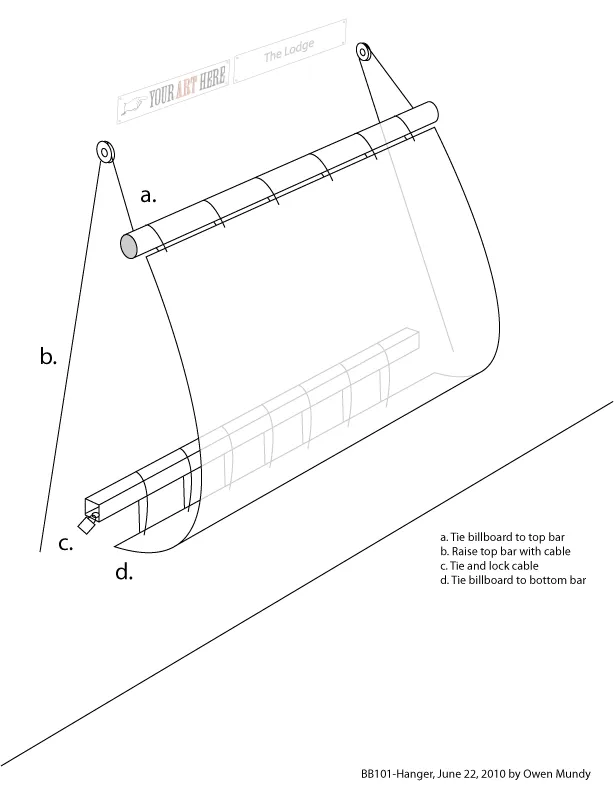
I recently designed a new billboard hanging device and installed it in downtown Bloomington, IN with the help of my brother Reed, and wife Joelle Dietrick.
Stay tuned here for news about Your Art Here and the new billboard by Joelle Dietrick.
http://www.facebook.com/pages/Your-Art-Here/112561318756736
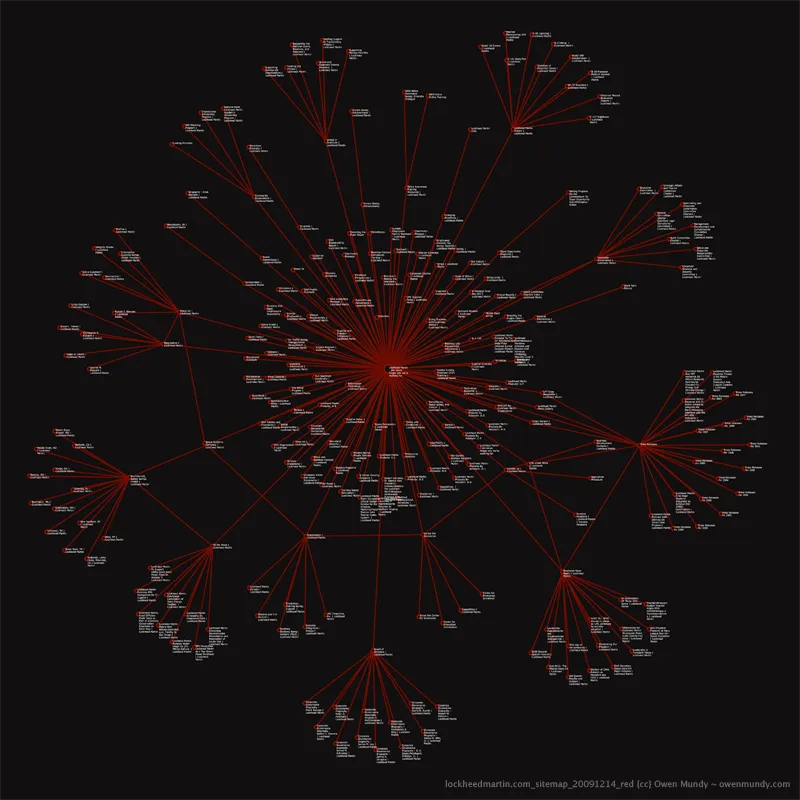
8. Finally, moving to Berlin for a year on a DAAD fellowship to work on some ongoing projects, including Automata.
More images
https://owenmundy.com/blog/2010/07/new-automata-sitemaps/
I’ll be giving a paper about Automata at the upcoming ISEA2010 conference in Ruhr, Germany.
http://www.isea2010ruhr.org/conference/tuesday-24-august-2010-dortmund
Many thanks to Chris Csikszentmihályi, Director of the Center for Future Civic Media http://civic.mit.edu/ , for inviting me to the MIT Media Lab last August to discuss the project with his Computing Culture Group: http://compcult.wordpress.com/
I am very much enjoying the video my friend, Asa Gauen, is working on for You Never Close Your Eyes Anymore, which is installed at AC Institute in New York until July 31.
Katherine Sweetman, has just posted a great video documenting the Lucent project we did at the University of California, San Diego.
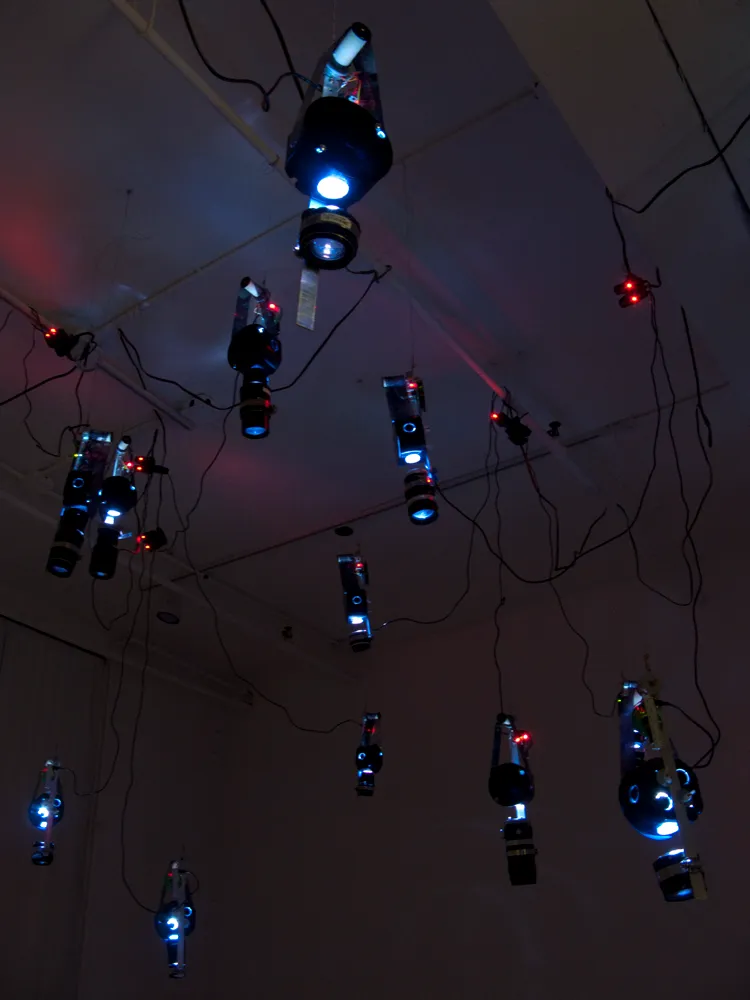
You Never Close Your Eyes Anymore opens tonight at AC Institute in Chelsea.
July 1 – July 31, 2010
Opening: Thursday, July 1, 2010 6-8pm
AC Institute [Direct Chapel]
547 W. 27th St, 5th Floor
New York, NY
Gallery Hours: Wed., Fri. & Sat.: 1-6pm, Thurs.: 1-8pm
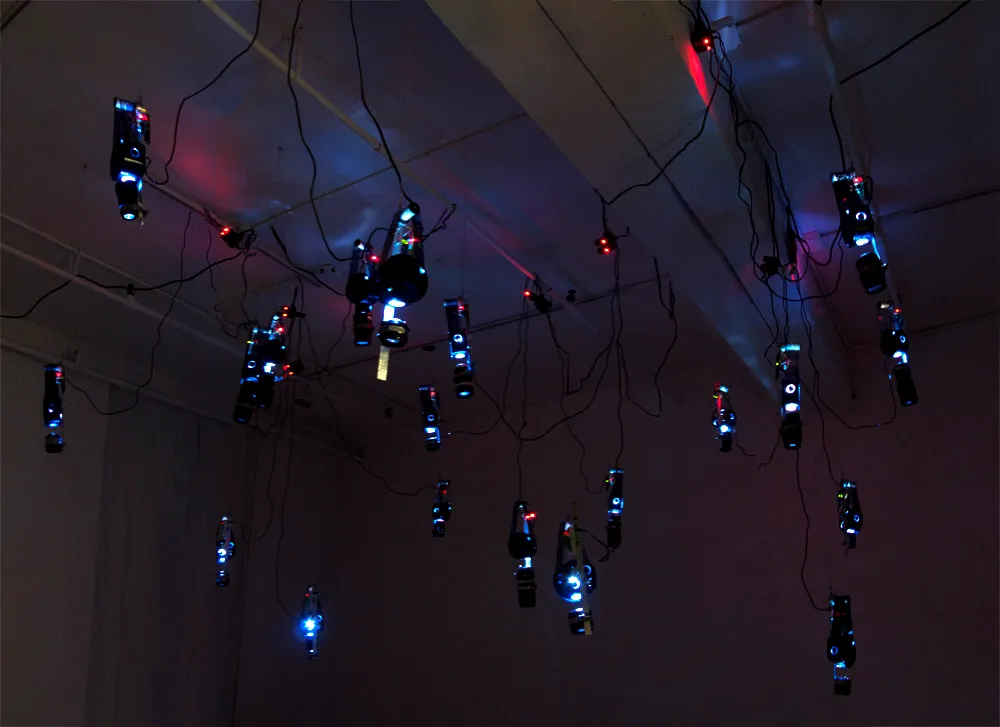
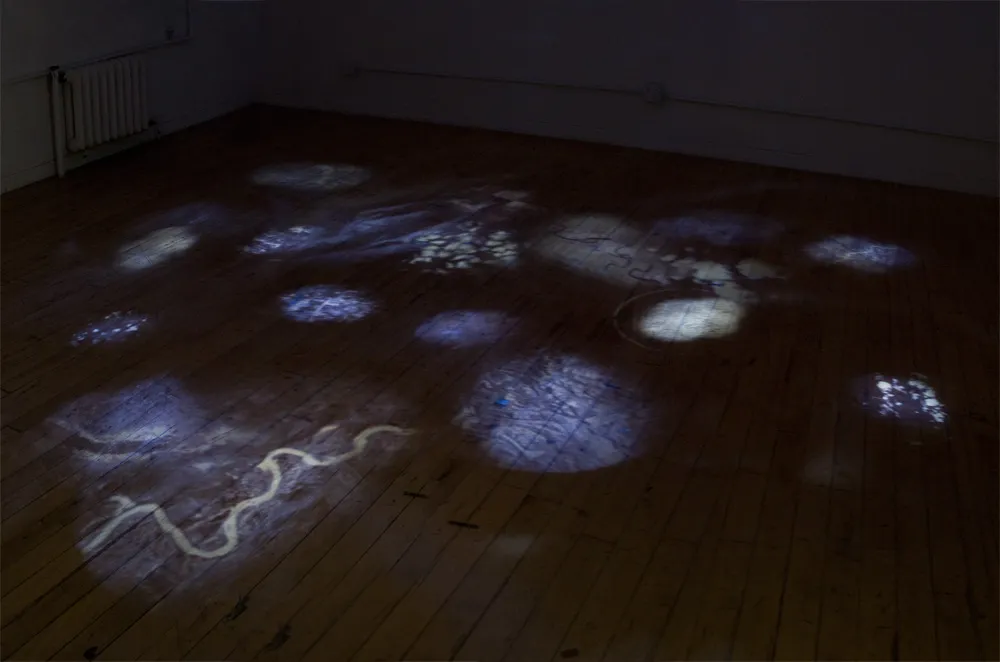
“Open sourcing” the schematic for the electronic components for You Never Close Your Eyes Anymore.
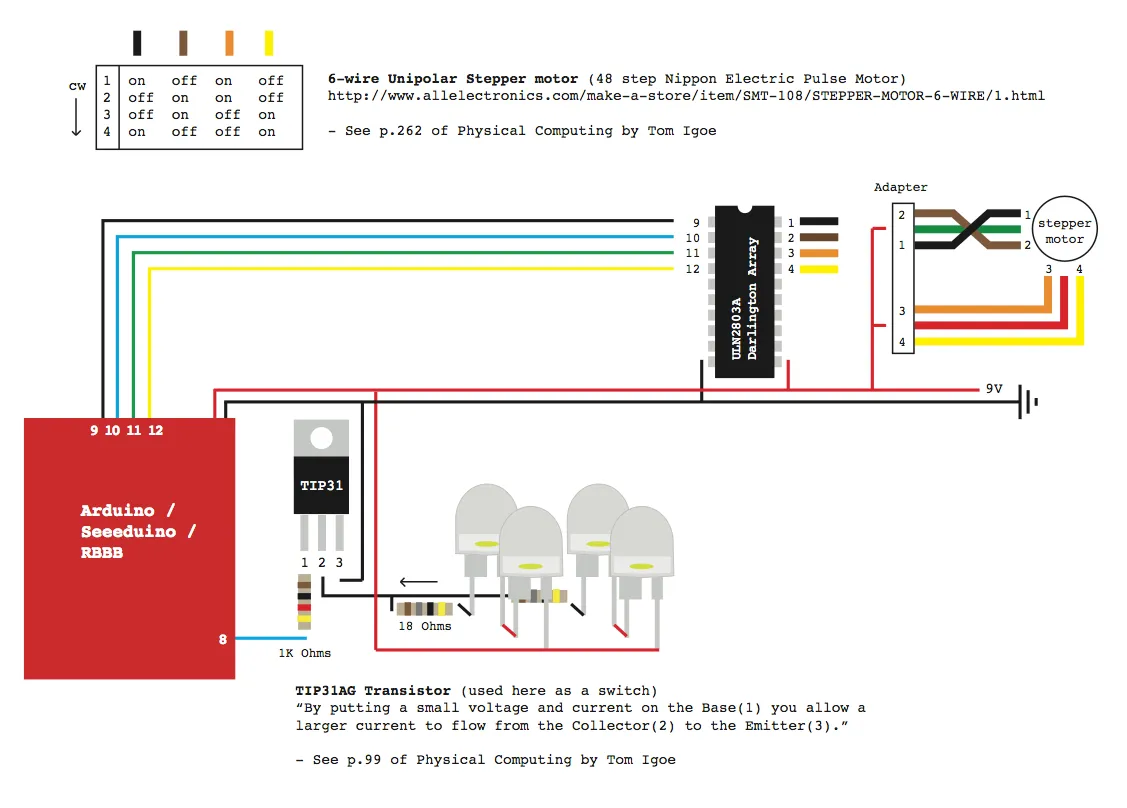
Products:
RBBB boards (Arduino clone)
custom-designed circuits
– female headers
– TIP31 transistor
– 6-wire Unipolar Stepper motor (48 step Nippon Electric Pulse Motor)
– ULN2803A Darlington Array
– hook-up wire
– various resistors
– LEDs
used camera lenses
aluminum “flat bar”
hose clamps
rubber wine corks
various mounting hardware
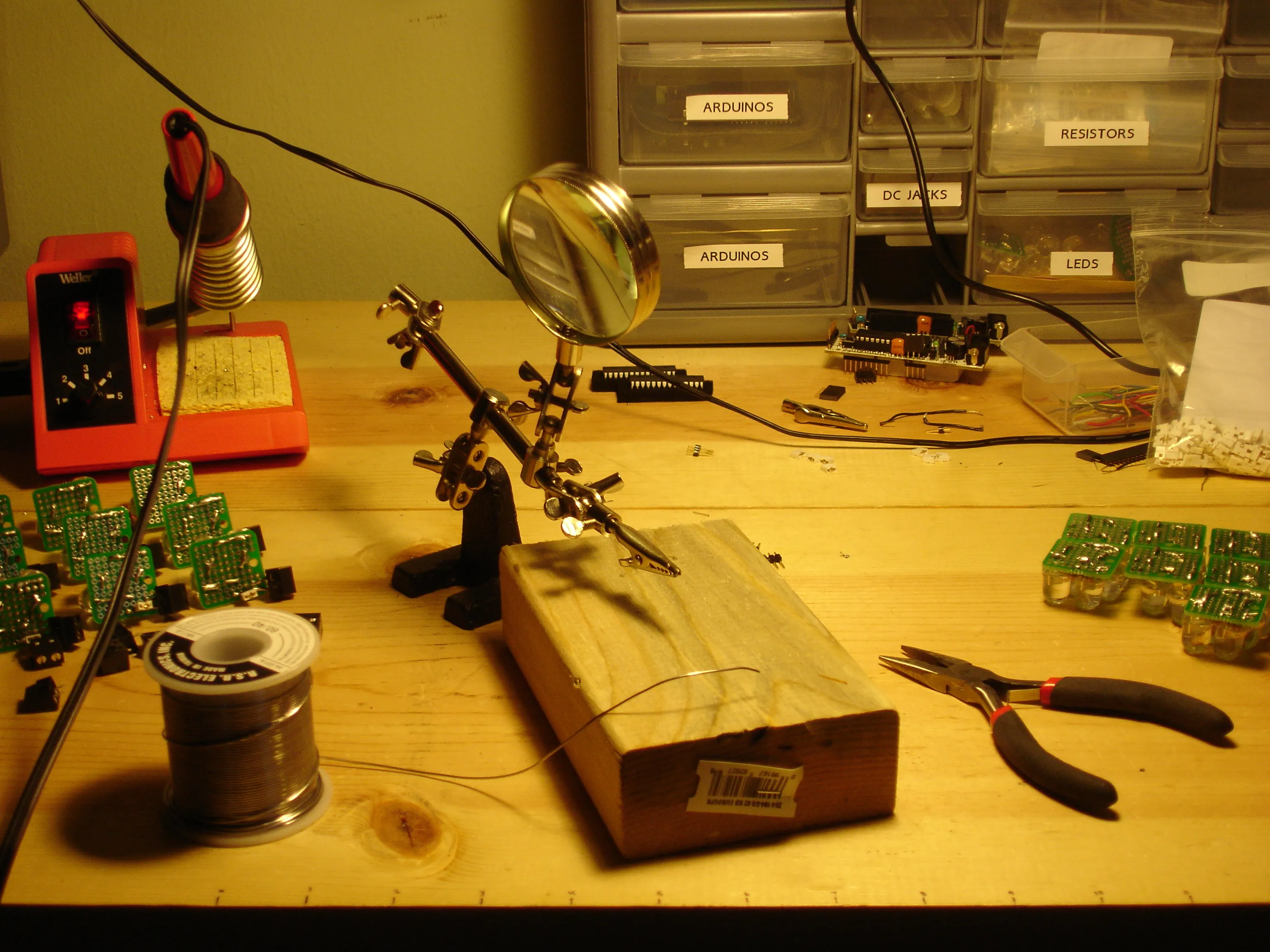
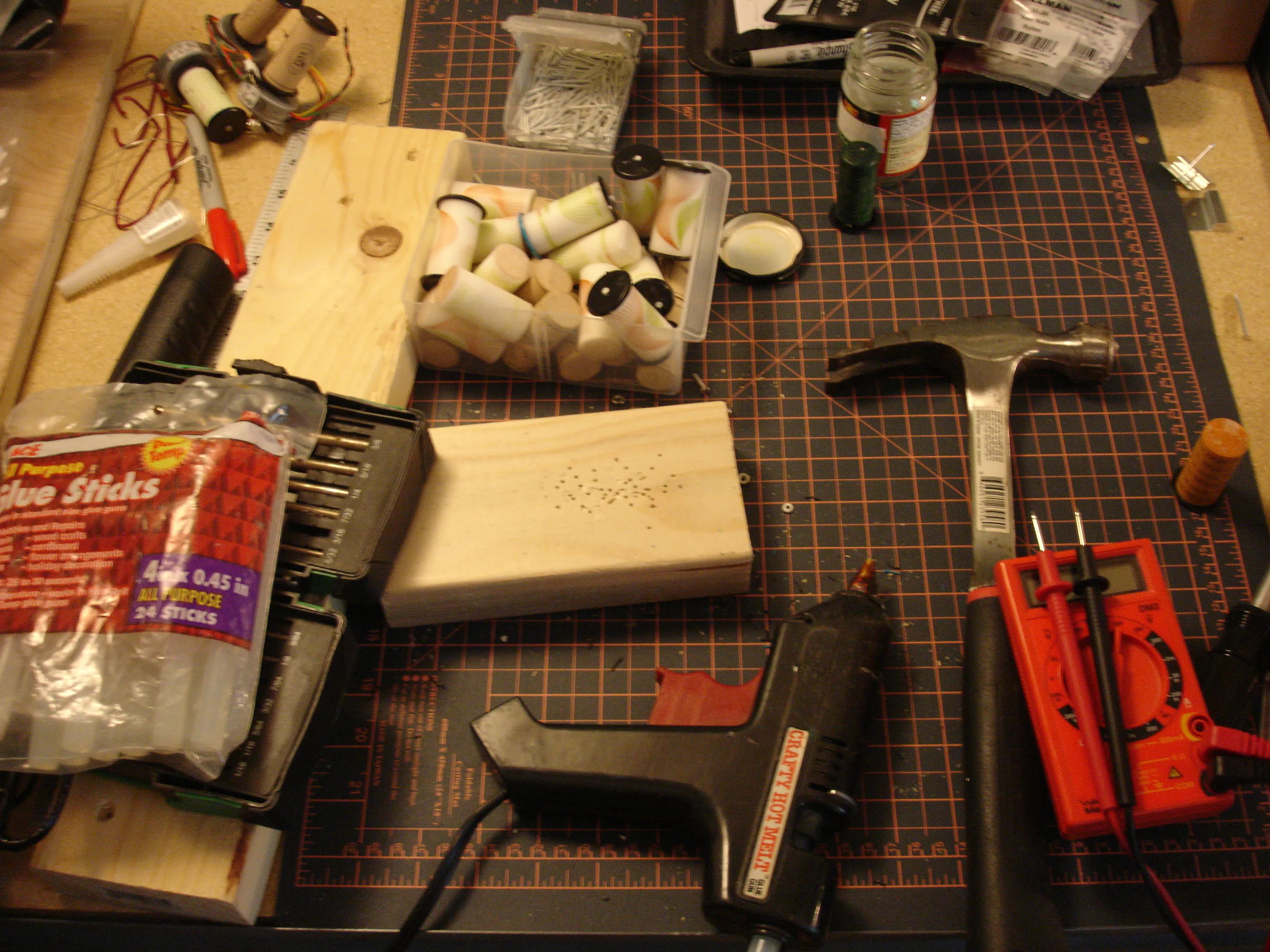
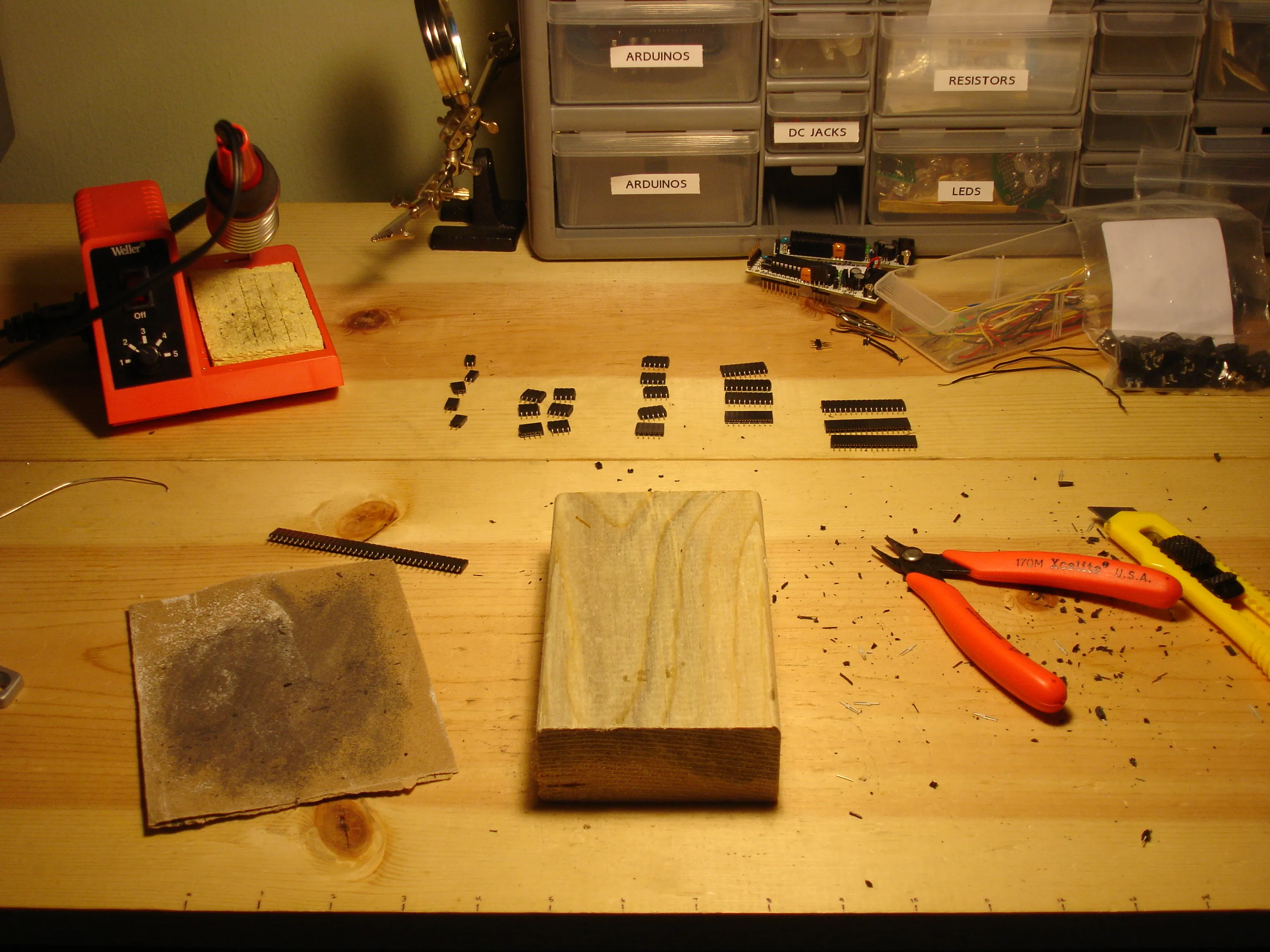
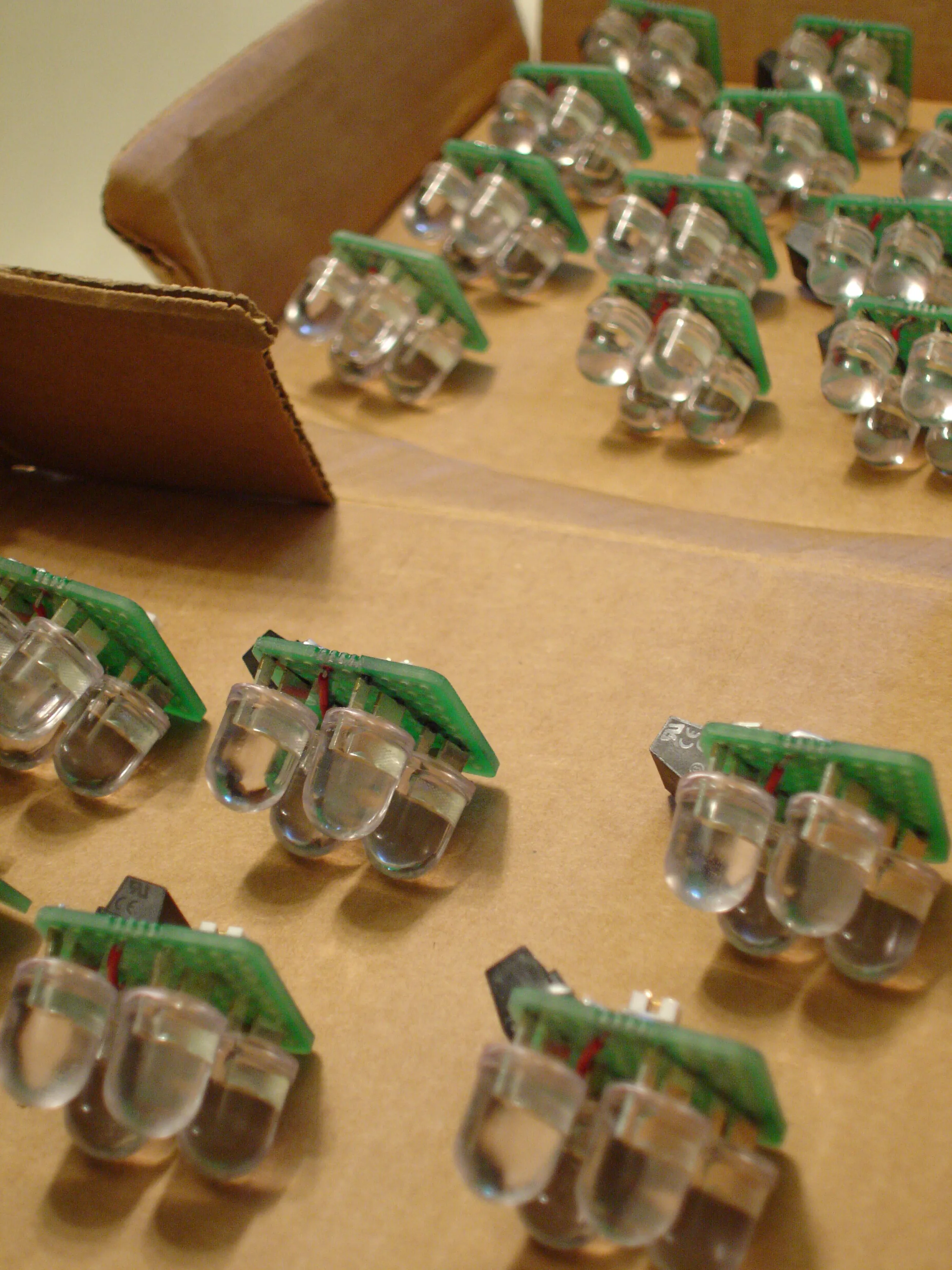
More photos from You Never Close Your Eyes Anymore production.
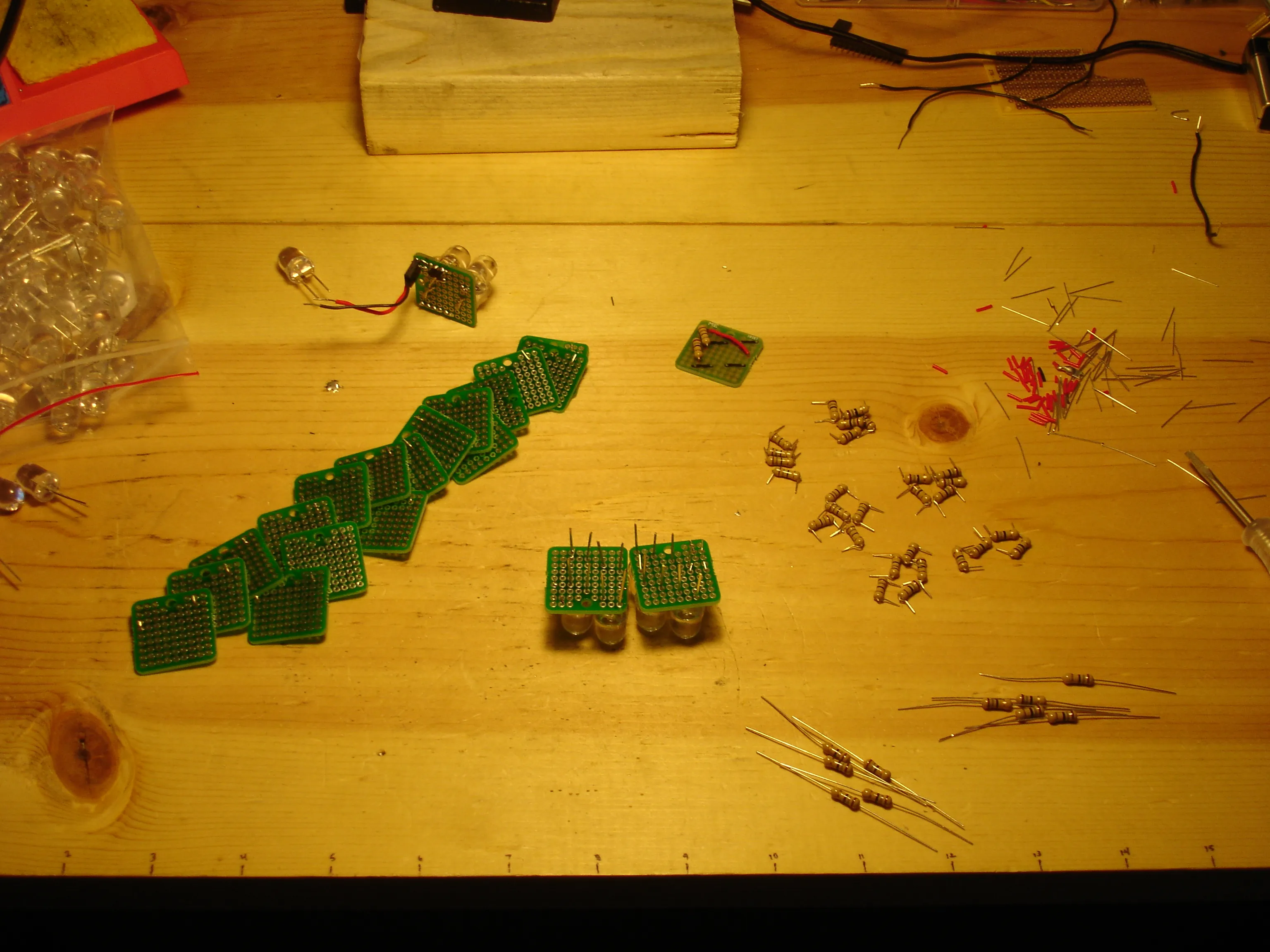
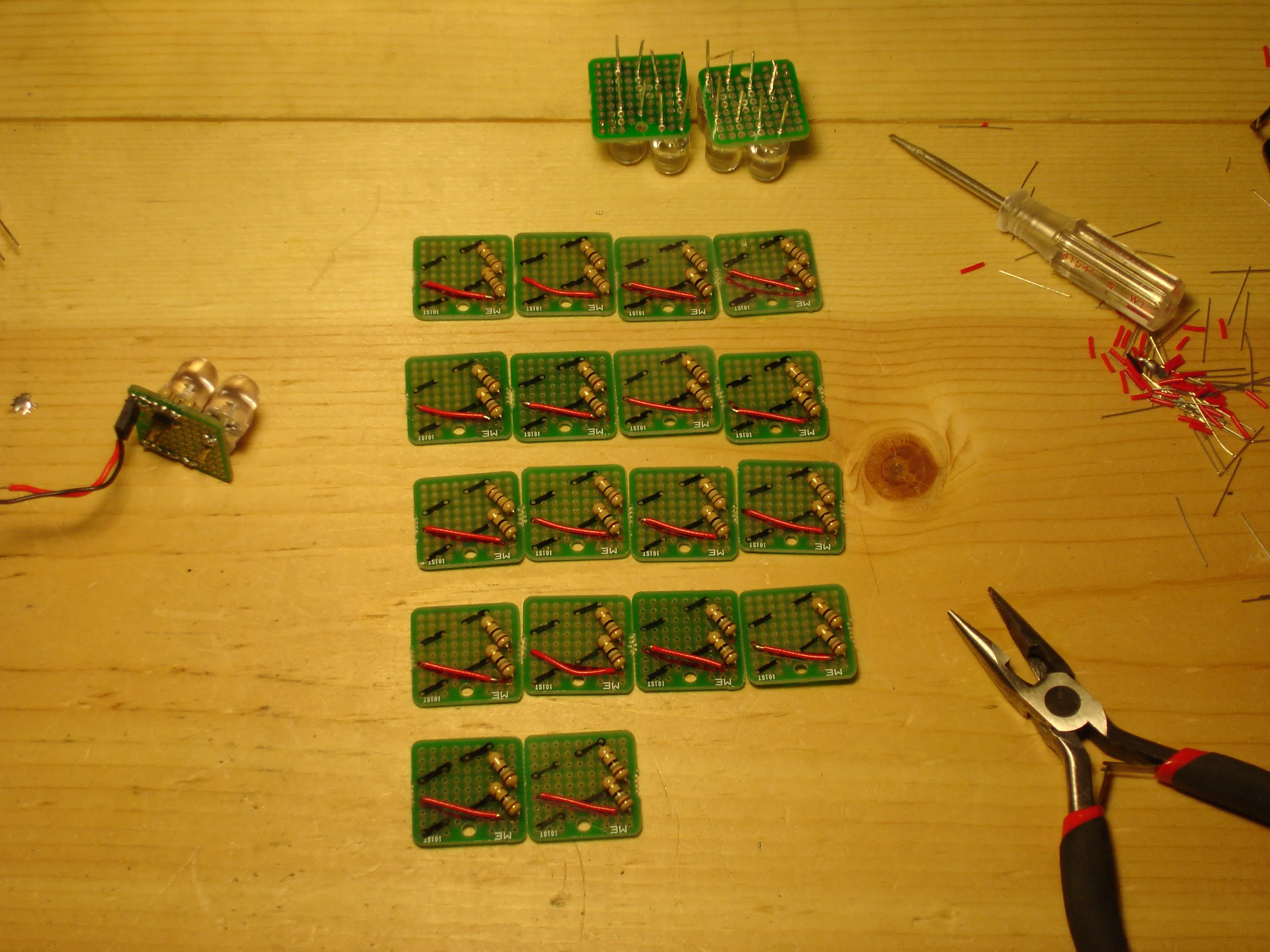
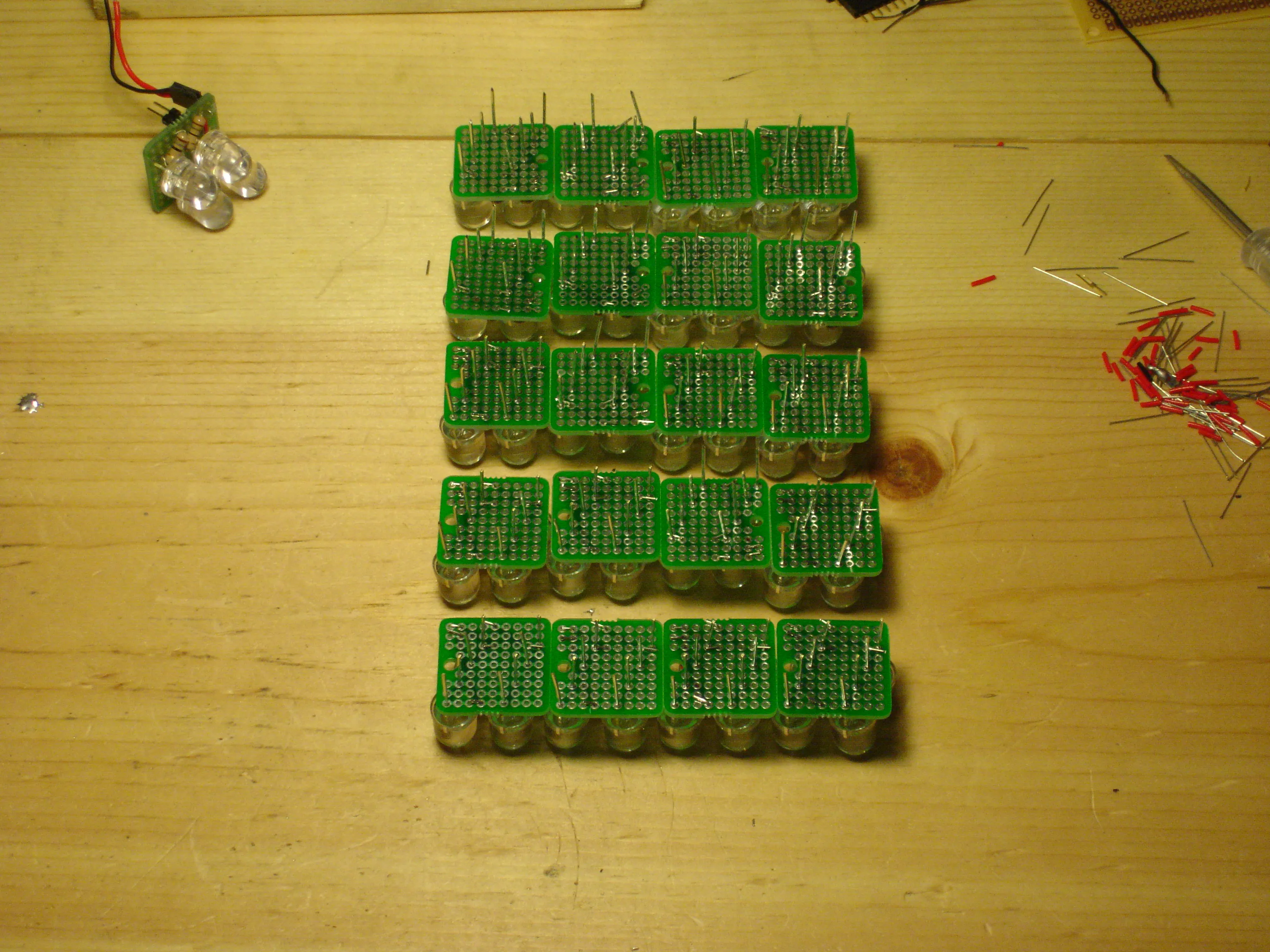
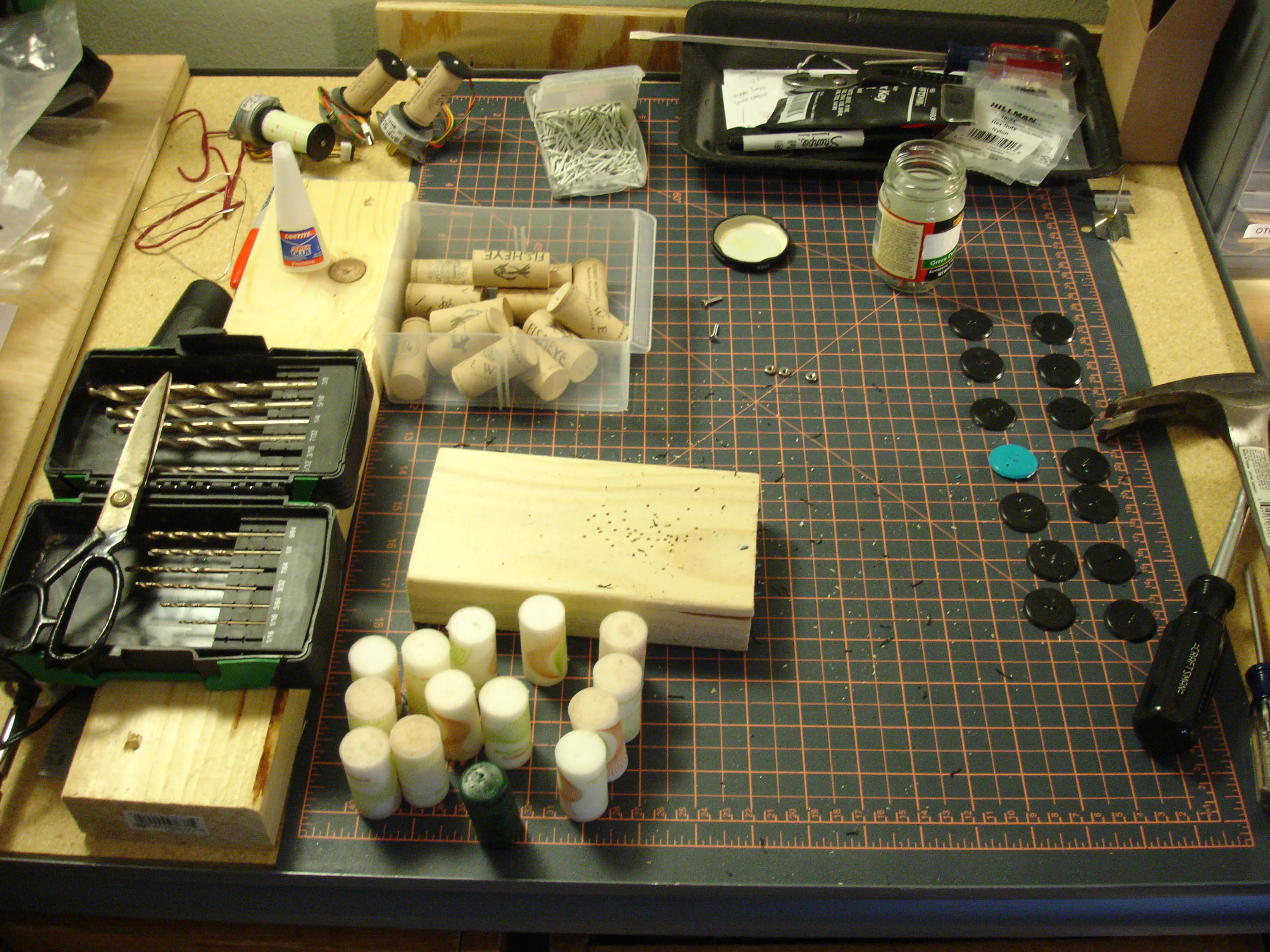
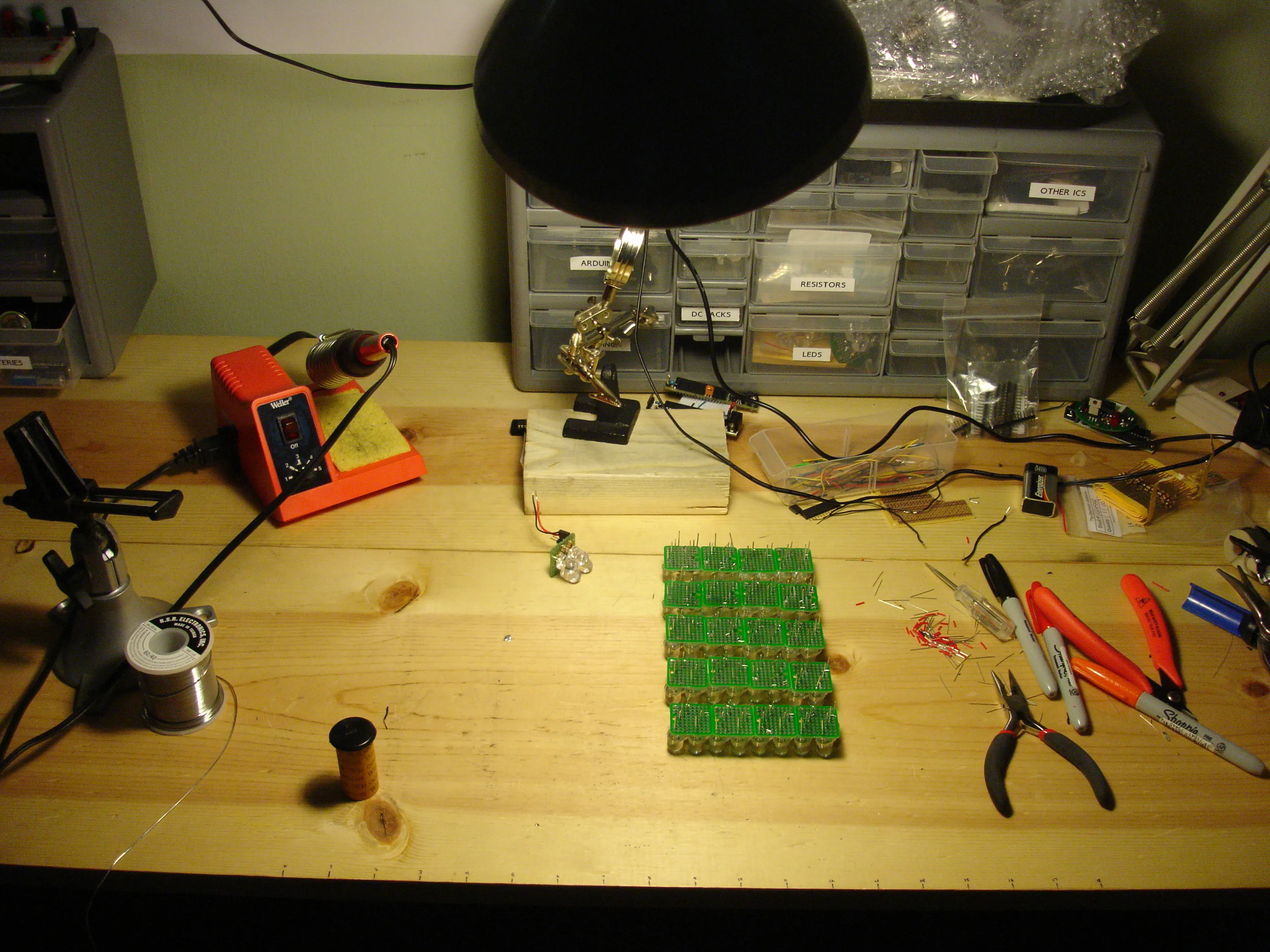
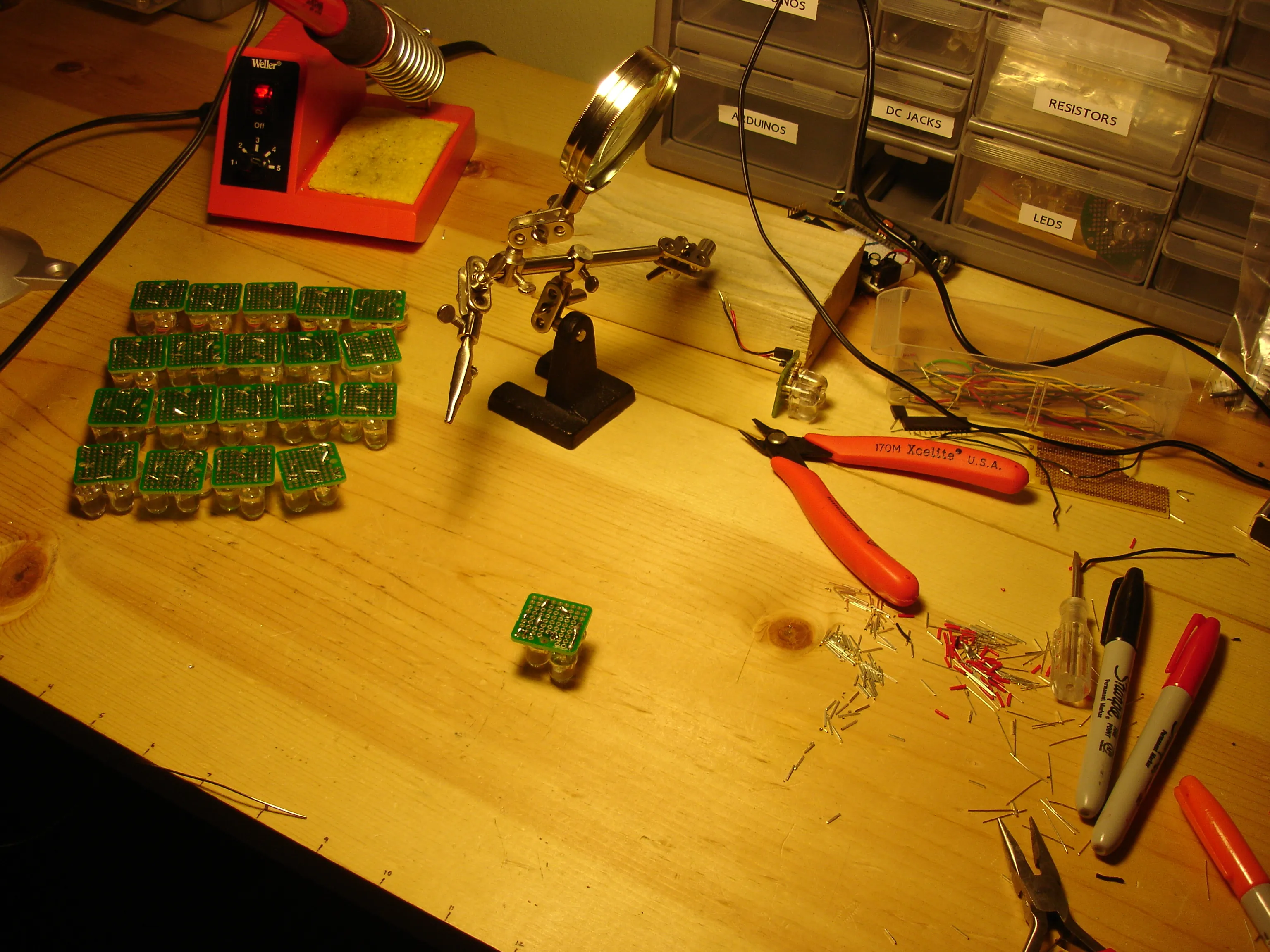
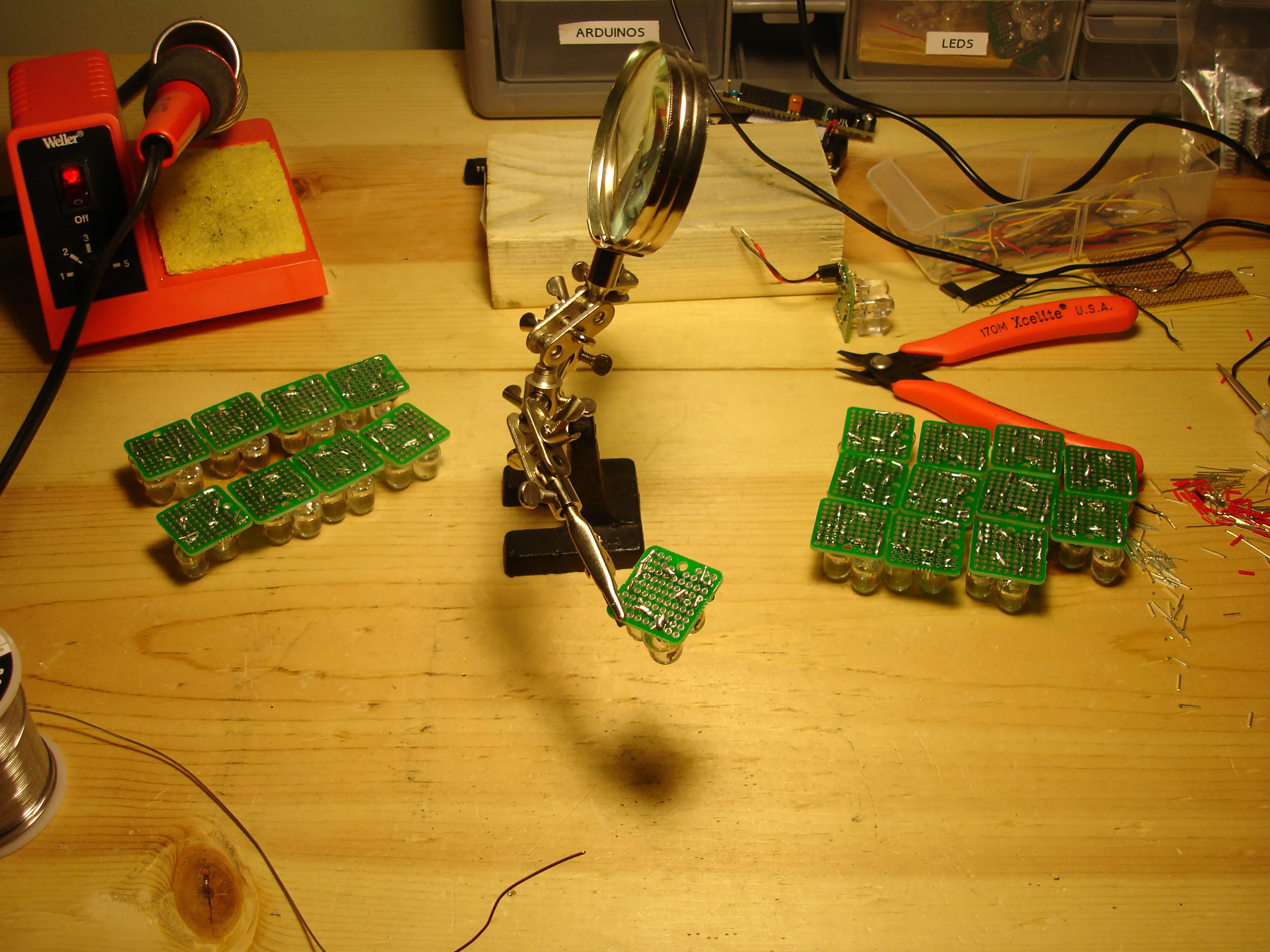
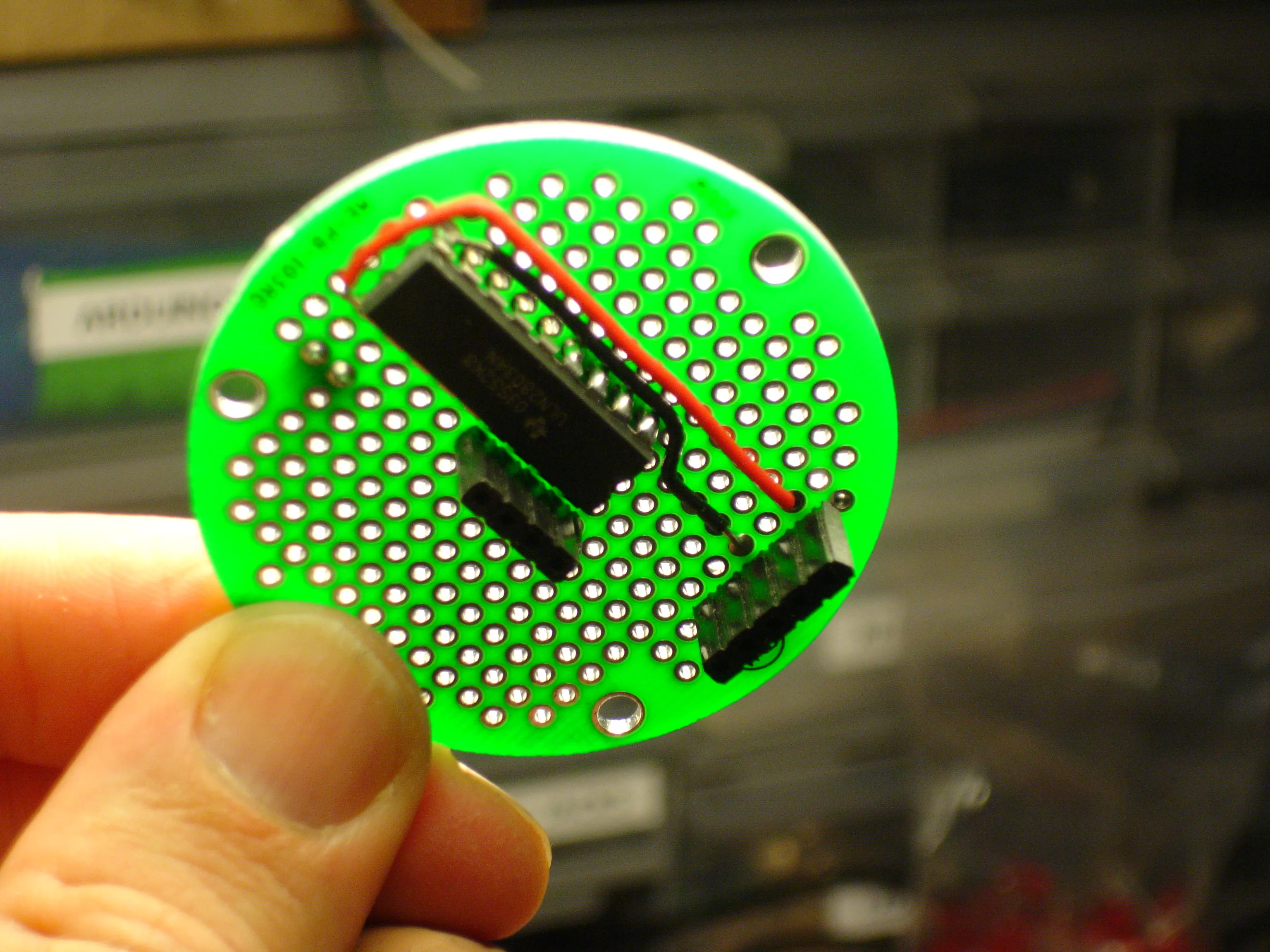
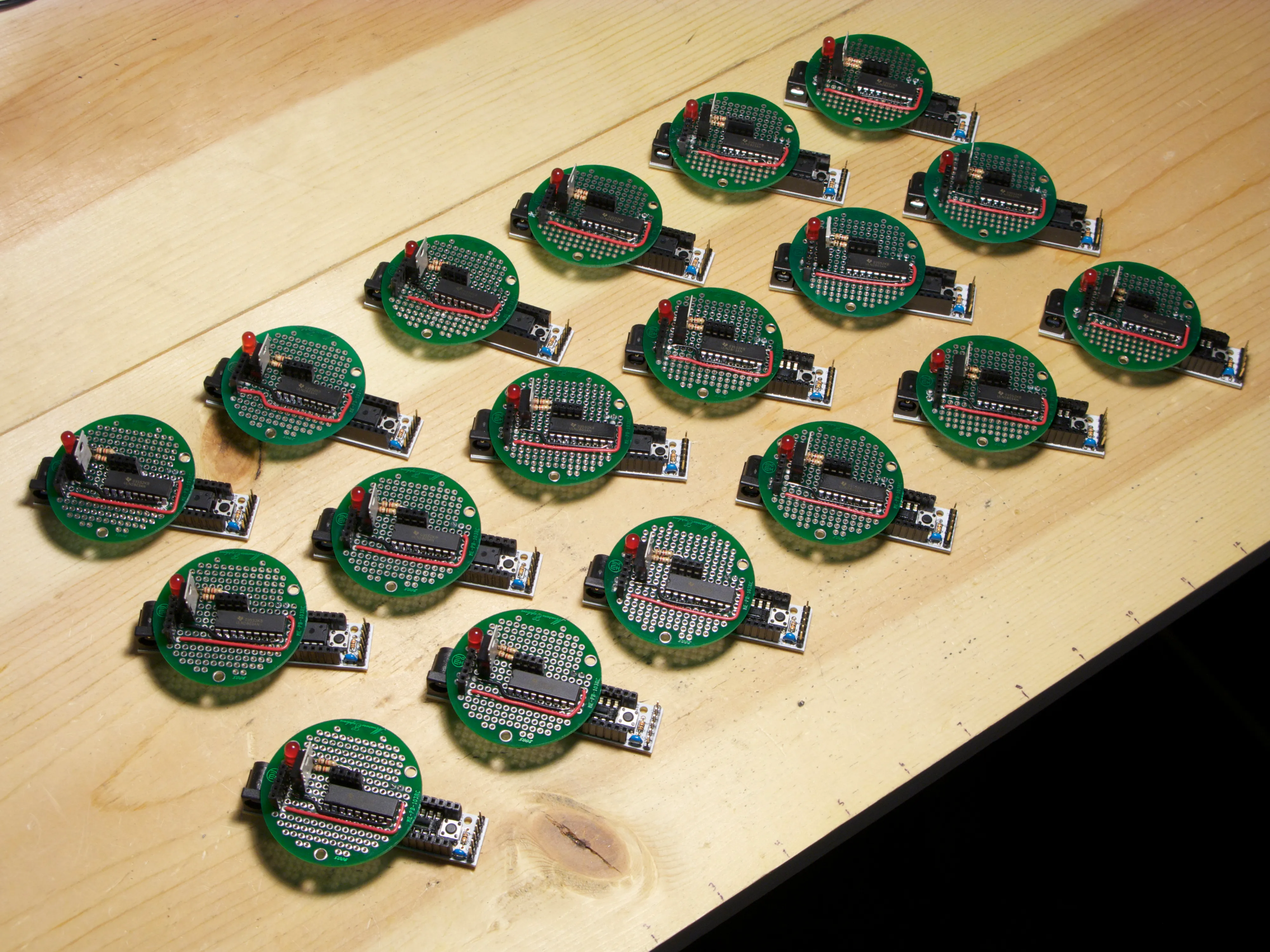
Using a potentiometer and PWM on an Arduino to fade an LED.
Here is the schematic for the above project.
Using PWM and a potentiometer to fade an LED and drive a stepper motor, powered by a Boarduino RBBB.
To whom it may concern,
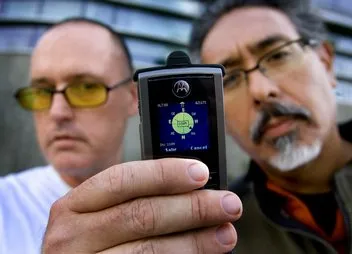
I write this letter in support of Professors Ricardo Dominguez and Brett Stalbaum, and their collaborators at the Bang.Lab at the University of California, San Diego. The criminalization of the research conducted by Dominguez and Staulbaum can and should be expected by xenophobic and racist outsiders in the San Diego community, but I was appalled to hear that the University of California is not whole-heartedly supporting Professors Dominguez and Stalbaum in the wake of recent hateful and threatening responses to their current work.
As a logistical tool, one could argue their Transborder Immigrant Tool will be only as effectual as the amount of GPS-enabled cell phones that can be made available in the area. Consider especially their demographic primarily includes human beings that would take the chance to cross miles of desert by foot, risking starvation and death, in order to find a better life. While efforts may be made to help the logistics of this project, this is not a group you would expect to have income to acquire such devices.
I think most importantly their research should be looked at as a humanitarian gesture to bring into light an important problem in this geographic region. The inequality between classes in this area, drawn along racial and political boundaries, has caused a deep resentment on both sides of the border. Professor Dominguez and Stalbaum’s tool, while it takes the form of a functional opportunity to save the lives of other human beings, is as much a cultural product that initiates a very public conversation about an important issue, and suggests at the heart of the problem is the inability for some groups to consider the well-being of others.
It is important the University of California facilitate this conversation and acknowledge the contribution this project makes to the fields of visual arts, human computer interaction, and cultural studies, and support the work of Professors Dominguez and Stalbaum in a time when they need it most.
Sincerely,
Owen Mundy
Assistant Professor
Department of Art
Florida State University
omundy@fsu.edu
Masters of Visual Arts, 2008
University of California, San Diego
Learn more about the issue
http://bang.calit2.net/
As usual, a perspective on past issues related to this problem in the area will help contextualize this one.
Learn about Herbert Marcuse and his problems with San Diego/UCSD in this documentary
http://video.google.com/videoplay?docid=-5311625903124176509#
Even more related, David Avalos, Elizabeth Cisco, and Louis Hock’s Art Rebate project which garnered all kinds of dissidence from the San Diego community, was intended specifically to bring into the public eye an important and overlooked part of the local economy—that of wages and labor of migrant workers.
http://findarticles.com/p/articles/mi_m2479/is_n1_v22/ai_15627403/
Articles
UC San Diego professor who studies disobedience gains followers — and investigators, LA Times
Other letters
Temporary Services in Chicago
http://www.temporaryservices.org/current_services.html#dominguez
Below is the image and text from the email response to an interactive exhibit at Ars Electronica in Linz where you can photograph your retina.
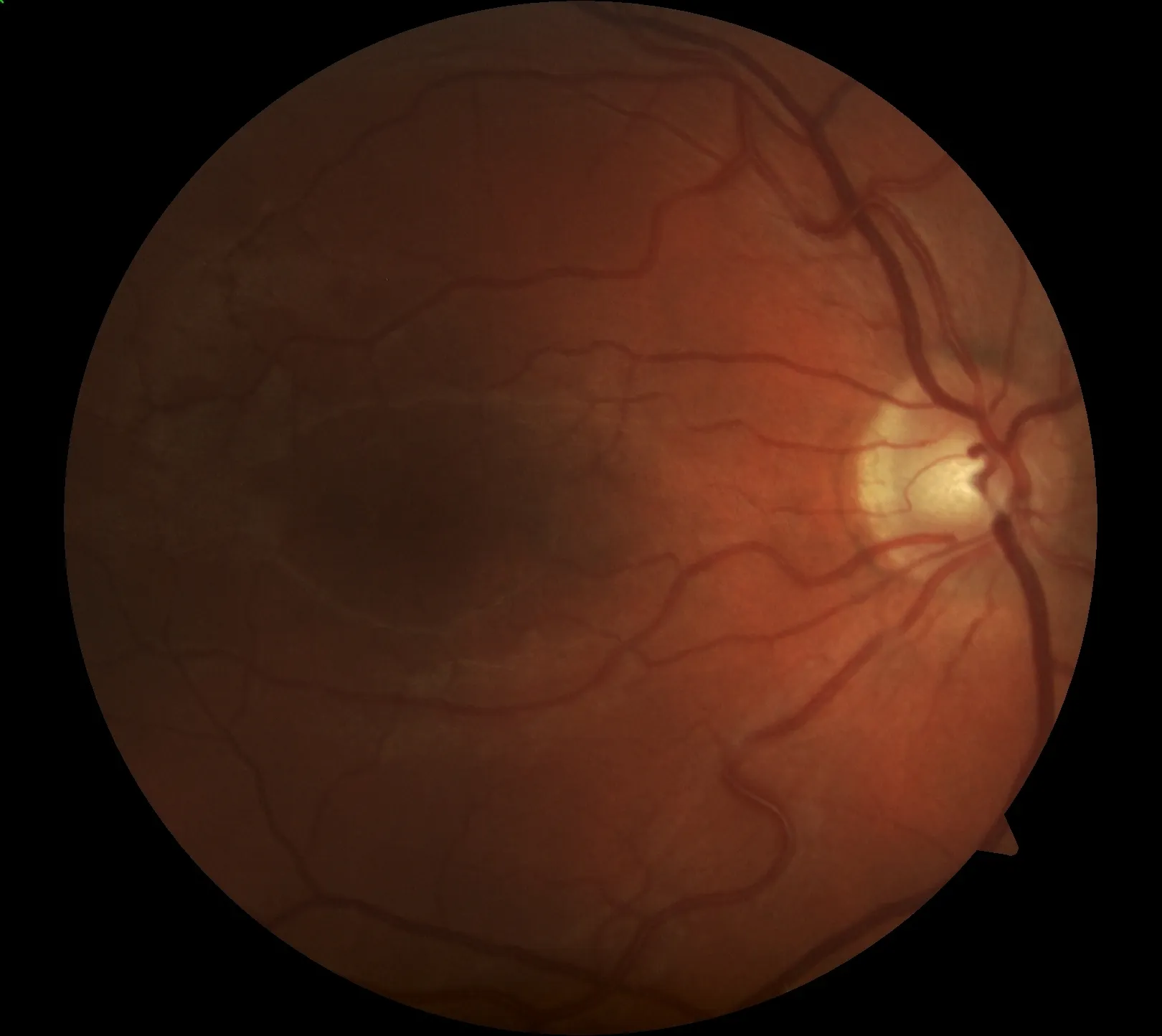
This retina photo was taken in the BrainLab of the Ars Electronica Center Linz, Austria.
We would like to welcome you at the Museum of the Future! More information at: www.aec.at/center
Best regards,
Your Ars Electronica Team
Testing to see if this motor can connect directly to PWM on BBB (Freeduino).
Code embedded in previous post.
Test with BBB (Freeduino) board, Darlington H-Bridge, Mabuchi # PF35T-48L4 stepper motor. Many thanks to Tom Igoe and his Physical computing book.