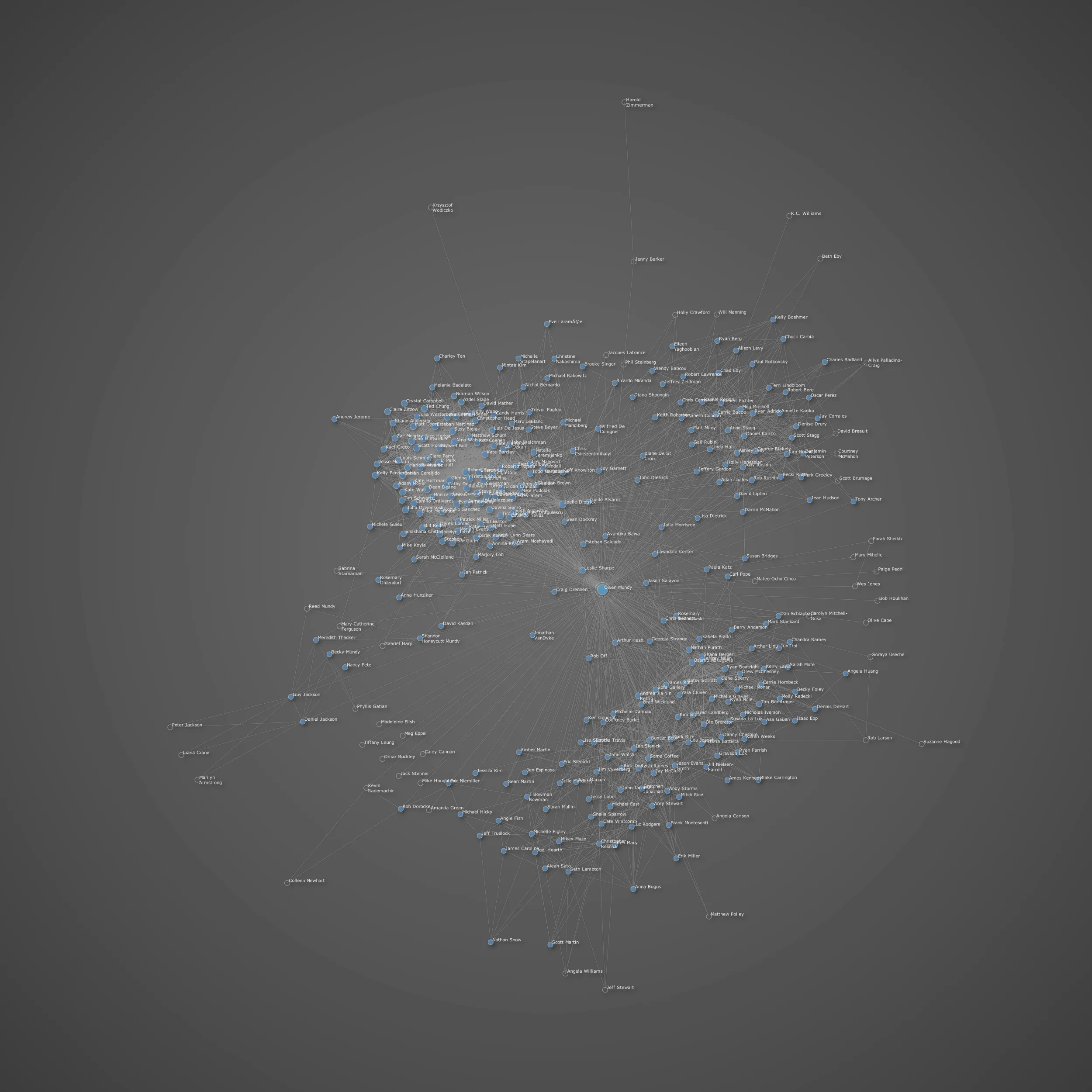
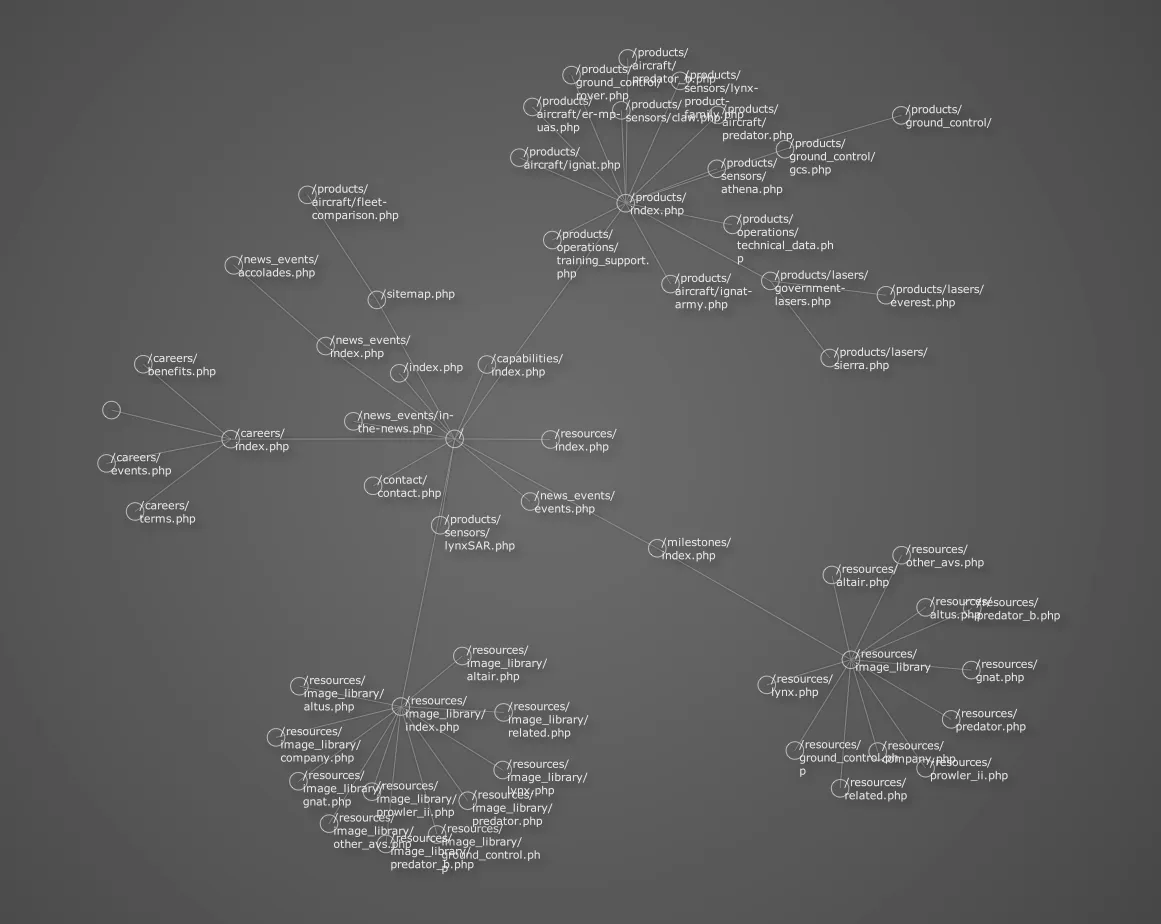
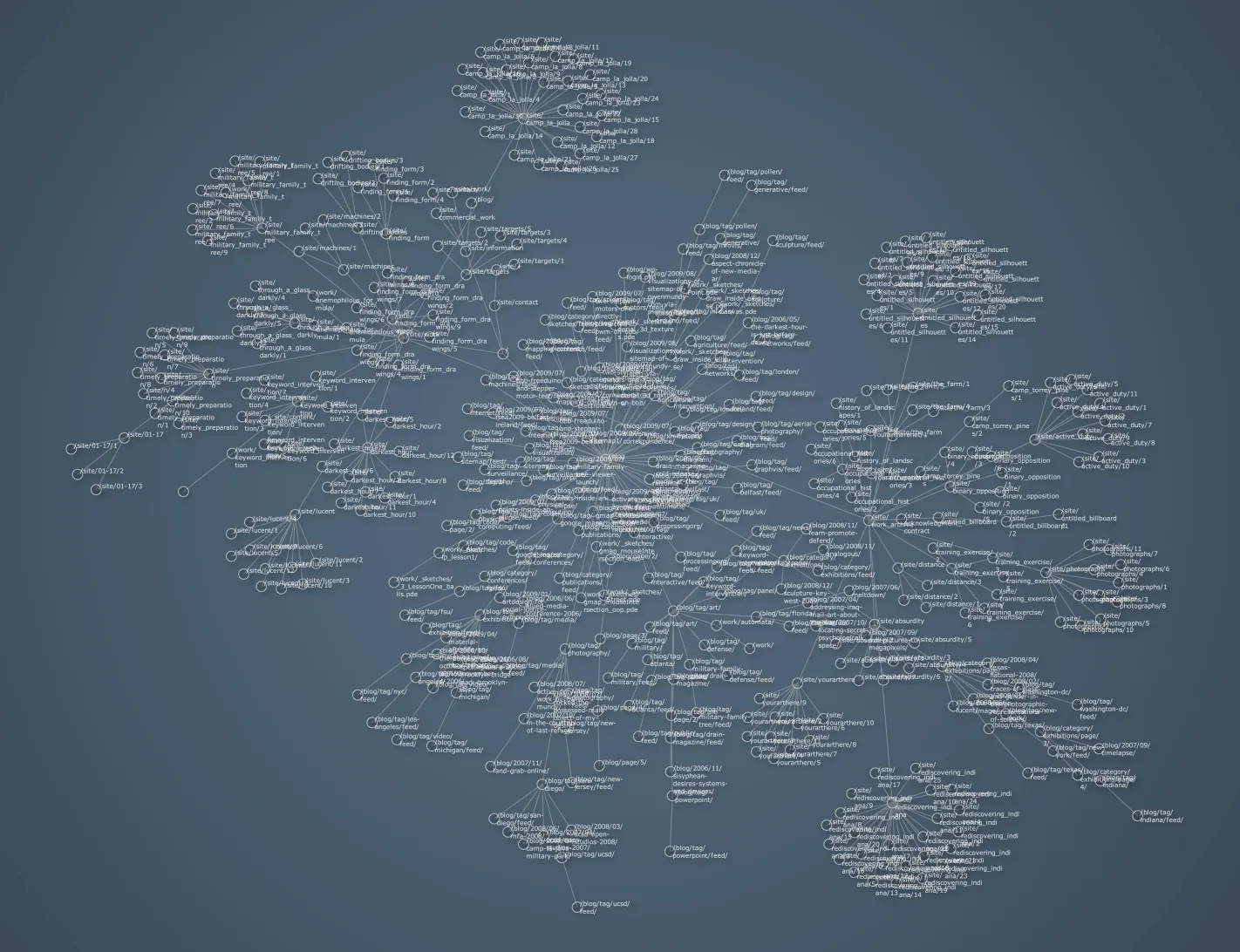
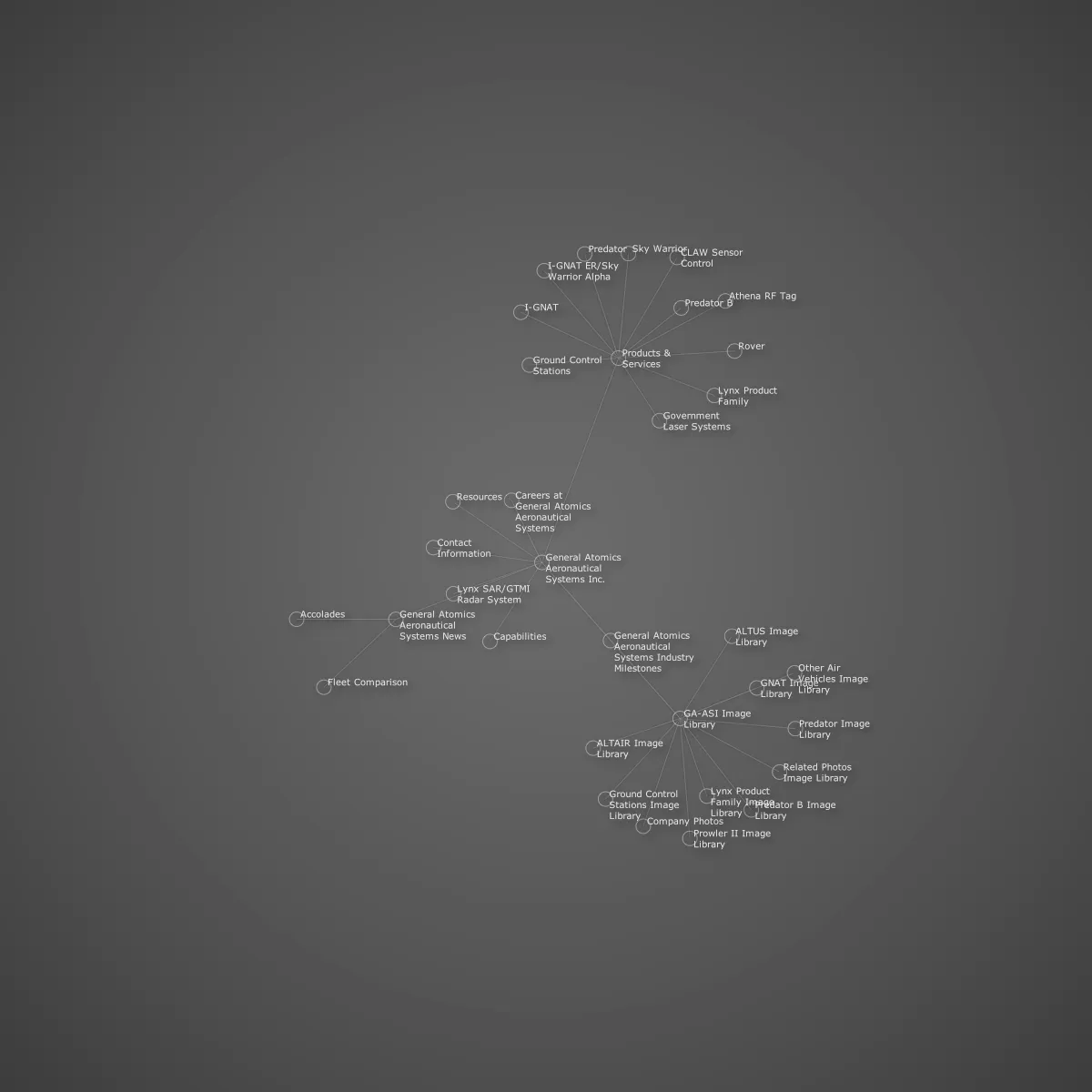
Tag: visualization

Beautiful Data II @ Metalab at Harvard University

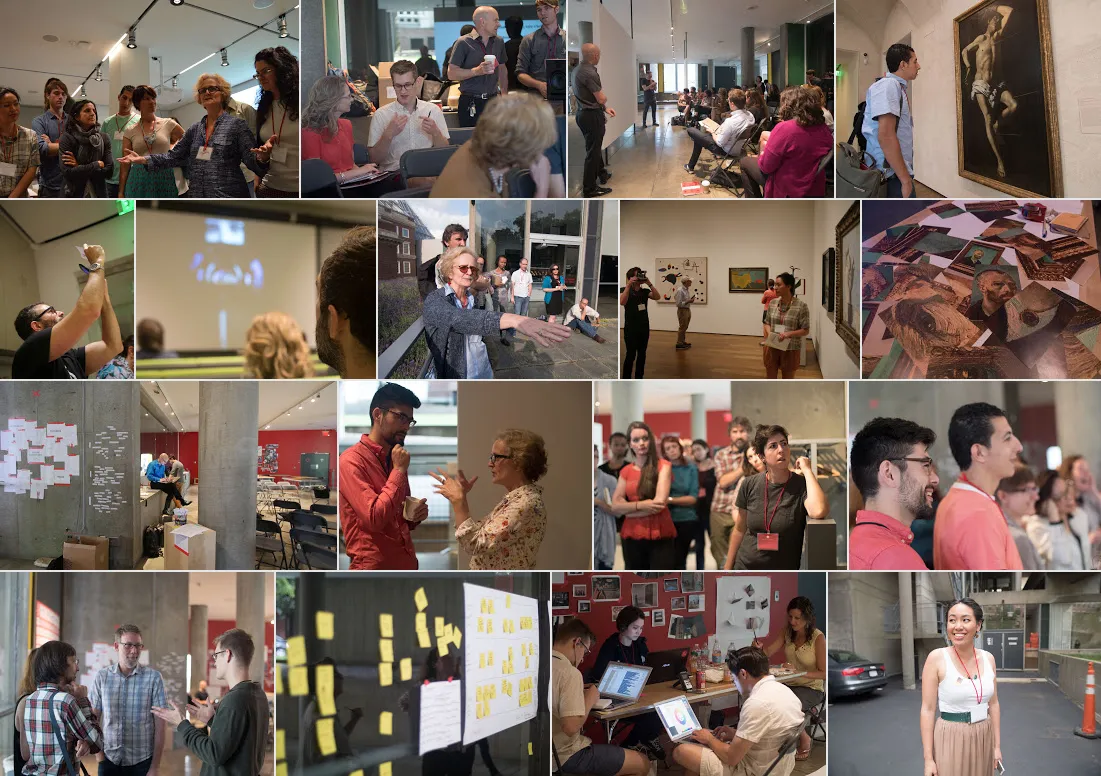
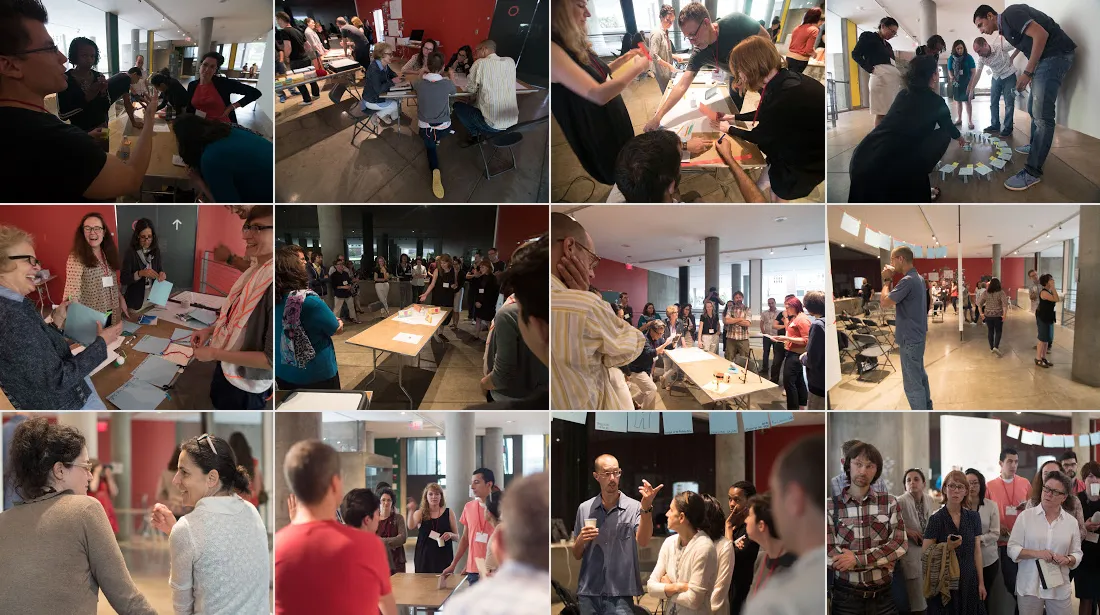
This month found me at the excellent Beautiful Data II workshop at the MetaLab at Harvard University sponsored by the Getty Foundation. Participants worked together in the Carpenter Center and Harvard Art Museum under the theme “Telling Stories About Art with Open Collections.”

Beautiful Data II @ Metalab at Harvard University

There were presentations by known visualization and museums experts, breakout sessions exploring how to represent problem data and collections, and talks by participants and Metalab staff and fellows, including a wonderful group of artists, curators, designers, and scholars in attendance.

Beautiful Data II @ Metalab at Harvard University

Here are a few of the many highlights starting with this nerdy shot of me…

P1030056

P1000822


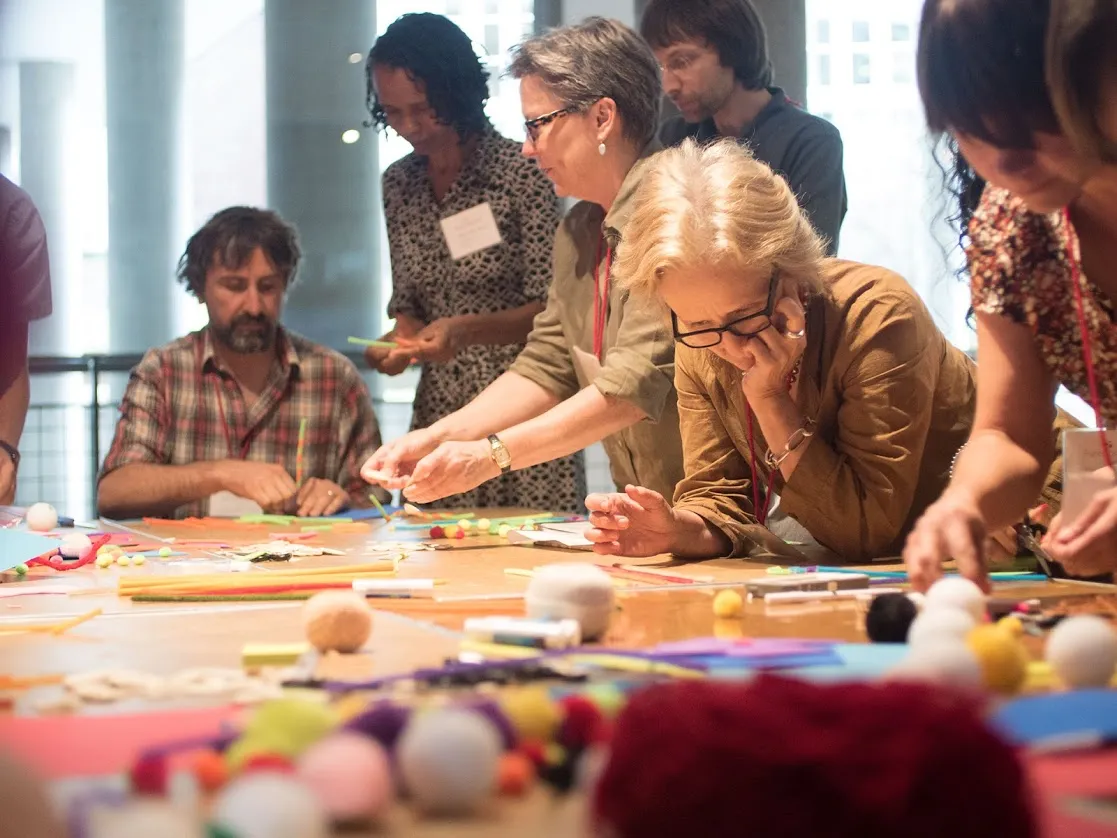
Data Therapy workshop with Rahul Bhargava (slides1, slides2).

Beautiful Data II @ Metalab at Harvard University


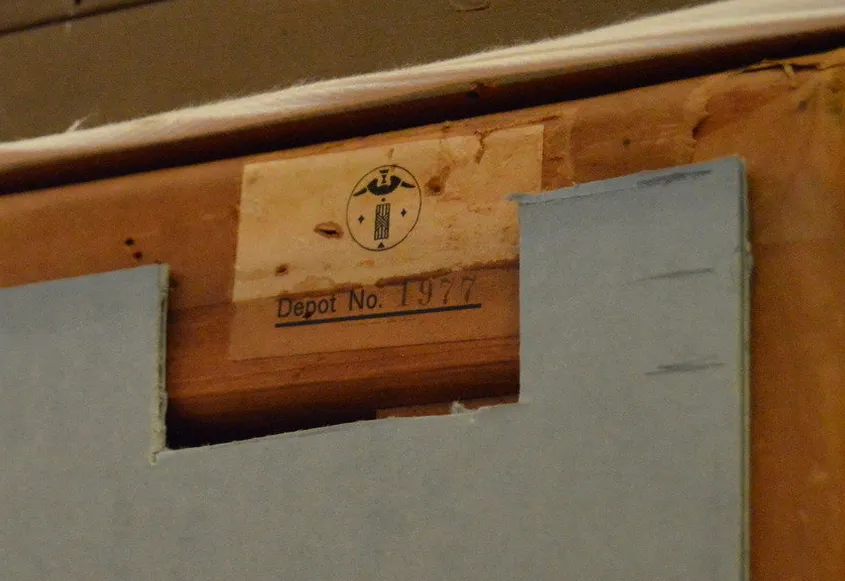
Learning about provenance at the Harvard Art Museum (note stamp declaring Nazi property)

This spanking cat statuette from the Cooper Hewitt collection.
Colour Lens produced at Beautiful Data I.
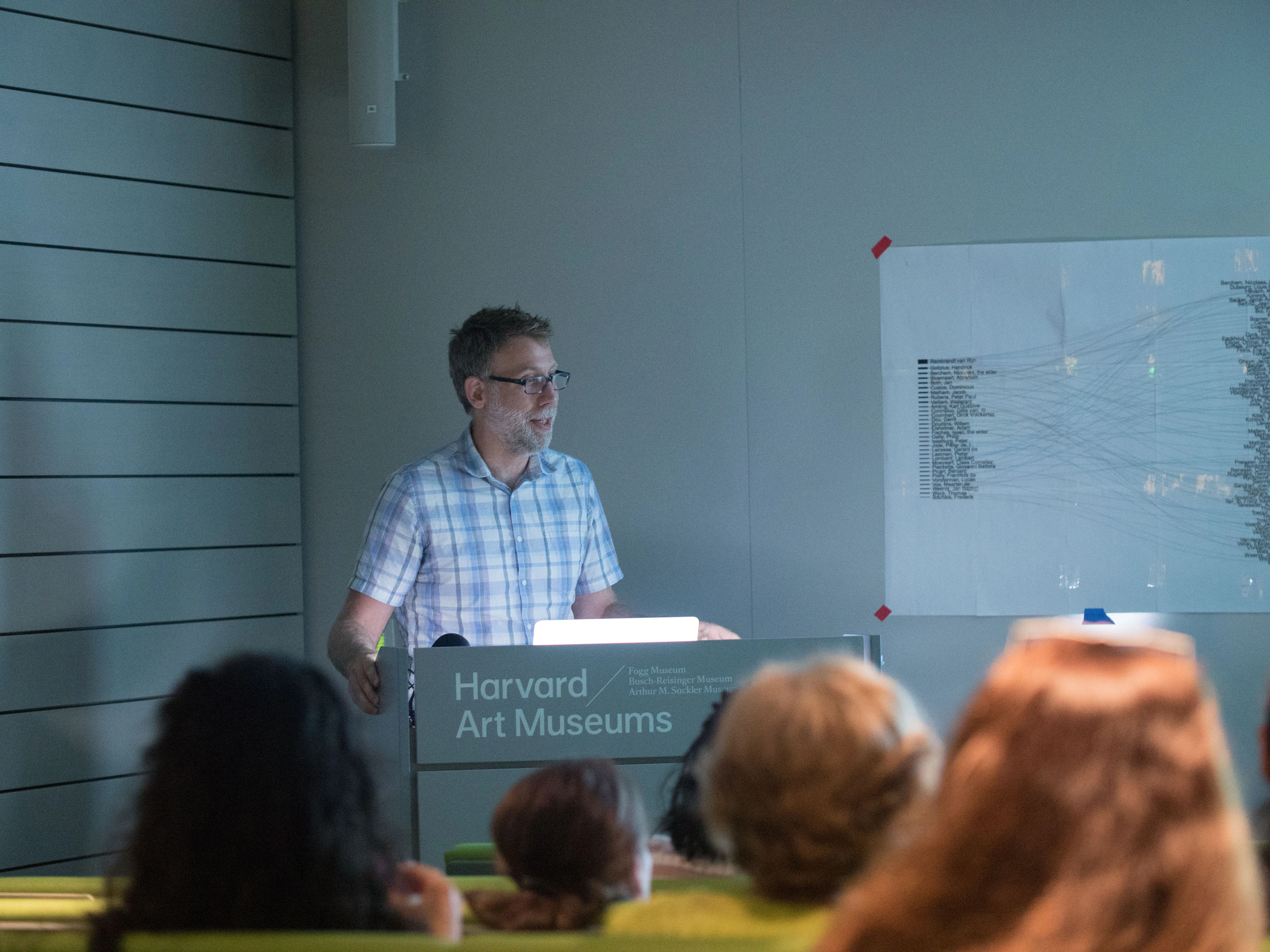
Presentation by Seb Chan Director of Digital at Cooper Hewitt.
Memory Slam by Nick Montfort.
Meow Met Chrome extension shows cats from the Met Museum in new tabs.

IMG_3966


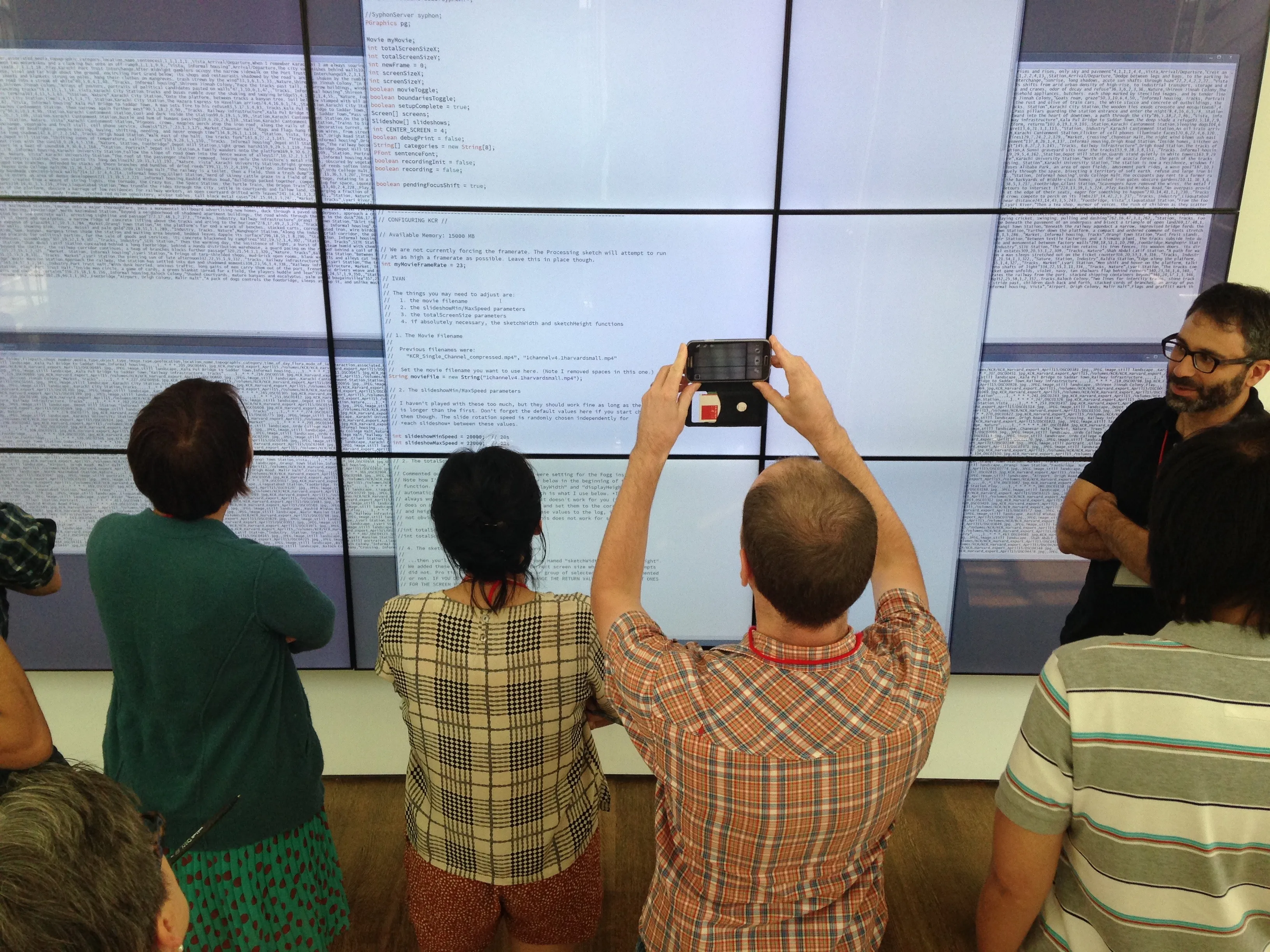
Behind the scenes of Ivan Sigal‘s Karachi Circular Railway, Harvard Art Museum Lightbox.

The Life and Death of Data by Yanni Loukissas.
Ben Rubin discussing his and works by Mario Klingemann, Ryoji Ikeda, Jer Thorp and others.
William James Twitter Bot by Rachel Boyce.


Cold Storage documentary by Jeffrey Schnapp, Cristoforo Magliozzi, Matthew Battles, et al.

Cooper Hewitt Font Specimen
Cooper Hewitt typeface by Chester Jenkins


“Unicode” by Jörg Piringer shows all 49571 displayable characters in the unicode range.

*Most photos by Metalab staff

Upcoming workshop at FSU, “I Know Where Your Cat Lives”: The Process of Mapping Big Data for Inconspicuous Trends

I’m doing a workshop / lecture as part of the ongoing Digital Scholars digital humanities discussion group here at Florida State University. Workshop is free and open to the public.

Wednesday, March 25, 2:00-3:30 pm
Fine Arts Building (FAB) 320A [530 W. Call St. map]

I Know Where Your Cat Lives

“I Know Where Your Cat Lives”: The Process of Mapping Big Data for Inconspicuous Trends

Big Data culture has its supporters and its skeptics, but it can have critical or aesthetic value even for those who are ambivalent. How is it possible, for example, to consider data as more than information — as the performance of particular behaviors, the practice of communal ideals, and the ethic motivating new media displays? Professor Owen Mundy from FSU’s College of Fine Arts invites us to take up these questions in a guided exploration of works of art that will highlight what he calls “inconspicuous trends.” Using the “I Know Where Your Cat Lives” project as a starting point, Professor Mundy will introduce us to the technical and design process for mapping big data in projects such as this one, showing us the various APIs (Application Program Interfaces) that are constructed to support them and considering the various ways we might want to visualize their results.

This session offers a hands-on demonstration and is designed with a low barrier of entry in mind. For those completely unfamiliar with APIs, this session will serve as a useful introduction, as Professor Mundy will walk us through the process of connecting to and retrieving live social media data from the Instagram API and rendering it using the Google Maps API. Participants should not worry if they do not have expertise in big data projects or are still learning the associated vocabulary. We come together to learn together, and all levels of skill will be accommodated, as will all attitudes and leanings. Desktop computers are installed in FAB 320A, but participants are welcome to bring their own laptops and wireless devices.

Participants are encouraged to read the following in advance of the meeting:

and to browse the following resources for press on Mundy’s project:

For further (future) reading:

I Know Where Your Cat Lives launched

I just launched a new ongoing project this week. Here’s the text, a video and some screenshots. I’ll post more about how I made it soon.

Welcome to the today’s internet—you can buy anything, every website is tracking your every move, and anywhere you look you find videos and images of cats. Currently, there are 15 million images tagged with the word “cat” on public image hosting sites, and daily thousands more are uploaded from unlimited positions on the globe.

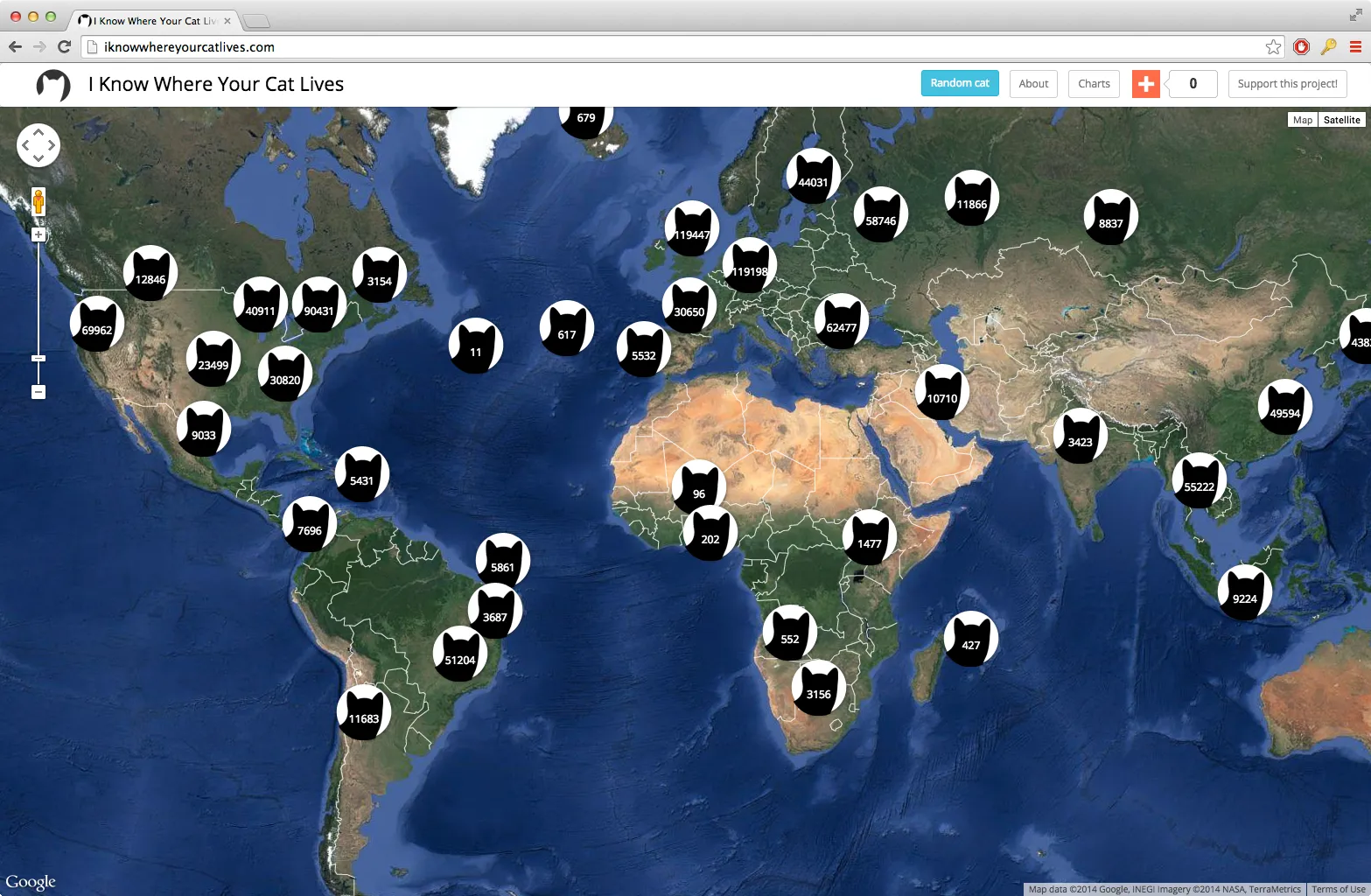
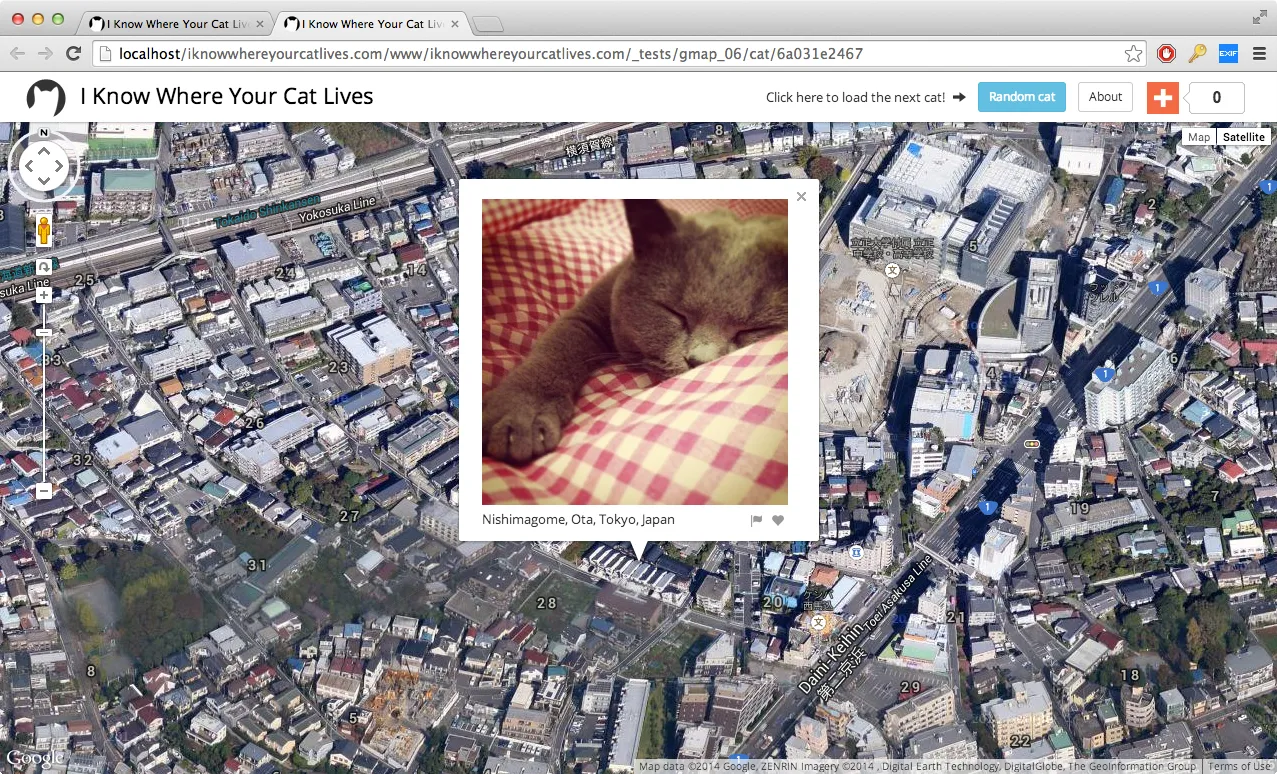
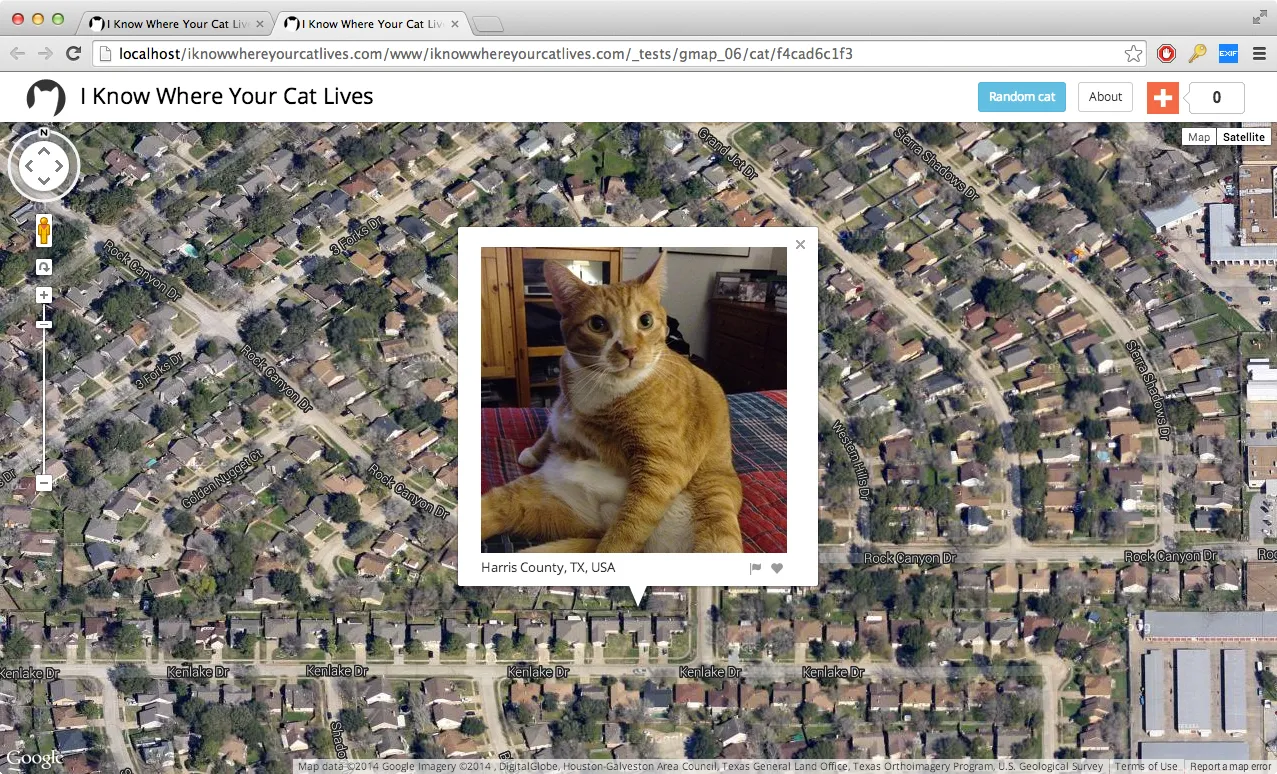
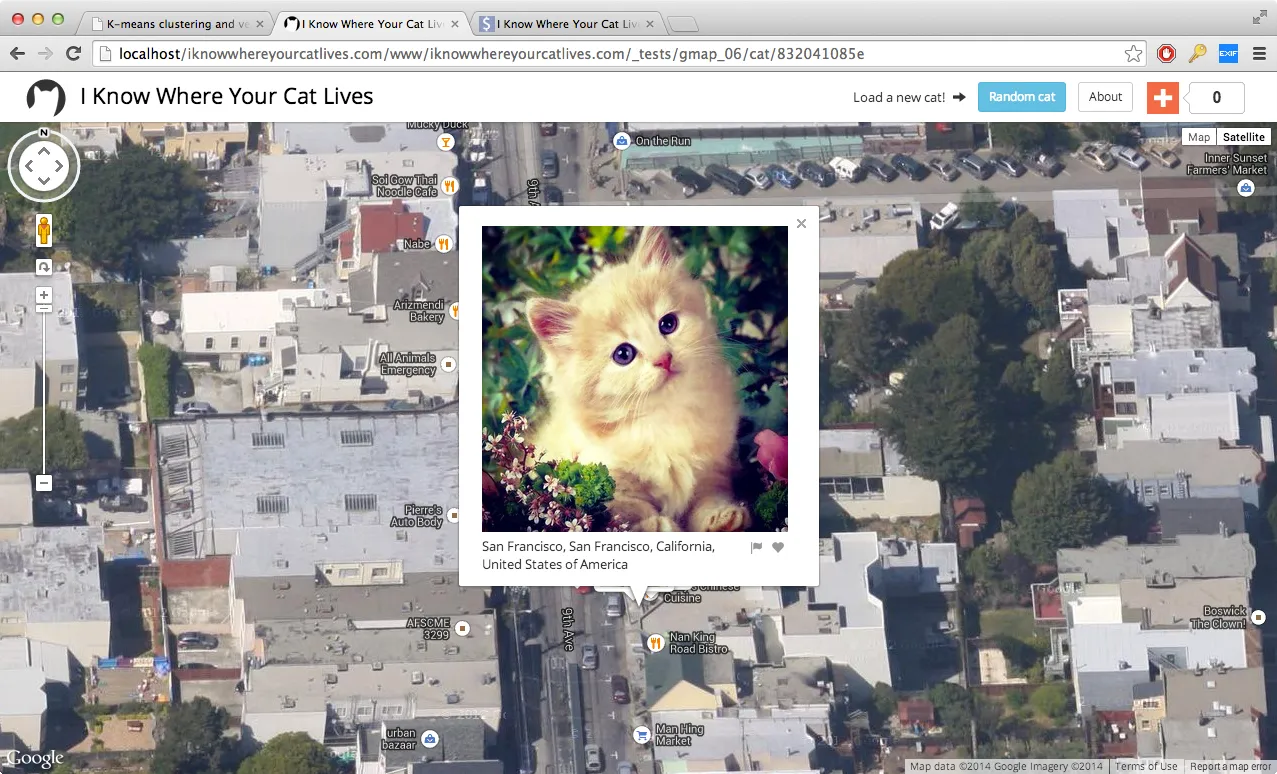
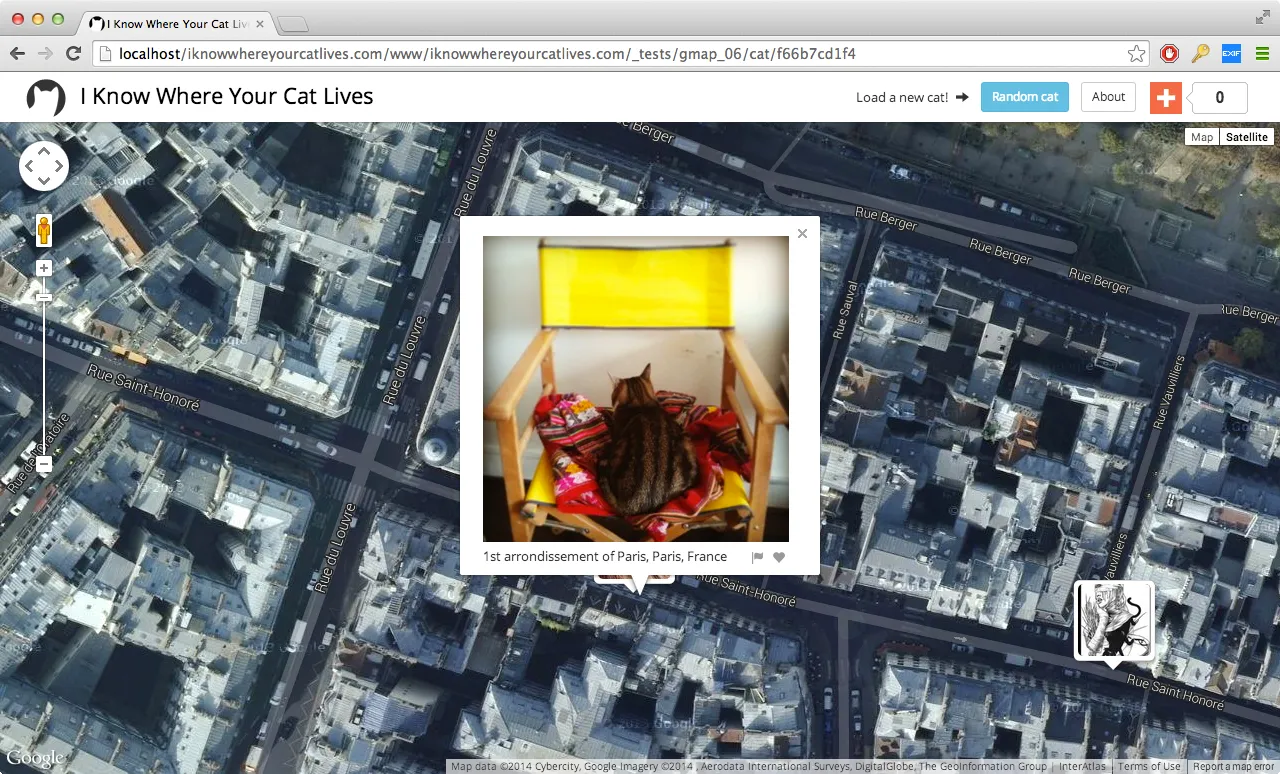
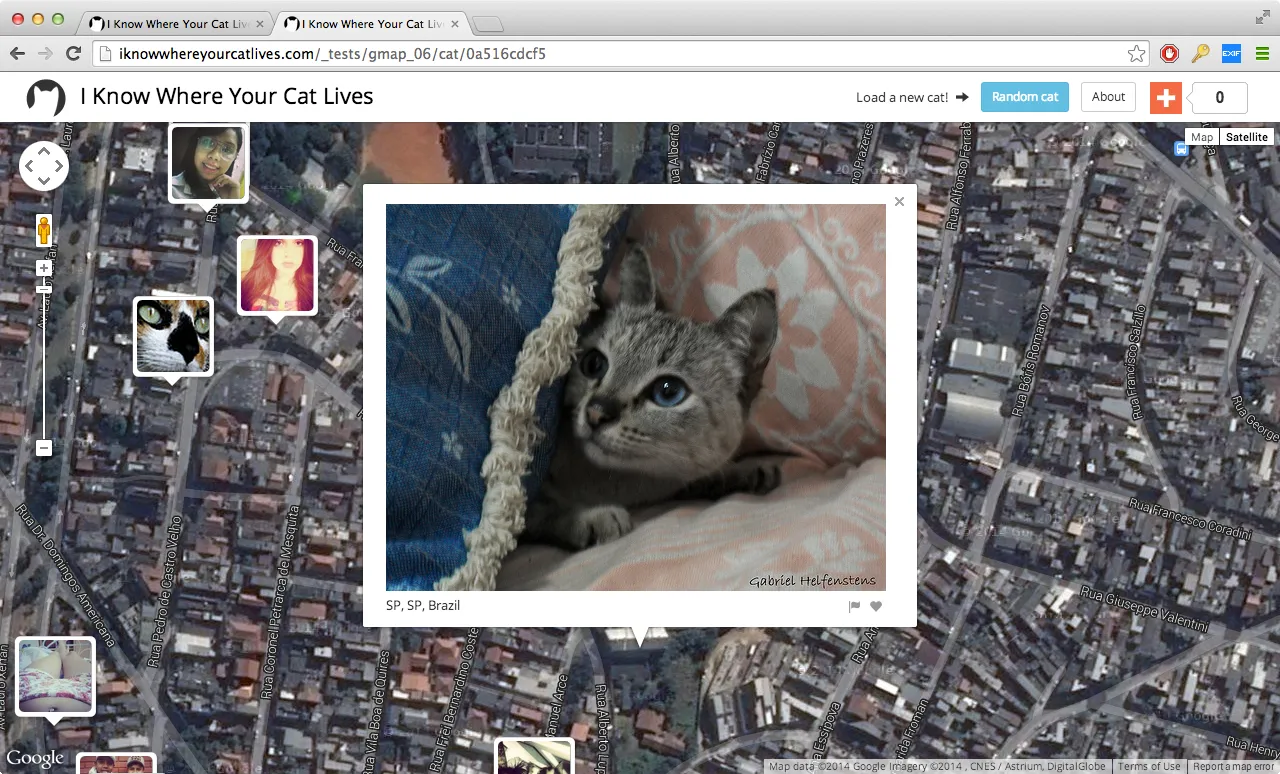
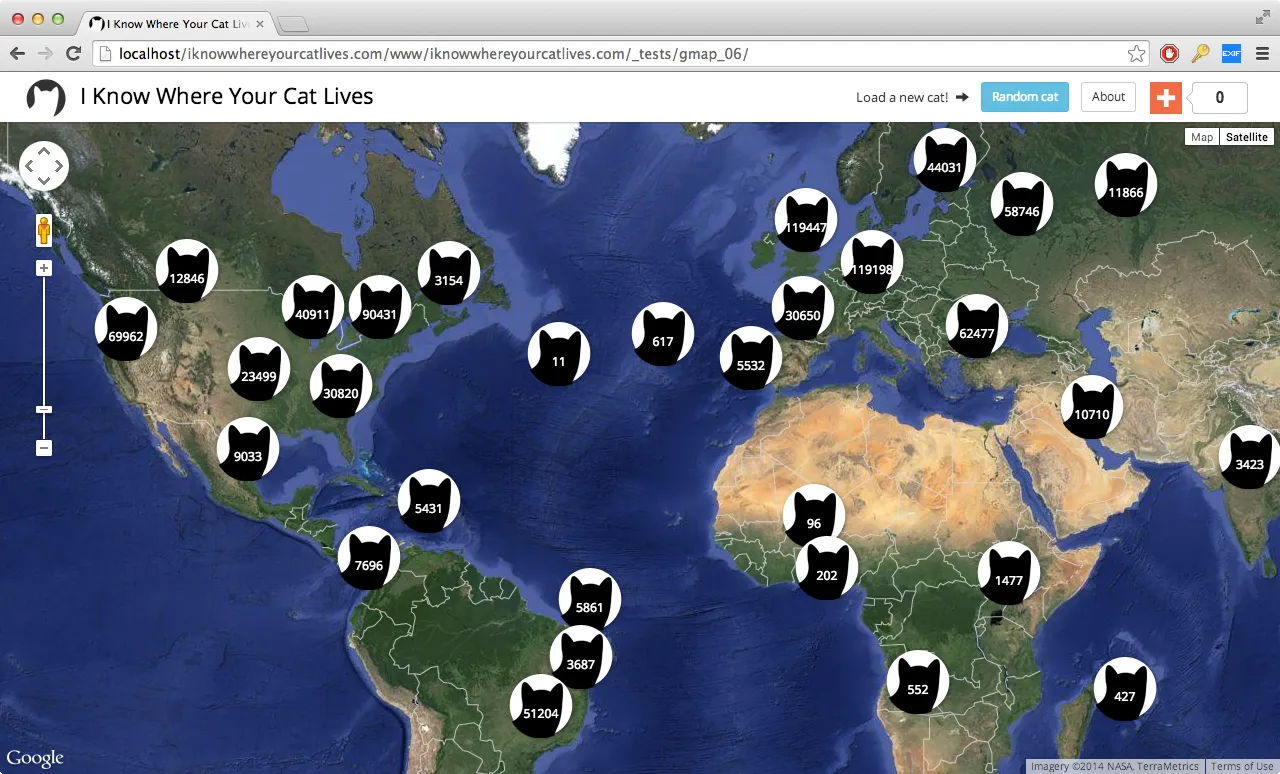
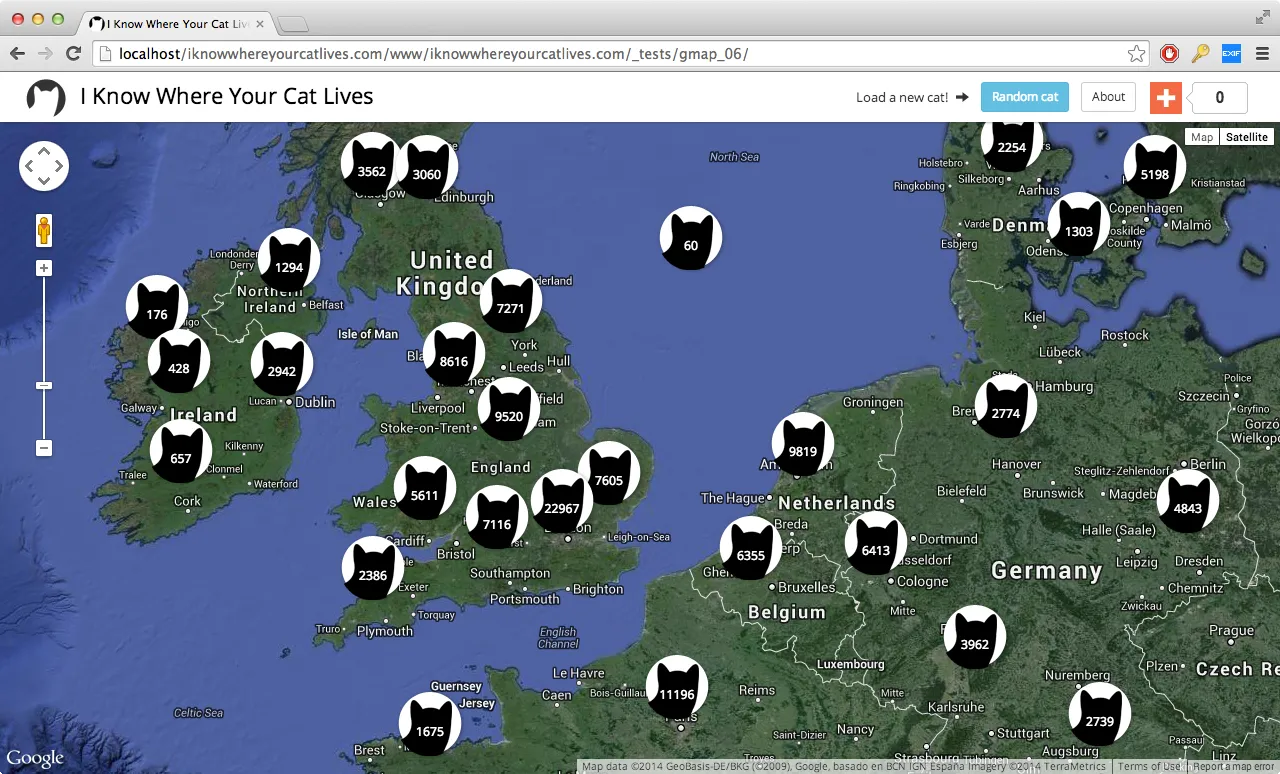
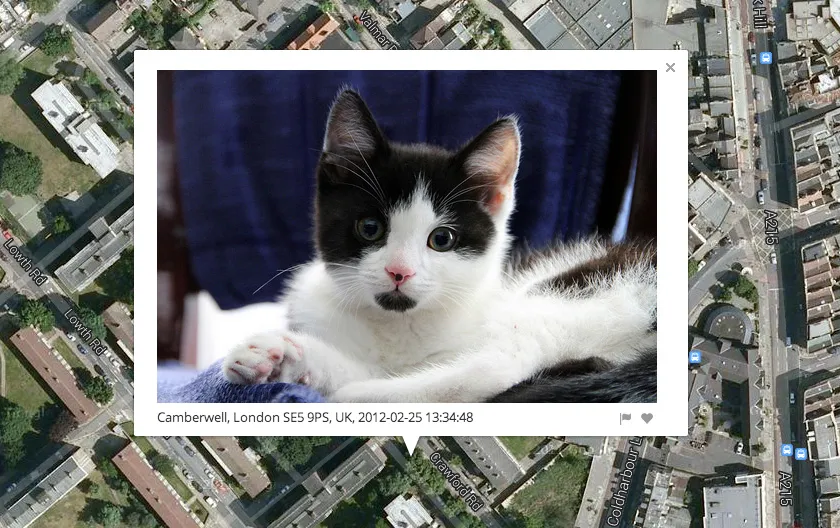
“I Know Where Your Cat Lives” iknowwhereyourcatlives.com is a data experiment that visualizes a sample of 1 million public pics of cats on a world map, locating them by the latitude and longitude coordinates embedded in their metadata. The cats were accessed via publicly available APIs provided by popular photo sharing websites. The photos were then run through various clustering algorithms using a supercomputer at Florida State University in order to represent the enormity of the data source.

This project explores two uses of the internet: the sociable and humorous appreciation of domesticated felines, and the status quo of personal data usage by startups and international megacorps who are riding the wave of decreased privacy for all. This website doesn’t visualize all of the cats on the net, only the ones that allow you to track where their owners have been.

Folks can also contribute to a kickstarter to help with hosting costs.

I Know Where Your Cat Lives

I Know Where Your Cat Lives

I Know Where Your Cat Lives

I Know Where Your Cat Lives

I Know Where Your Cat Lives

I Know Where Your Cat Lives

I Know Where Your Cat Lives

“Data and Site: Visualizing Indexicality” lecture @ Florida State

“Data and Site: Visualizing Indexicality” lecture @ Florida State

I am giving a lecture on my research tomorrow at a Florida State Department of Geography colloquium. I’ll be addressing artistic and cultural works that make use of data visualization and various forms of mapping to critique or engage issues surrounding data privacy, militarism, and surveillance. I will be giving a preview of a new web-based project involving mapping and cats. I will also talk about Representing Place, the collaborative graduate seminar I co-taught with Prof. Phil Steinberg in Geography.

“Data and Site: Visualizing Indexicality”
Owen Mundy, Assistant Professor in Art
Friday April 18, 3:30-4:30pm
DeVoe Moore Conference Center, Bellamy 150-E.

Washington Post review of “Grid, Sequence Me” show + documentation

washingtonpost

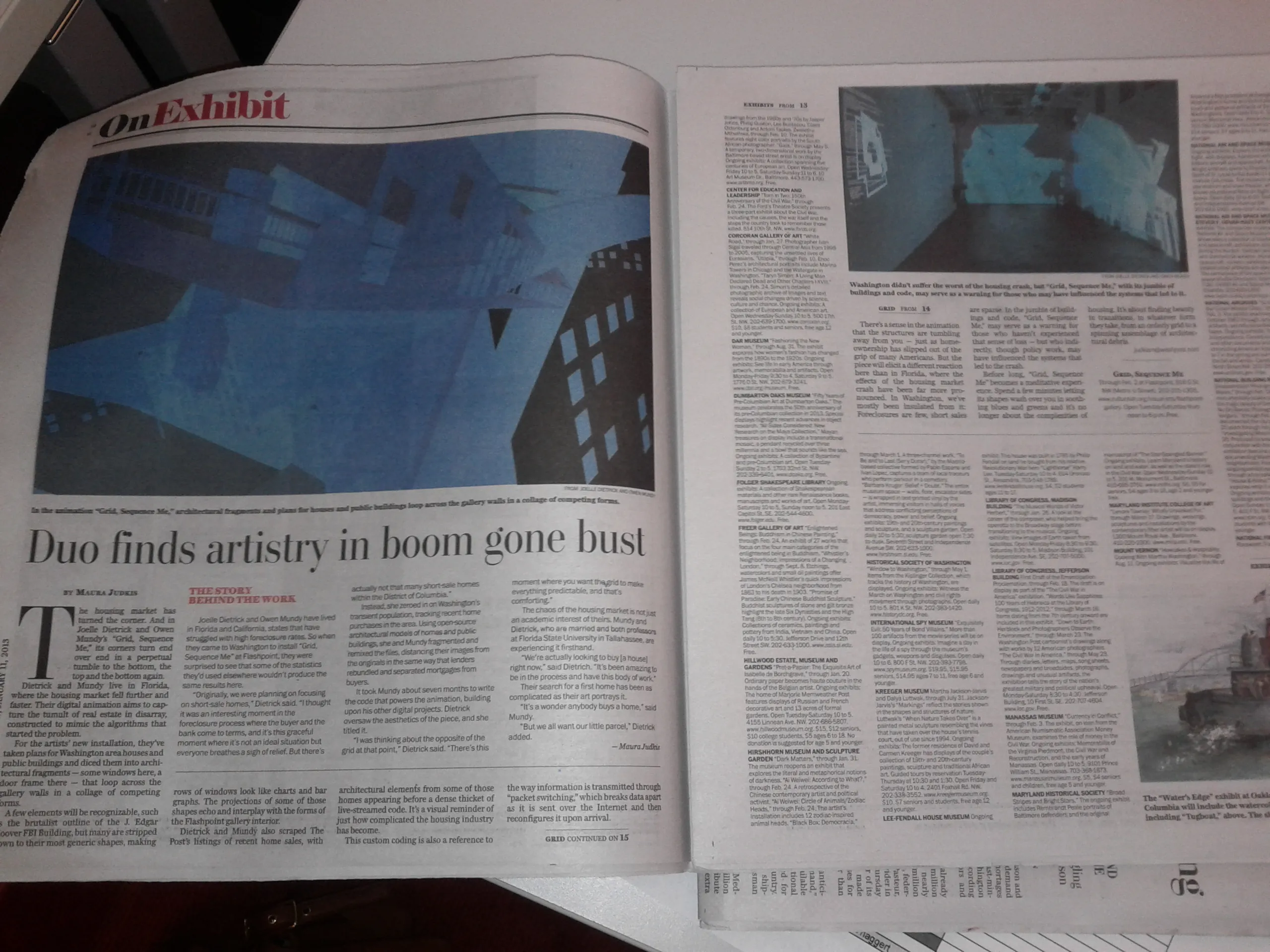
The Washington Post recently published a review recently about my and Joelle’s exhibition at Flashpoint Gallery in D.C. Check it out: Joelle Dietrick & Owen Mundy: Grid, Sequence Me, by Maura Judkis, Jan 11, 2013.

A few elements will be recognizable, such as the brutalist outline of the J. Edgar Hoover FBI Building, but many are stripped down to their most generic shapes, making rows of windows look like charts and bar graphs. The projections of some of those shapes echo and interplay with the forms of the Flashpoint gallery interior.

Dietrick and Mundy also scraped The Post’s listings of recent home sales, with architectural elements from some of those homes appearing before a dense thicket of live-streamed code. It’s a visual reminder of just how complicated the housing industry has become.

…

There’s a sense in the animation that the structures are tumbling away from you — just as homeownership has slipped out of the grip of many Americans. But the piece will elicit a different reaction here than in Florida, where the effects of the housing market crash have been far more pronounced. In Washington, we’ve mostly been insulated from it: Foreclosures are few, short sales are sparse. In the jumble of buildings and code, “Grid, Sequence Me,” may serve as a warning for those who haven’t experienced that sense of loss — but who indirectly, though policy work, may have influenced the systems that led to the crash.

I also finished a short piece with video from the installation and screen captures of the Processing visualization.

Packet Switching project: ColladaFragmenter software, Kassel, Germany and University of Florida Public Commission

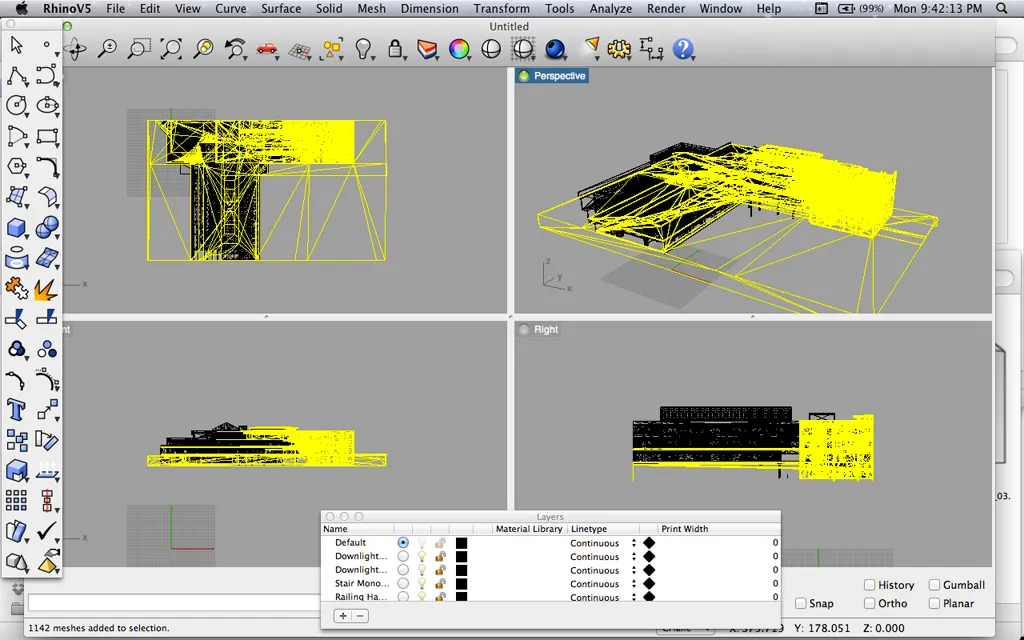
3d_model_in_Rhino_1024w

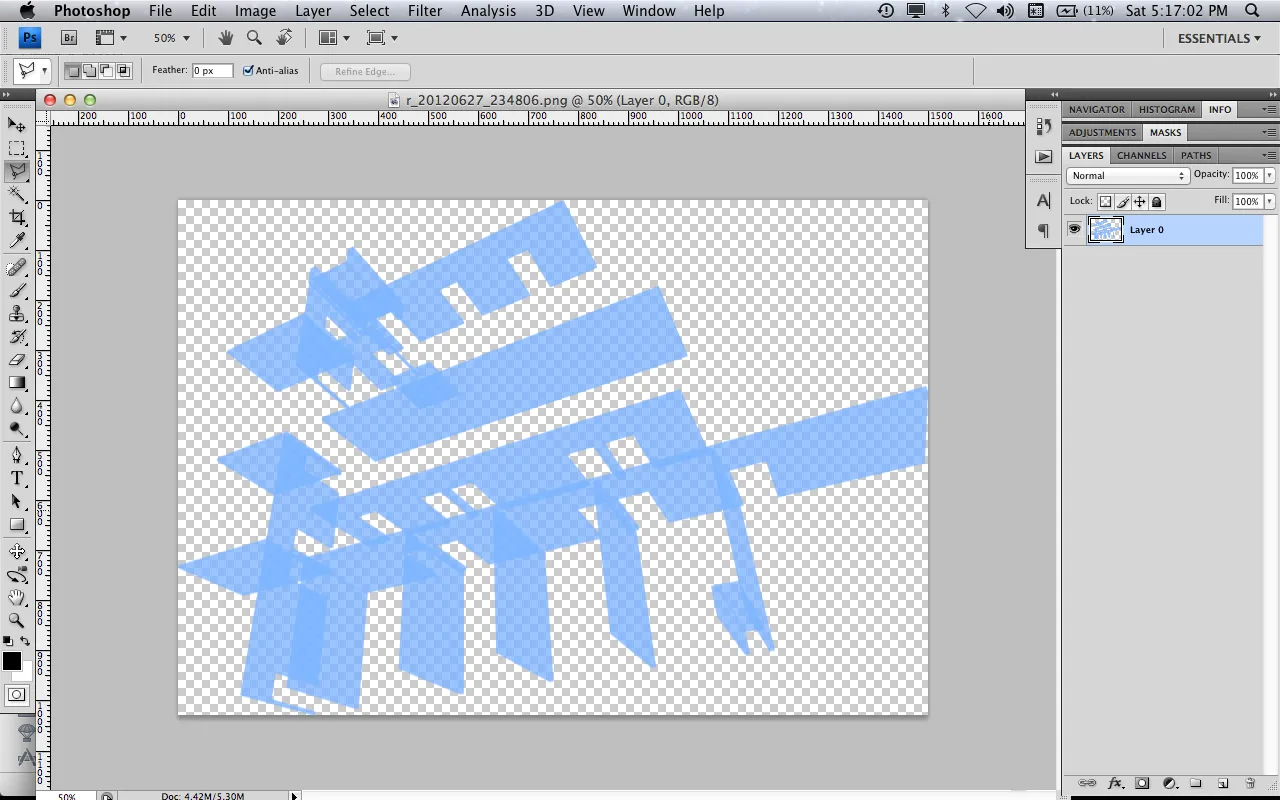
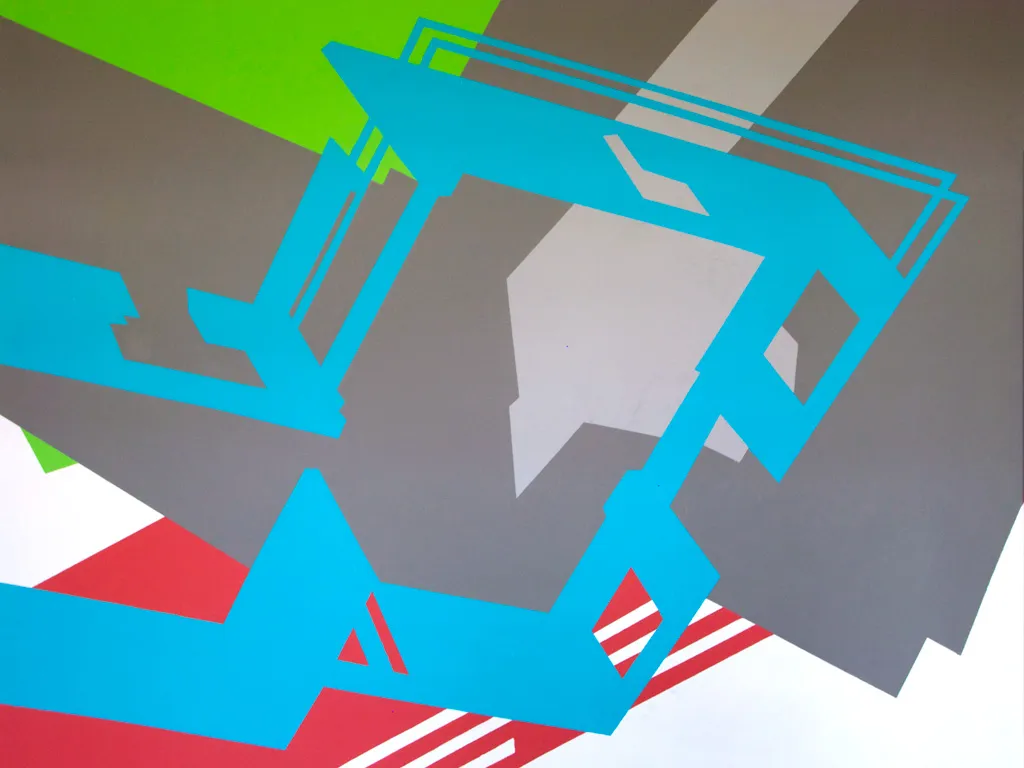
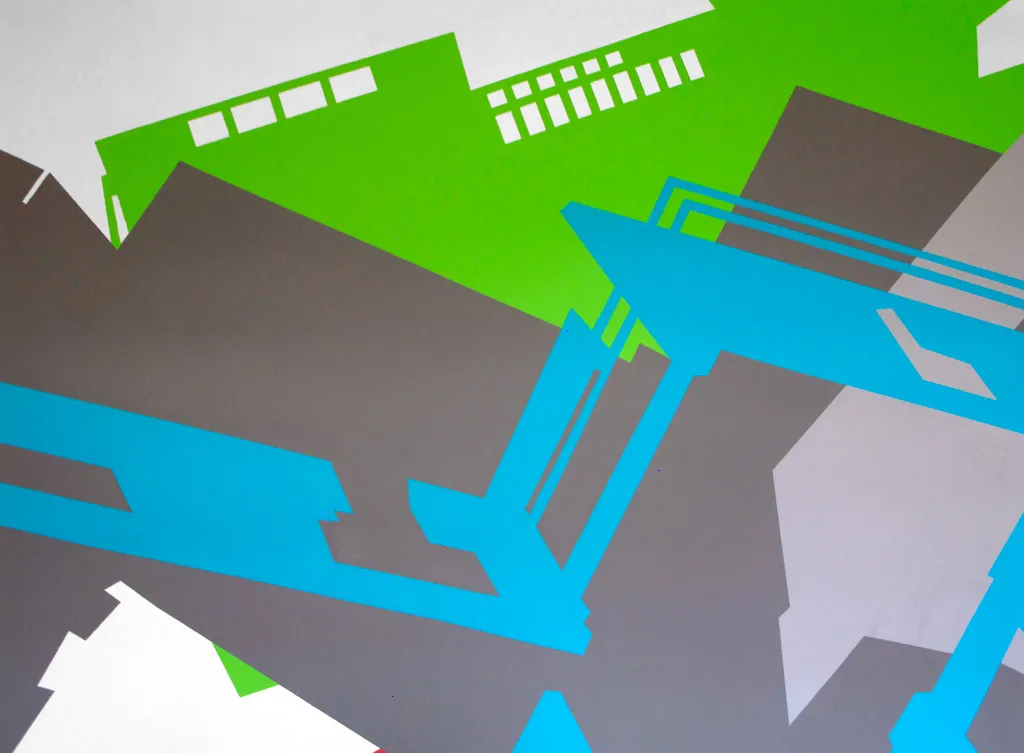
Joelle Dietrick and I embarked on a new body of work this summer called “Packet Switching.” Inspired by her Sherwin Series images and wall paintings, and my work deconstructing and re-visualizing source code and other data, we’ve created two new software projects, as well as a series of limited edition prints, large photo installations, wall-sized paintings, and animations.

3d_model_in_pshop

The full statement explains our process and intent clearly:

Packet Switching is an ongoing body of work by Joelle Dietrick and Owen Mundy that visualizes architecture as fragments affected by economic and communications systems.

The title of the series references how contemporary communications systems break digital files into smaller manageable blocks of data called packets. Each packet is then sent through a network, taking the quickest route possible, and reassembled once they reach their destination. One JPG image, for example, might be broken into several packets, each of which may travel a different path through the net, even through different cities, before being recompiled into a copy of the original file.

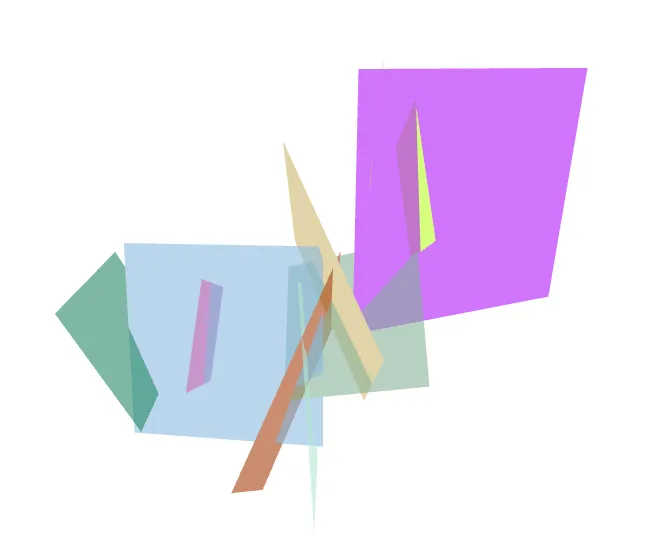
To reference this common process used in networked systems, we wrote custom software that deconstructs a 3D model’s source code and produces unique fragments. We further remixed these fragments using an original application created in Processing. The resulting images become limited edition prints, large photo installations, wall-sized paintings, and animations.

Our process underscores how incidental fragmentation and automation can streamline markets, but also make them vulnerable to systems failure. The use of architecture specifically points to recent real estate market volatility and considers how communication technology-enabled pursuits of profit margins alters our most basic needs.

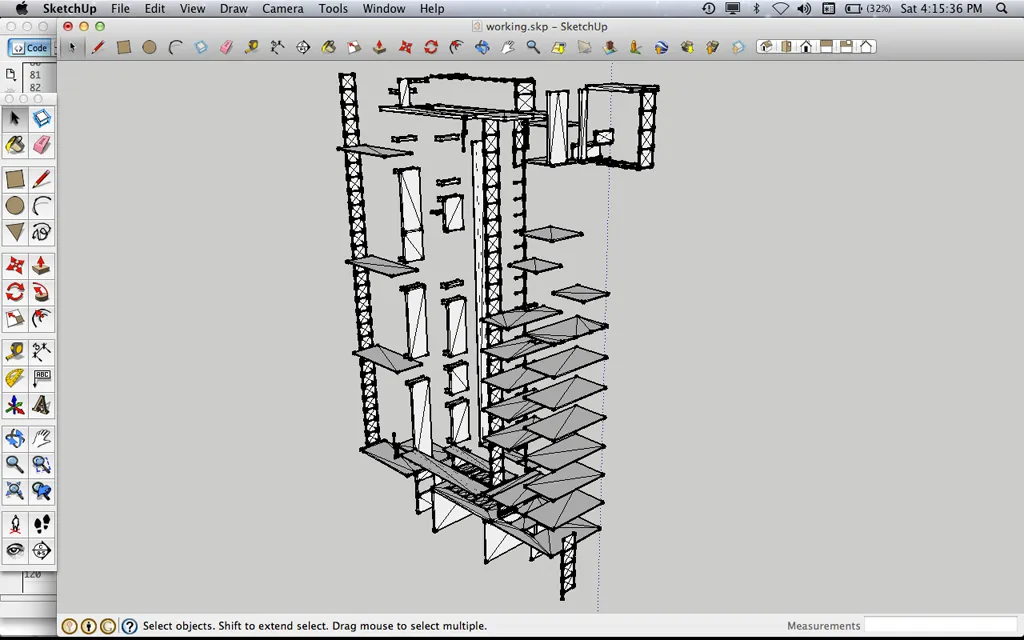
3d_model_in_sketchup_01_1024w

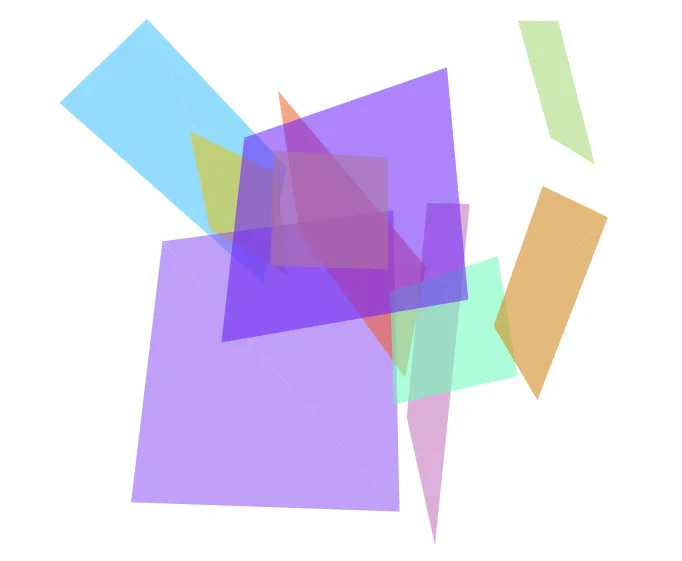
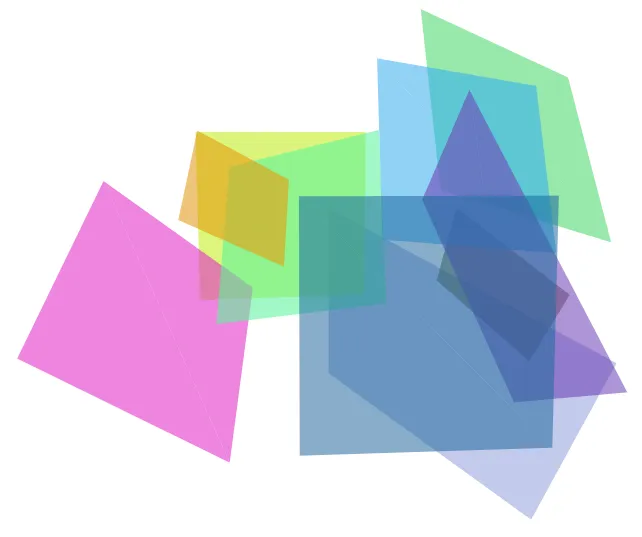
The first software, that “deconstructs a 3D model’s source code and produces unique fragments,” is open source and available on Github. Essentially, the PHP software, parses a 3D COLLADA file and exports a set number of geometries, that can then be further broken down and used in an artwork or design.

The second software, which we will release soon, remixes these fragments using Processing. The video below shows an example of the whole process.

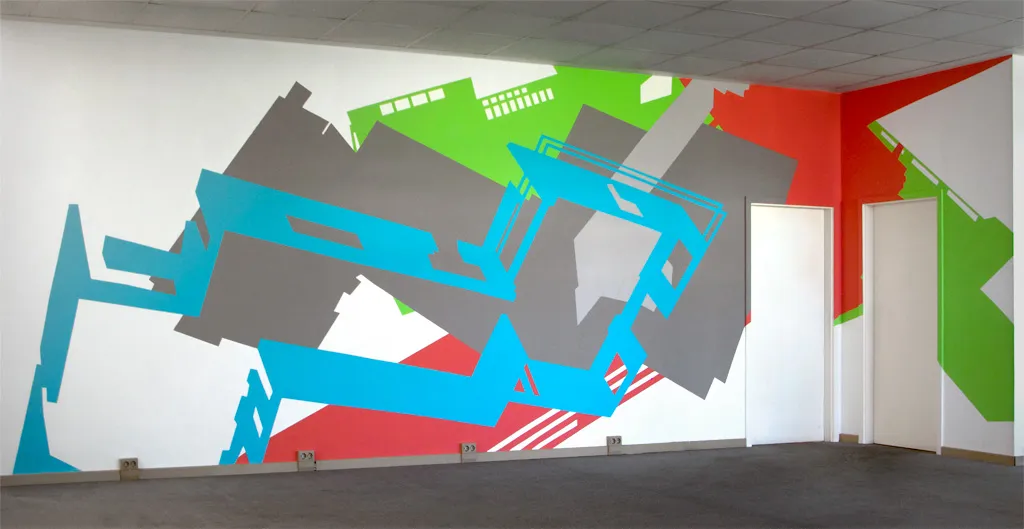
Wall painting at “Temporary Home” in Kassel, Germany

While artists-in-residence at Temporary Home, in Kassel, Germany, which coincided with Documenta13, Joelle Dietrick and I completed a wall-sized temporary painting based on the architecture from the Bauhaus School at Dessau and 2012 American color forecasts.

temphome_06_1024w

temphome_08_1024w

temphome_11_1024w

Commission at Weimer Hall at the University of Florida

Joelle and I have also received a commission to complete Packet Switching (Weimer Hall) at the University of Florida College of Journalism and Communications this fall. This will be inkjet on adhesive polyester on a large wall (approx. 177.5 ft. x 20.2 ft.). More details soon.

New line plotter prints of I Am Unable to Fulfill Your Wish

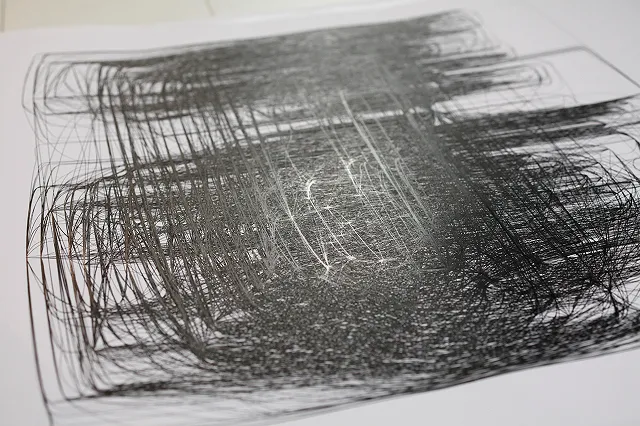
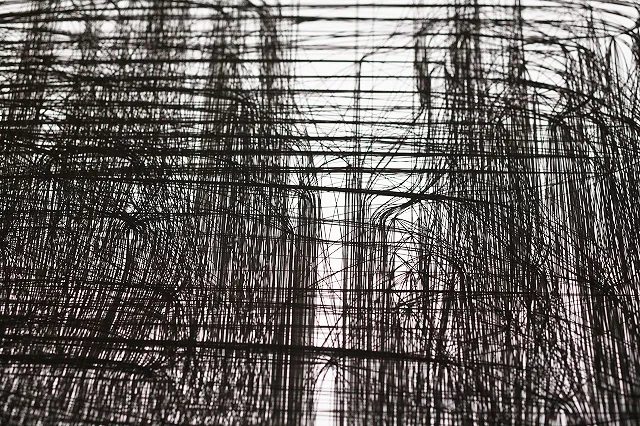
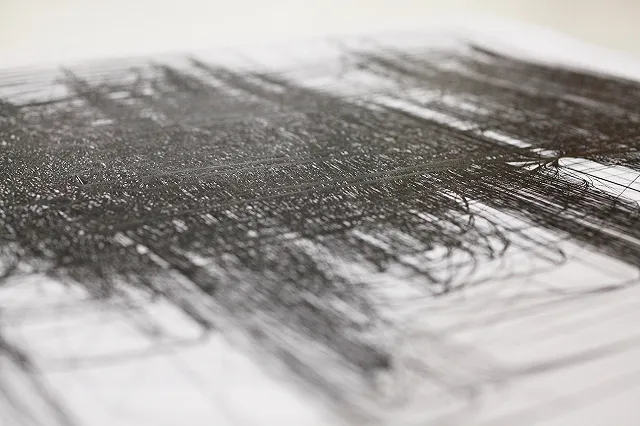
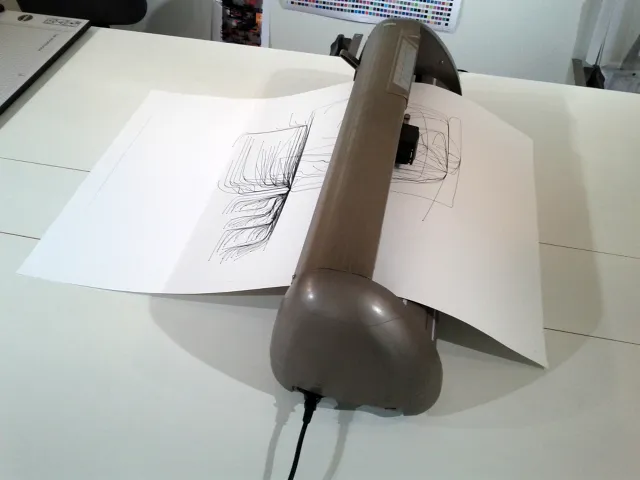
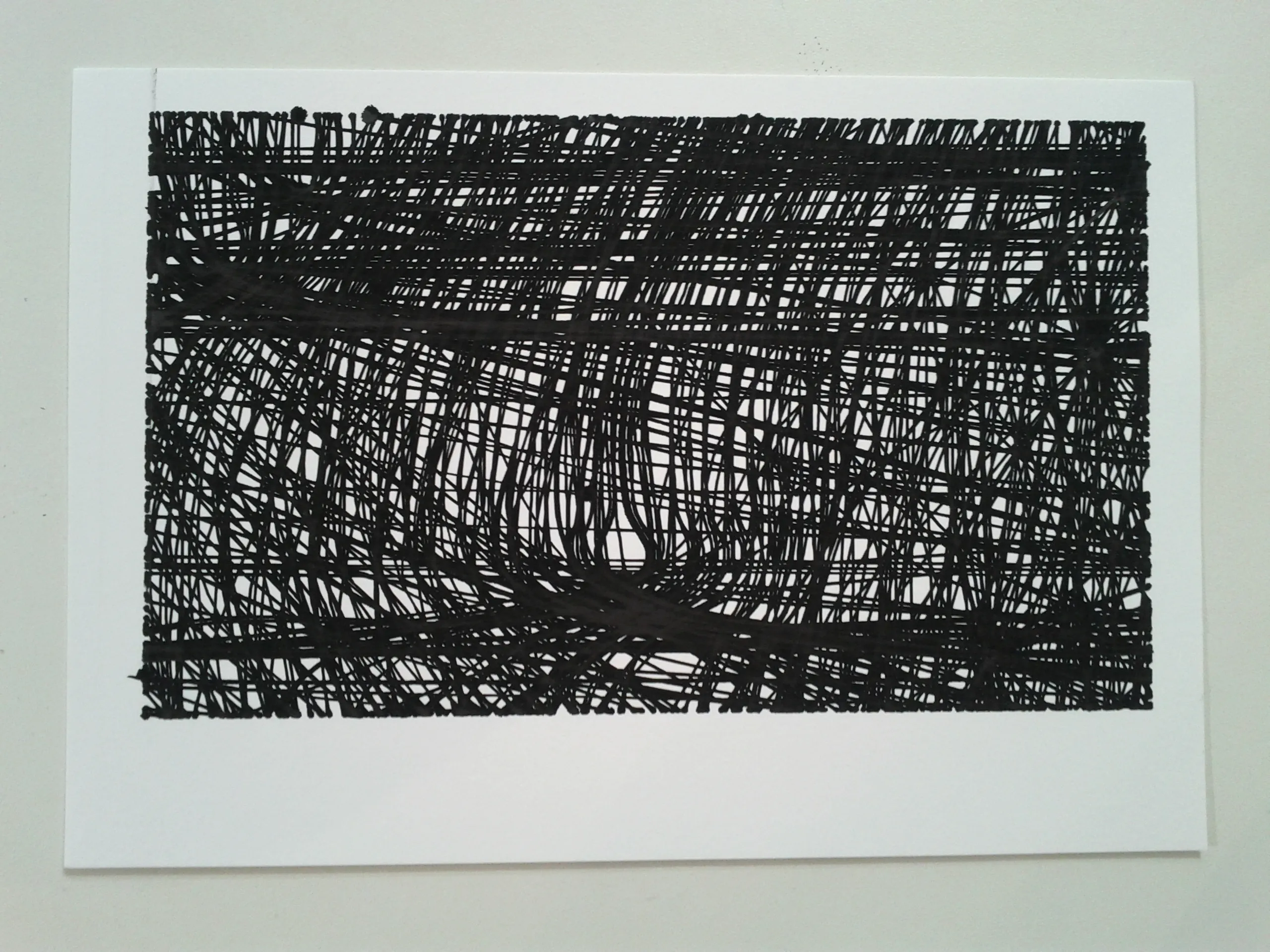
Here are some images Ryan Boatright of Atelier Boba made while he was printing one of my network visualizations from the I Am Unable to Fulfill Your Wish series on their new line plotter. The prints arrived last week from their location in Paris and are great to see in person. The line plotter repeated so many of the lines it actually polished the surface of the paper causing the print to reflect light.

I am Unable to Fulfill Your Wish by Owen Mundy

I am Unable to Fulfill Your Wish by Owen Mundy

I am Unable to Fulfill Your Wish by Owen Mundy

I am Unable to Fulfill Your Wish by Owen Mundy

I am Unable to Fulfill Your Wish by Owen Mundy

Processing.js – Missing Documentation

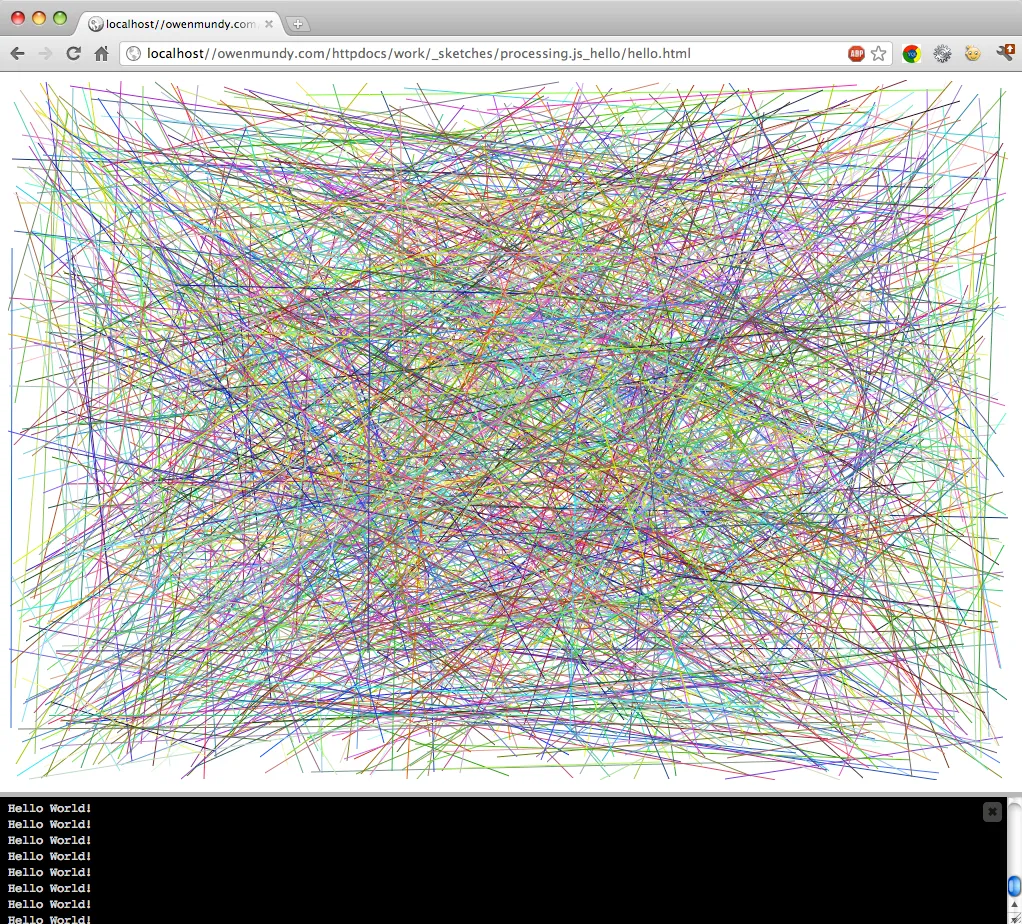
The Processing.js project is really cool. It allows you to run Processing .pde files inside (HTML5 compatible) web browsers using Javascript. You can pass data back and forth between the two programs, access the DOM with Processing, and you don’t need any plugins or Java.

Processing.js - Hello

Click here to run this Processing sketch in your browser

One caveat… When importing a Processing .pde file into the HTML5 canvas you must access the files on a web server or by using localhost (a server running on your computer, e.g. MAMP) because most (all modern?) web browsers don’t allow file:/// access for security reasons. Unfortunately this is not intuitive as Javascript should run in the browser regardless of file:/// access. Nor is it mentioned in any of the Processing.js Quick Start documentation. I found it by testing, and then confirmed it in their README. Darn, need to remember to read (all of) the instructions.

UPDATE: A friend pointed out that the problem accessing the .pde file could be due to the same origin policy. Though not explicitly stated on the Github page for Processing.js, they do mention that disabling same origin setting in your browser is a(n undesirable) workaround.

Some web browsers (e.g., Chrome) require secondary files to be loaded from a web server for security reasons. This means loading a web page that references a Processing.js sketch in a file via a file:/// URL vs. http:// will fail. You are particularly likely to run into this problem when you try to view your webpage directly from file, as this makes all relatively links file:/// links.

Give Me My Data upgrade: New API, authorization, and data formats

Picture 28

No one would be surprised to learn that almost all of the user-generated content websites use our personal data to sell advertisements. In fact 97% of Google’s revenue comes from advertising.[1] That’s why it’s important these sites provide as much access as possible to the real owners of our data‐us. After all, we put it there and allow them to use it in exchange for the use of their software. Seems like a fair trade if you ask me.

A year and a half ago Facebook didn’t provide any access. That’s why I created Give Me My Data, to help users reclaim and reuse their personal data they put on Facebook.

By giving more agency to users of online systems, Give Me My Data may have already impacted the nature of online application development. In November 2010, almost a year after I launched Give Me My Data, Facebook created their own service for users to export their profile from Facebook as a series of HTML pages. Unlike Give Me My Data, the Facebook service doesn’t allow you to select which data you want or to choose custom formats to export. It also doesn’t give you options for visualization like the custom network graphs that Give Me My Data offers.

I believe their motivation originates in part with my application, likely due to the popularity of Give Me My Data, and points to the potential usefulness of similar apps. While years down the road may reveal many other online systems giving users control over their data, I see this as a positive effect where the content we create, as well as the means to share and manage it, are democratized.

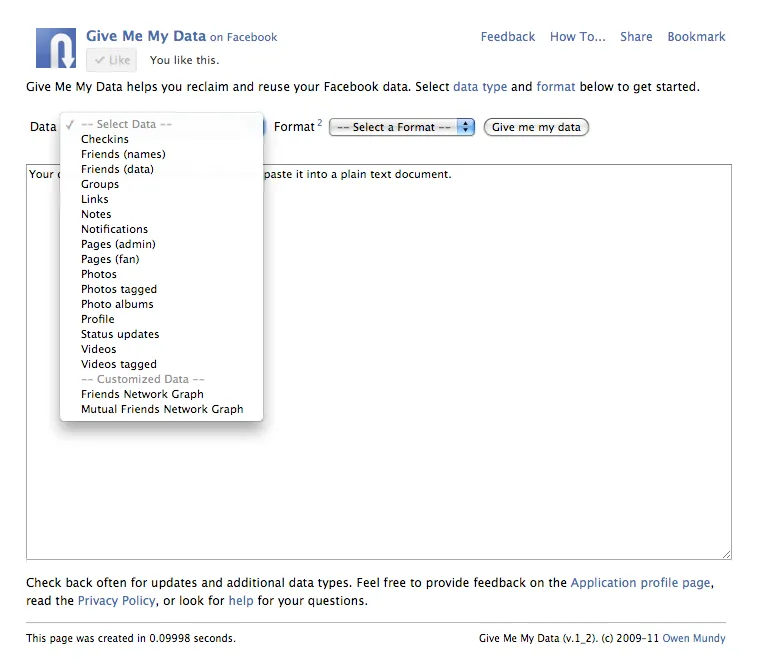
Meanwhile, the above also keeps me hard at work developing the Give Me My Data project. This week I rewrote the program to use Facebook’s new OAuth authorization, which also required rewriting all of the code that fetches the data. Previously it used the REST API which is being deprecated (sometime?) in the future. I also added new data types, fixed the CSV format (which had the rows and columns mixed-up), and added the possibility to export in the JSON data format.

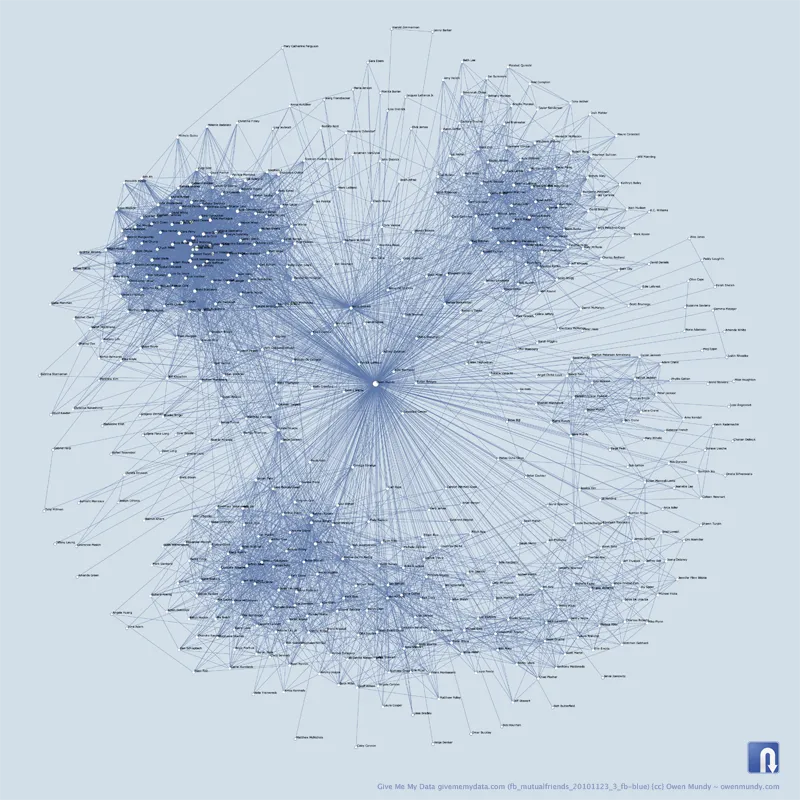
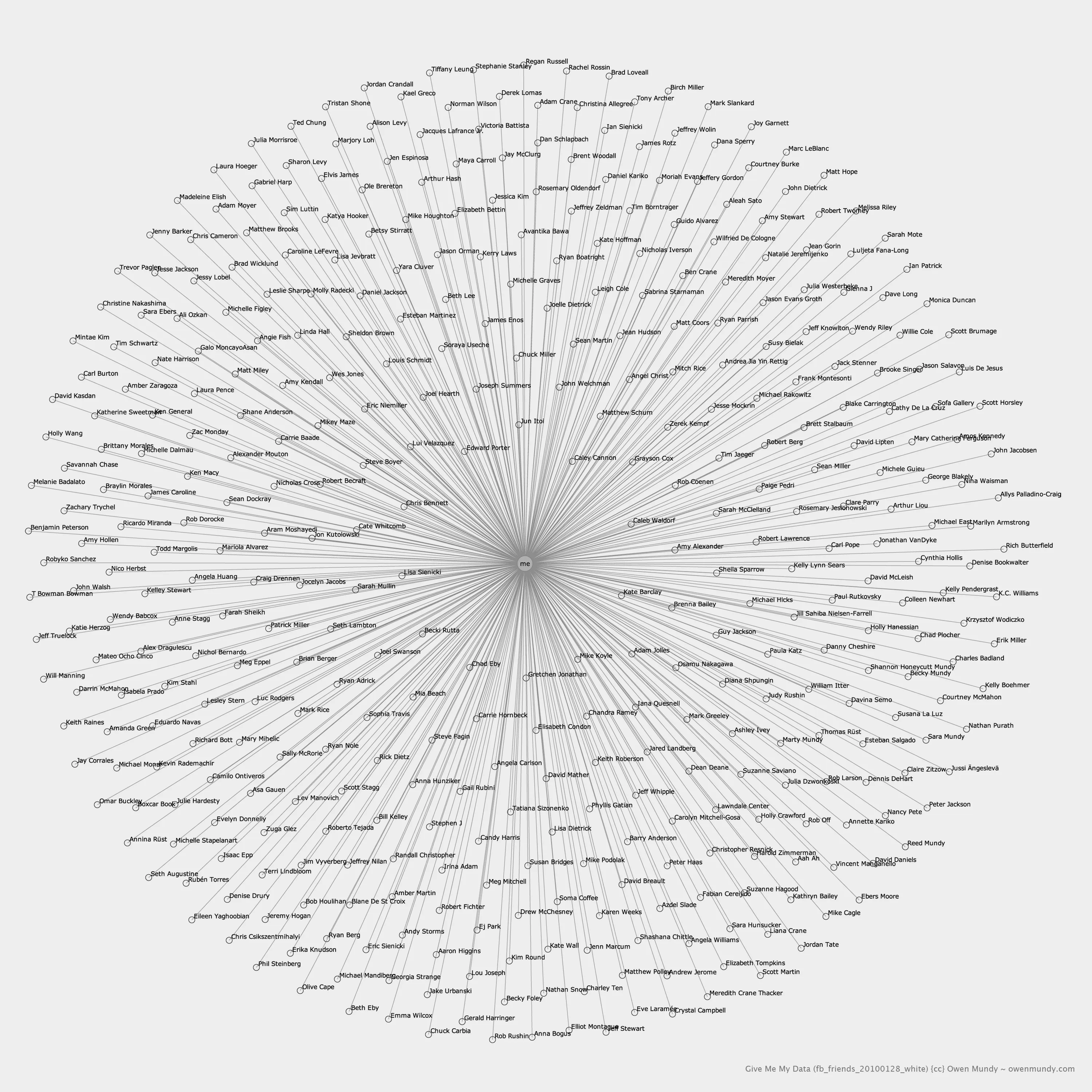
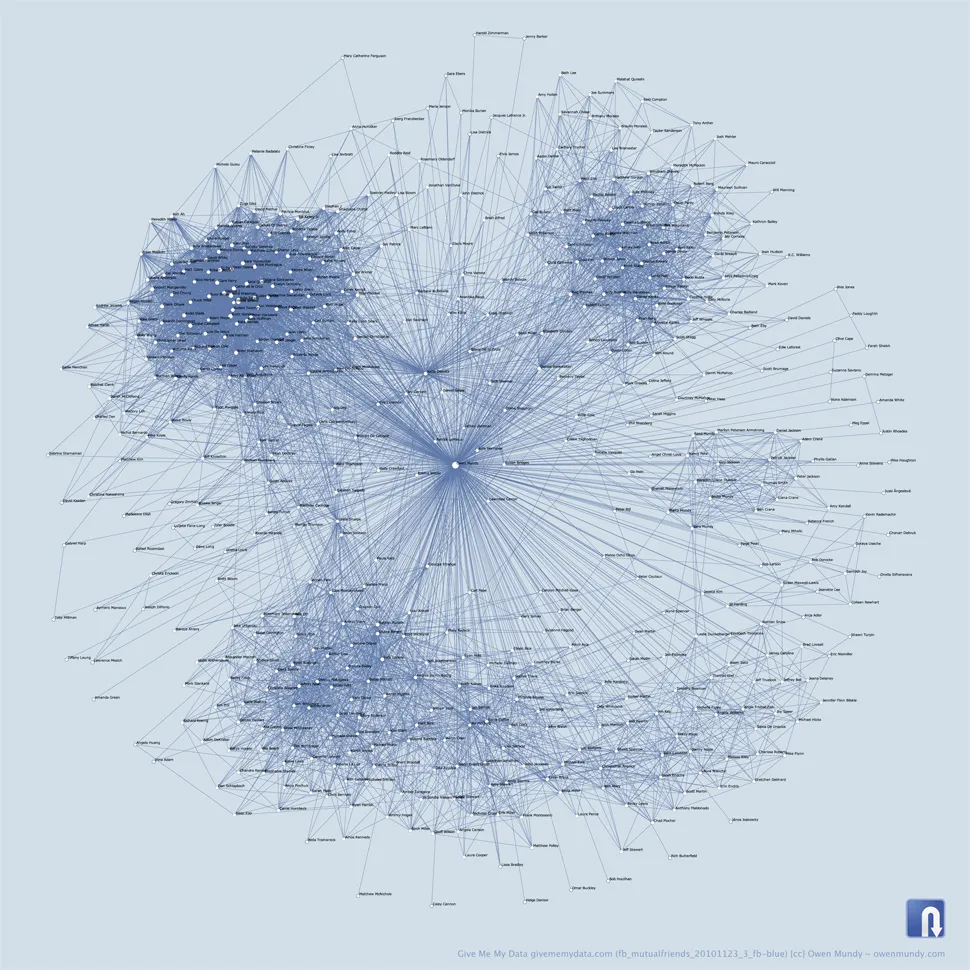
Finally, in the data selector, I distinguished standard data and customized data types. When I say customized, I mean that I’ve written code that mashes together more than one data table and/or addresses a specific question. For example, right now users can select from two types of network graphs and corresponding formats. One describes the user’s relationship to their friends, and the other describes the user’s relationship to their friends, as well as all their friends’ relationships to each other in various graph description languages. This is how I made the network graph image below. I’m also interested in hearing other suggestions for custom queries I might add. The project will be open source on Github soon, so even code contributions will be welcome.

Anyway, please try out the new version. You may have to delete the app from your allowed applications and then re-authorize it if you’ve used it before. As usual, you can provide feedback on the application page, and you can also contact me on Twitter via @givememydata.

fb_mutualfriends_20101123_3_fb-blue_970w

[1] “Google Financial Tables for Quarter ending June 30, 2009” Retrieved October 13, 2010

12 apps to track, share, and visualize personal data

When it comes to personal data everyone’s first concern is usually privacy. But a lot of us want to share our data too, with friends, colleagues, and even complete strangers. While numbers have been used for centuries to improve the way we manufacture and do business, using them to quantify our personal lives is a recent phenomenon.

I’ve been thinking about this because one of my goals in creating Give Me My Data was to inspire others to reuse their data, and respond with images and objects they created. But I’m learning if you don’t know a programming language your choices are somewhat scattered and intimidating.

In a recent email exchange with Nicholas Felton, creator of daytum.com and other quality data products, I asked him what other user data sharing and/or visualization web applications he might have encountered while working on daytum.

Included in this article are the three apps he mentioned with my research plus nine additions of my own. All of the apps I mention help users access their own data to track, share, and/or visualize it either by recording it themselves or exporting it from another software. There’s a table at the end of the article to summarize and compare each.
Picture 24

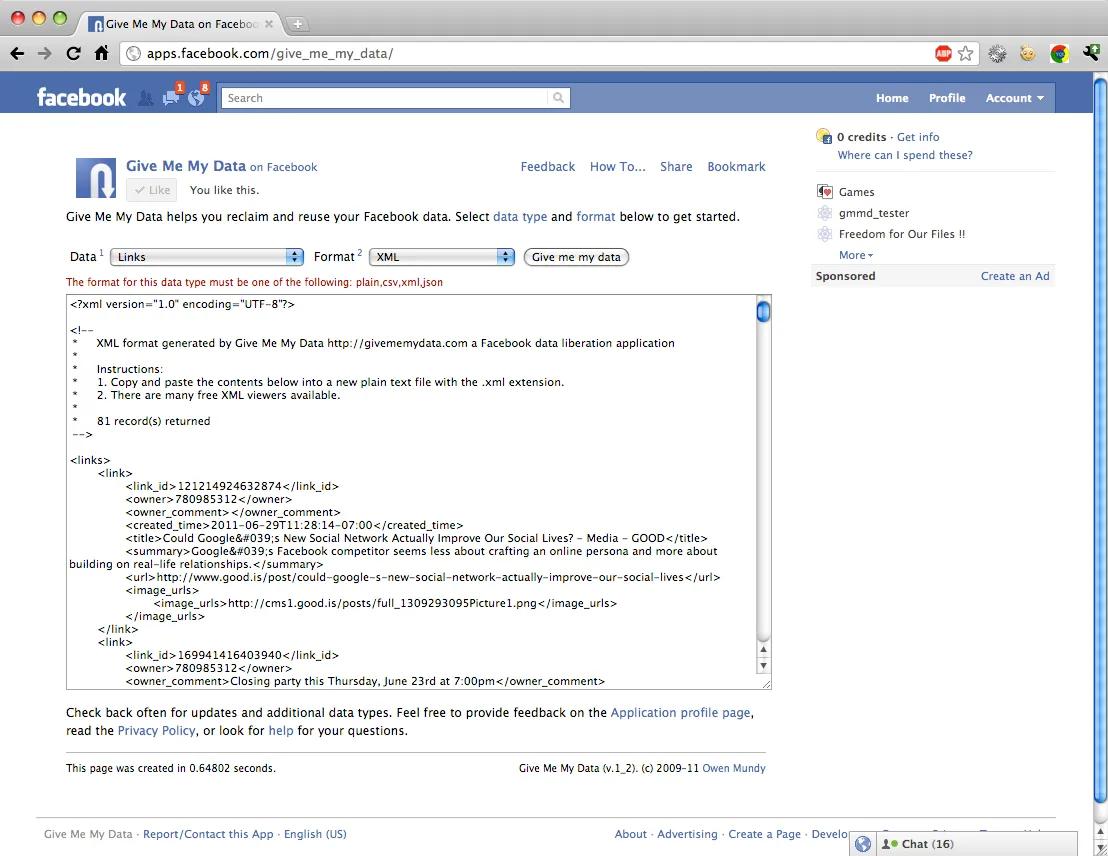
Give Me My Data givememydata.com free

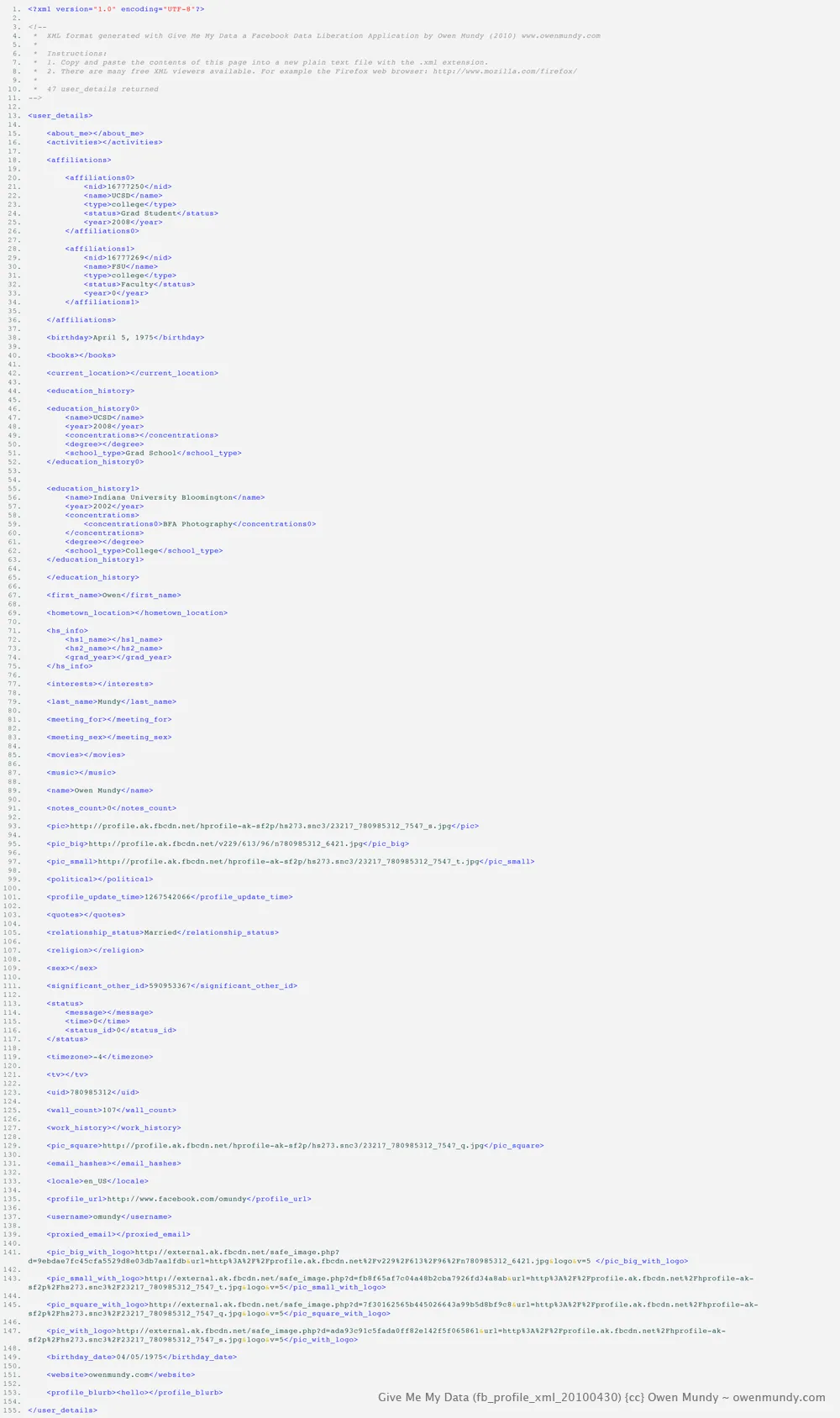
First, to give some context, Give Me My Data is a Facebook application that helps users export their data out of Facebook for reuse in visualizations, archives, or any possible method of digital storytelling. Data can be exported in common formats like CSV, XML, and JSON as well as customized network graph formats.

Status: operational, in-development
Picture 1

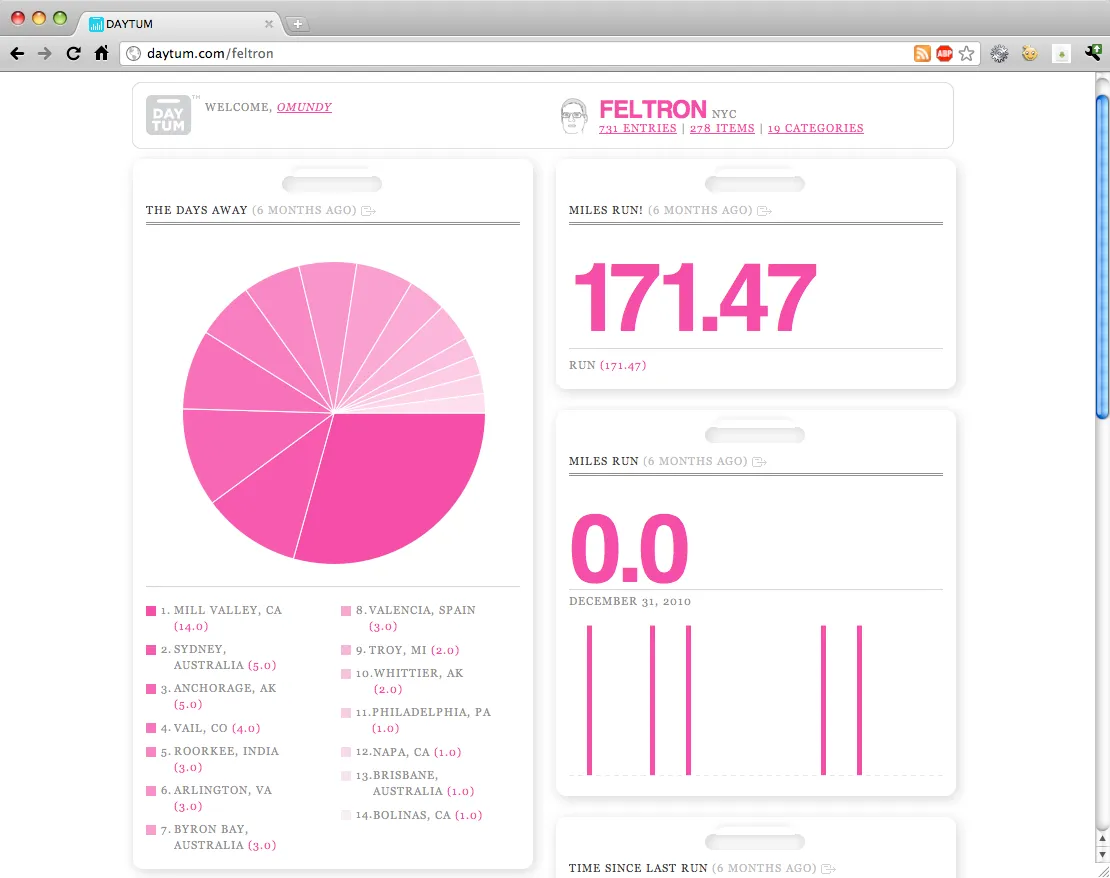
Daytum daytum.com free/$$

And to further contextualize, I’ll also address Daytum, an online app that allows users to collect, categorize, and share personal or other data. You can add any data that can be quantified or written down and organize and display it in many forms including bar and pie charts, plain text, and lists. There’s also a mobile site for quick submissions from your device or you can use their iphone app.

Status: operational, but not currently being developed
Picture 2

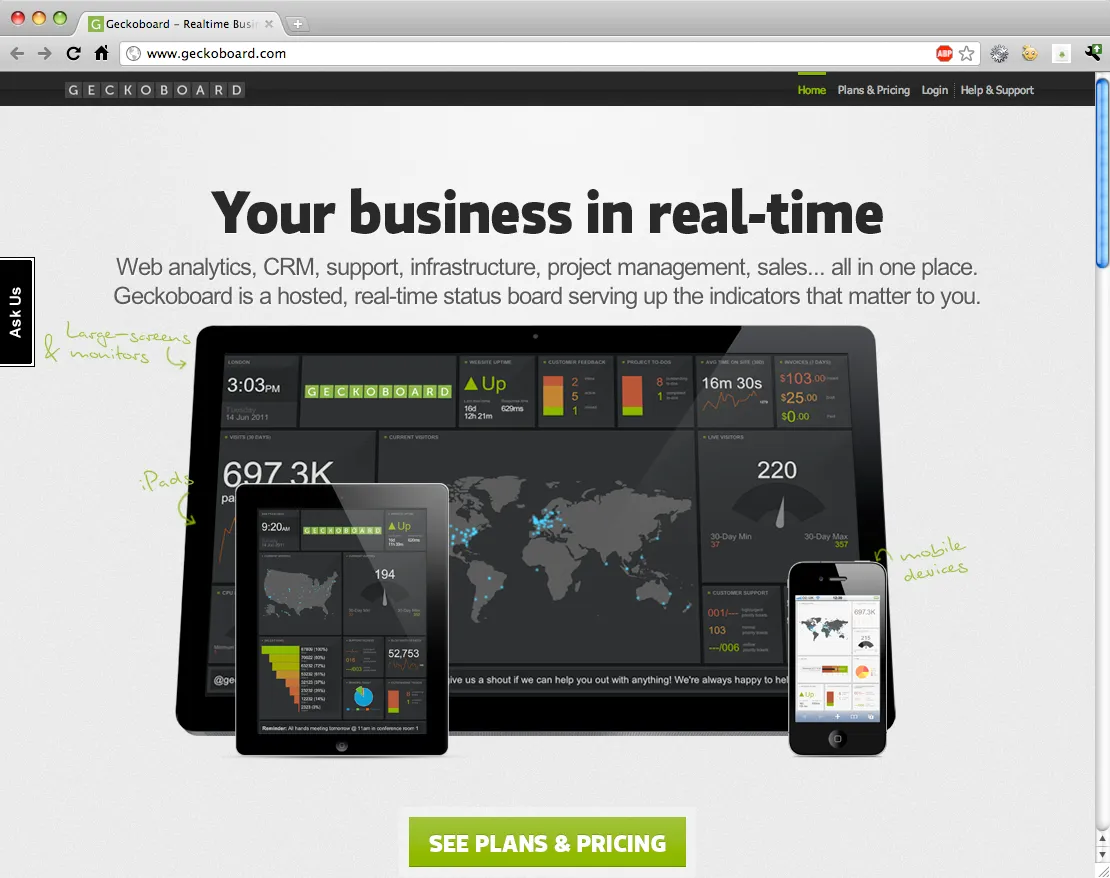
Geckoboard geckoboard.com $$

Geckoboard is a hosted real-time status board for all sorts of business (or personal) data. You can view web analytics, CRM, support, infrastructure, project management, etc., in one interface, on your computer or smart phone. To see data from other web services in your “dashboard” you add “widgets”—choose from a large list of APIs, give permissions, configure a variety of options, and see your data in a customized graph. Note though, this service is only for presenting data that is hosted elsewhere, and only in this interface. If you like looking at numbers all day, this is for you.

Status: operational
Picture 9

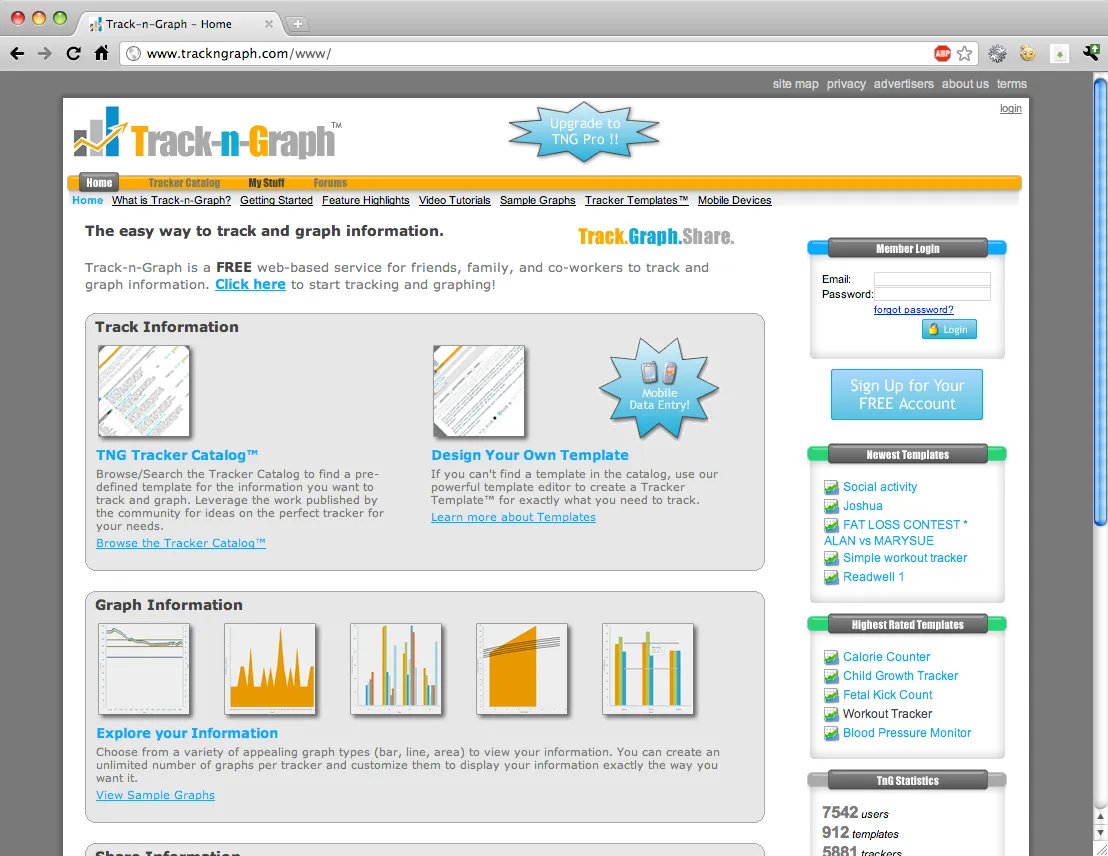
Track-n-Graph trackngraph.com free/$$

Track, graph, and share any information you can think of: your weight, gas mileage, coffee consumption, anything. The design is a little awkward, the graphs don’t display in Chrome or Safari (Mac), and as far as I can tell there’s no API, but the site seems very useful for storing and making simple graphs of your personal data. There are also various “templates” you can reuse to keep track of data like the Workout Tracker, which has fields for gender and age in addition to minutes you worked out, all of which are important in figuring other data (e.g. calories).

Status: operational
Picture 3

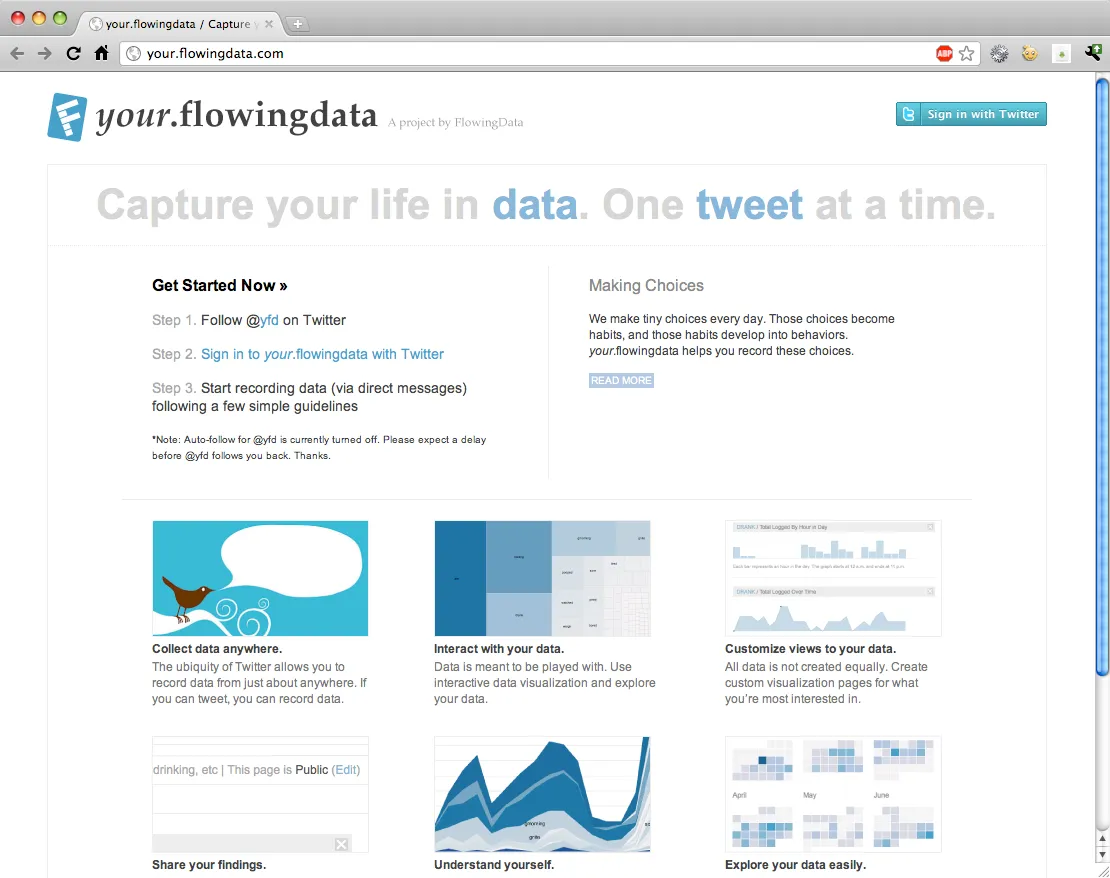
your.flowingdata.com your.flowingdata.com/ free

your.flowingdata lets you record your personal data with Twitter. With it you can collect, interact, customize views, and determine privacy by sending private tweets to your account. This project is created by Nathan Yau who writes Flowing Data and studies statistics at UCSD.

Status: operational, in-development
Picture 4

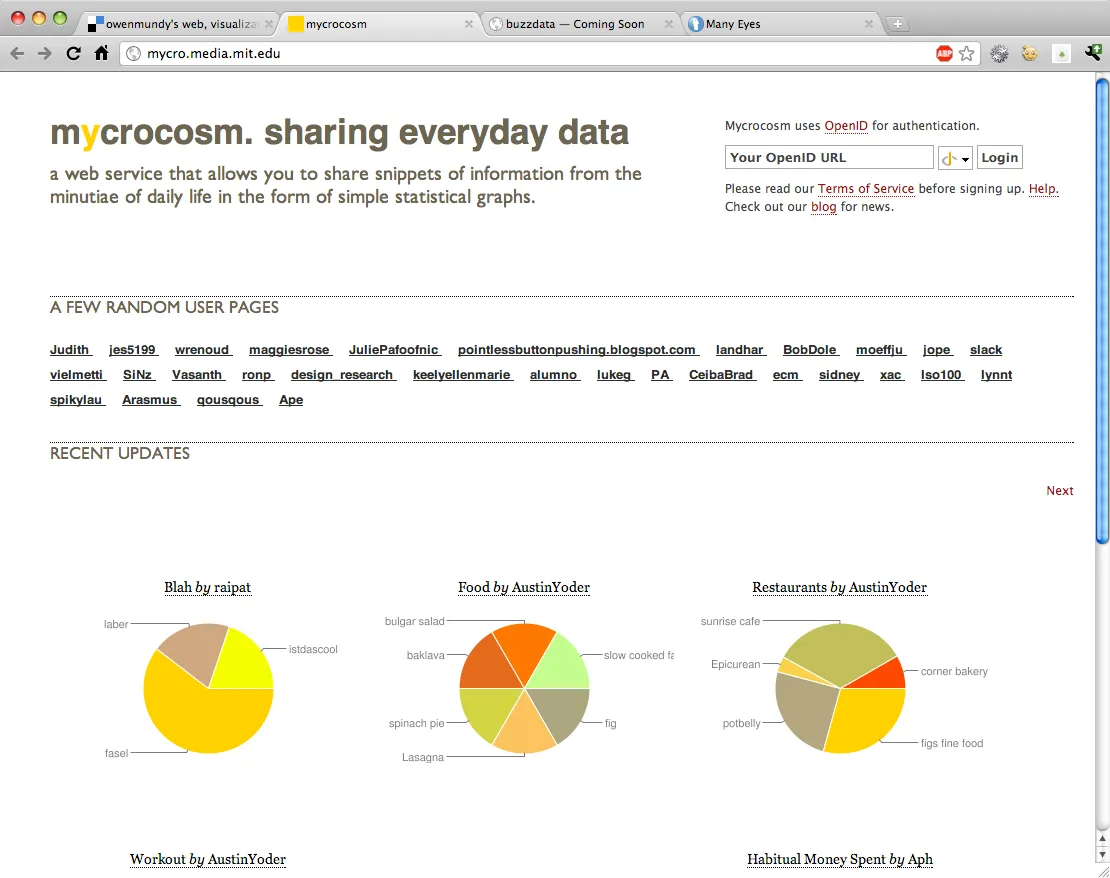
mycrocosm mycro.media.mit.edu free

Mycrocosm is a web service that allows you to track and share data and statistical graphs from the minutiae of daily life. Mycrocosm was developed by Yannick Assogba of the Sociable Media Group of the MIT Media Lab.

Status: operational, but not currently being developed
Picture 6

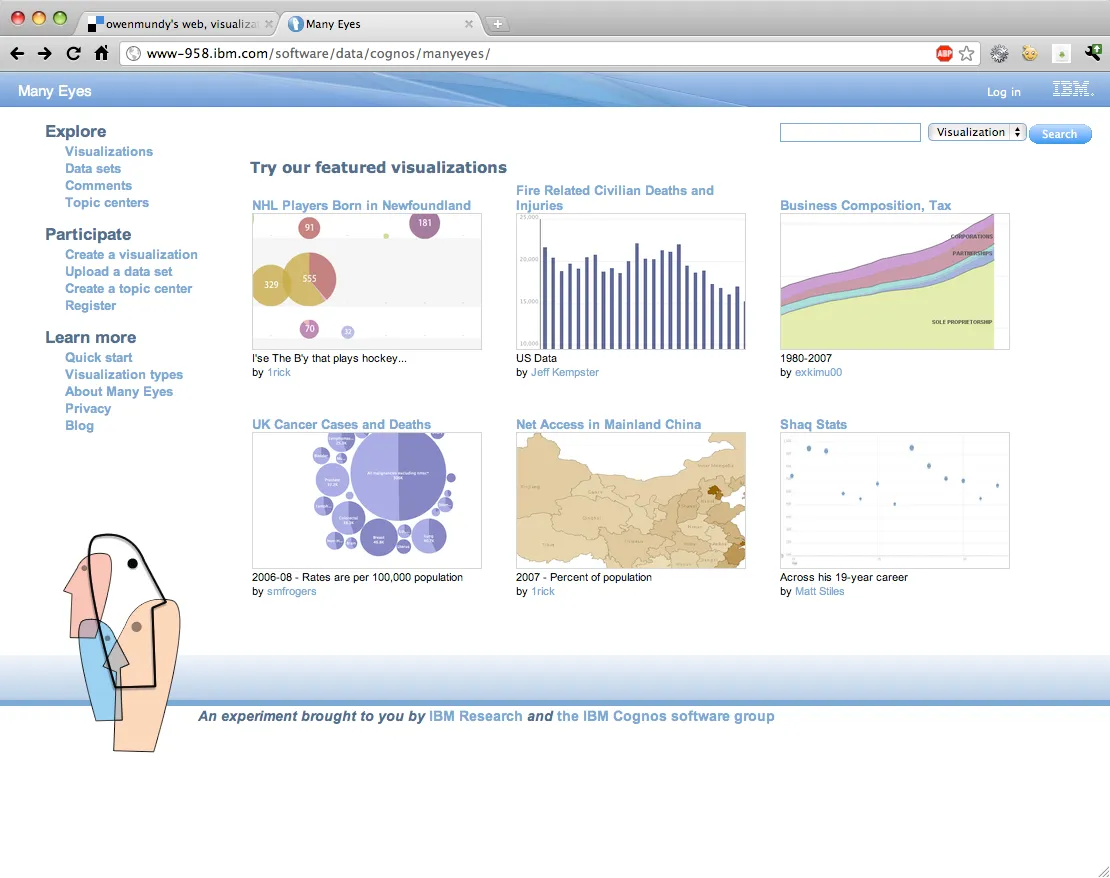
ManyEyes www-958.ibm.com free

ManyEyes is a project by the IBM Research and the IBM Cognos software group. On Many Eyes you can upload your own data and create visualizations, and view, discuss, and rate other’s visualizations and data sets. It is a great concept but it hasn’t evolved much since its original launch. In fact I’m finding the visualization technology has slowly devolved, leaving only about 20% of visualizations actually displaying (Chrome 12.0 on OSX 10.5.8 if folks are reading).

Status: operational
Picture 20

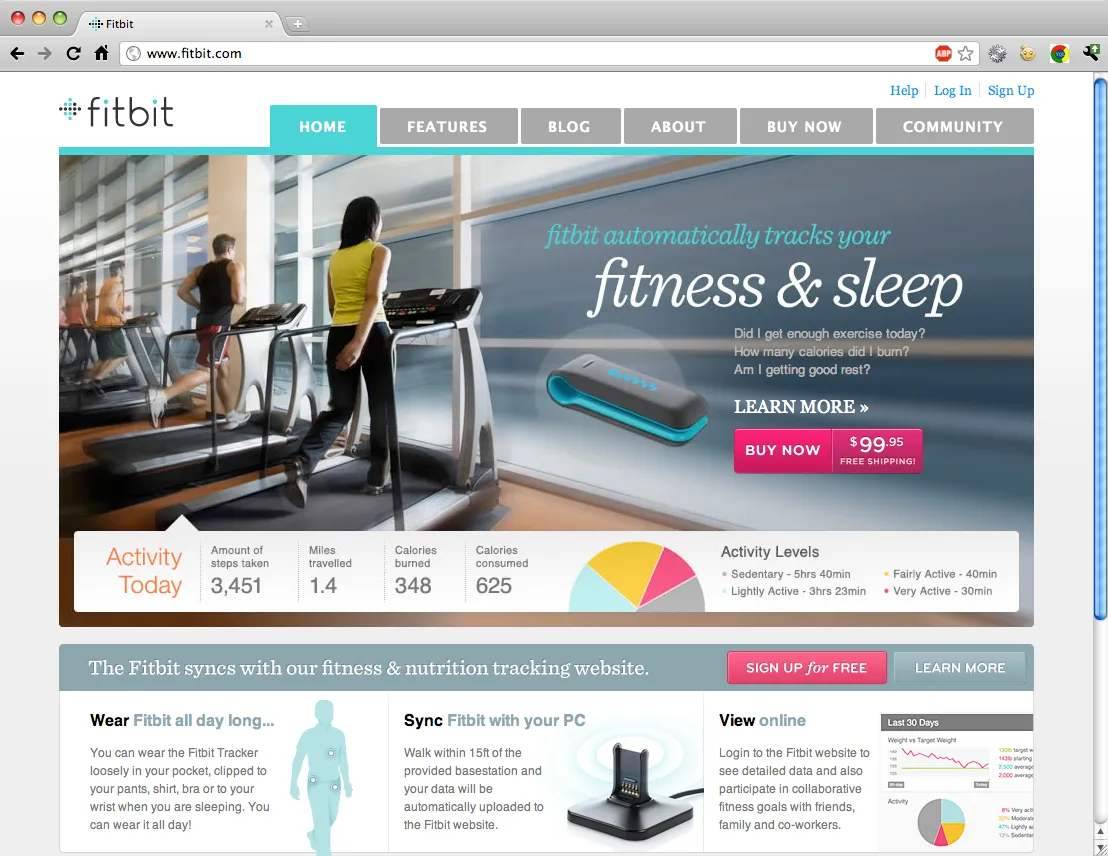
Fitbit fitbit.com $99.95

The Fitbit is a hardware device which tracks your motions and sleep throughout each day. This data can be uploaded and visualized on their website to realize information about your daily activities like calories burned, steps taken, distance traveled and sleep quality. The Fitbit contains a 3D motion sensor like the one found in the Nintendo Wii and plugs into a base station to upload the data.

Status: operational
Picture 25

Personal Google Search History google.com/history free

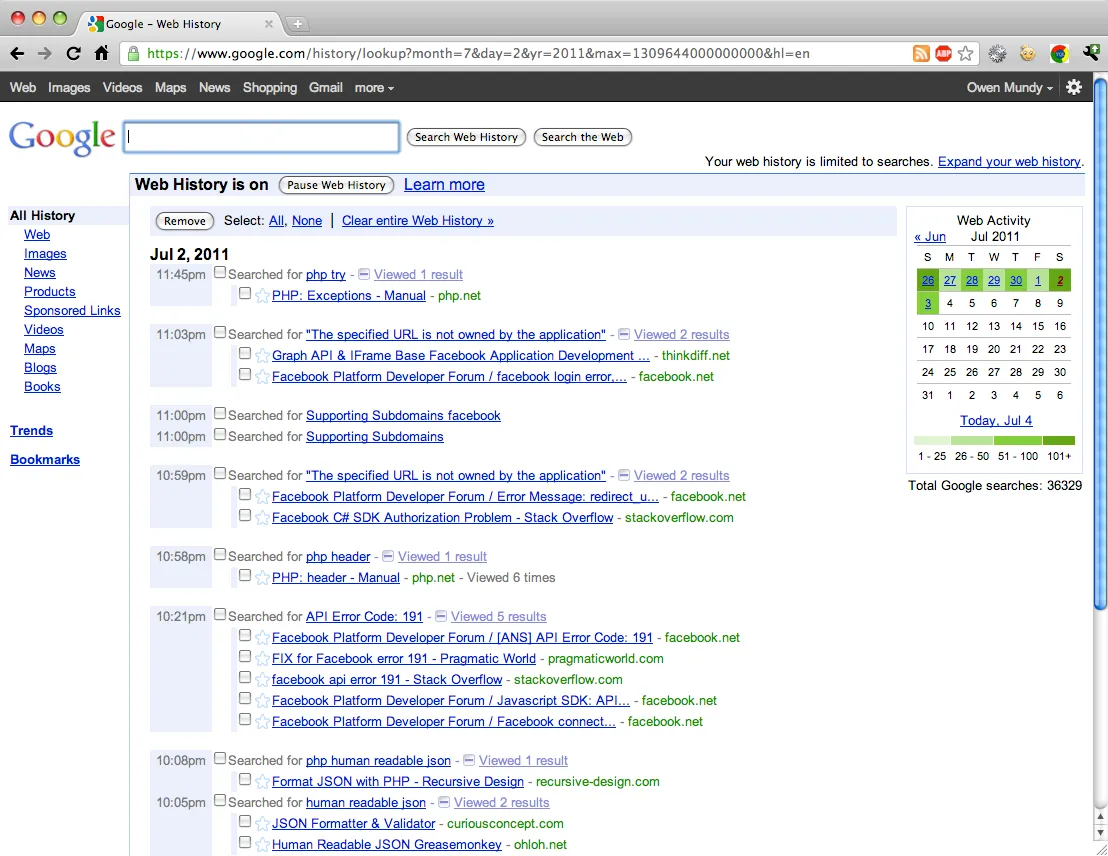
When I first saw this application on the Google site I was immediately alarmed. The amount of data they have collected is staggering; for example, “Total Google searches: 36323.” (since Jan 2006) This is a fantastic picture into the life of a user and what they are reading, watching, responding to. It’s like another, admittedly less manicured version, of Facebook. Instead of creating a profile, I am being profiled.

The privacy implications are serious here, which is probably why you have to login again to view it. It is also why a user’s search history draws the interest of interface artist, Johannes P. Osterhof, who is in the process of exploring the line between private and public data, as well as the even further-evaporated division between surveillance and social networks, in his one-year-long search history-made public project, simply titled, Google.

But, as everyone probably already knows, these big companies are making money and providing services. Google has the resources to take your privacy seriously. Well, kind of, because it mostly doesn’t fit into their business model to not track people.

Status: operational
Picture 23

Google Takeout google.com/takeout free

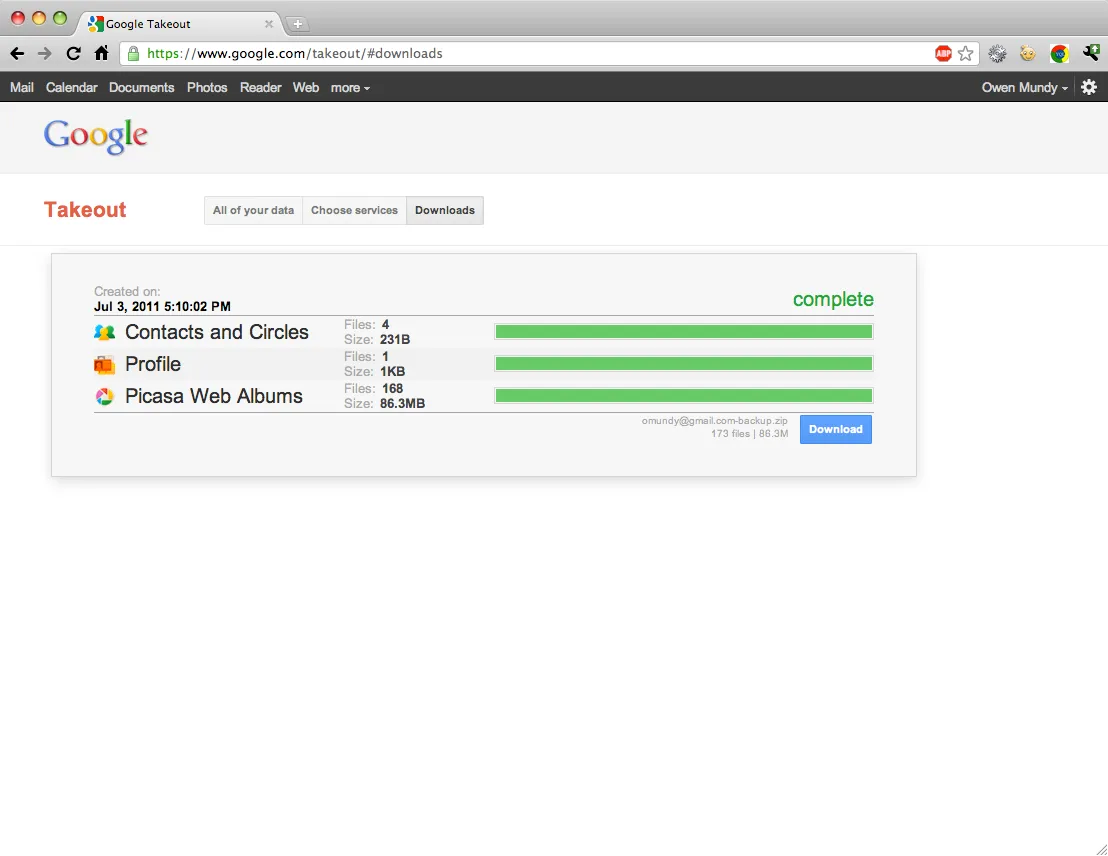
Speaking of funding, I’m quite impressed by this project. Google Takeout is developed by an engineering team at Google called the Data Liberation Front who take their jobs very seriously. In addition to their Google Takeout project, which allows you to export some of your data from Google, they have a really great website with current information about getting access to the data you store with Google.

Status: operational, in-development
Picture 18

gottaFeeling gottafeeling.com free/$$

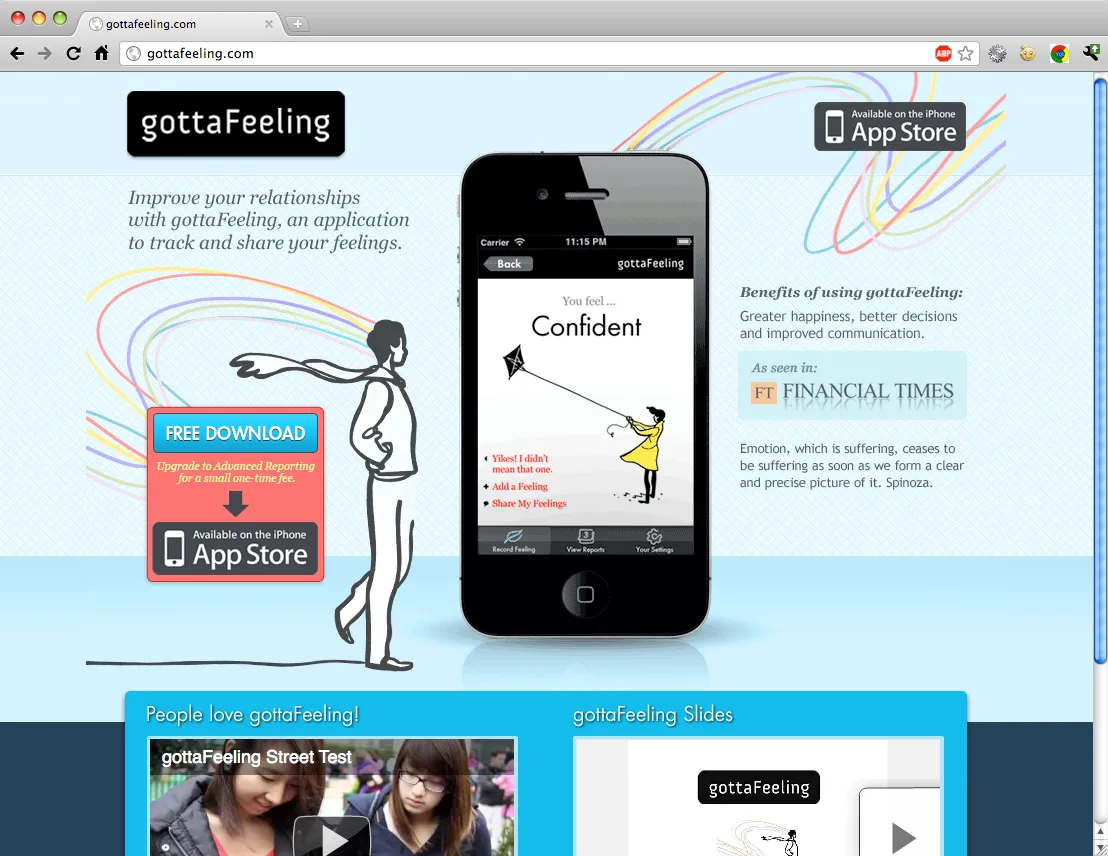
gottaFeeling is an iphone application that allows you to track and share your feelings. It’s a simple concept, and while loaded down with a lot of rhetoric, reminds me of the amazing, “We Feel Fine.”

Status: in-development
Picture 5

BuzzData buzzdata.com unsure

Finally, I’ll end with BuzzData, a data-publishing platform that encourages the growth of communities around data. Not yet public, I’ve received a private taste of what this app will do, and it looks like it will be pretty cool. Think a mashup between Github and ManyEyes.

Status: still in-development, not public

So I’ll end with the table I created in my research. There are obviously many more types of ways to keep and manage data that I haven’t addressed here, but this is a good start. For further reading check out the Quantified Self blog/user community/conference created by Gary Wolf, who also authored, The Data-Driven Life, the New York Times article linked above.

track/ uploadcustom data typesvisualizepublishprivacyexportmobile uploadAPIpricelimits

Give Me
My Data

yesyesn/anoyesyesn/anofreenone

Daytum

yesyesyesyes$$yesmobile site and iphone appnofree / $4/ monthfree account limited by amount

Geckoboard

noyesyesnoyesnon/aonly for viewing$9-$200
/ month
number of users

Track-n-Graph

yesyesyesyesyesnoweb-basednofree / $25 per yearfree account limited by amount

your. flowingdata

yesyesyesyesyesyesvia twittervia twitterfreenone

mycrocosm

yesyesyesyesyesnoweb-basedemail-basedfreenone

ManyEyes

yesyesyesyesnoyesnonofreenone

Buzzdata

yesyesyesyesyesyesemail?????????

Google Web History

yesn/ayesyesyesyesyesnofreenone

Google Takeout

yesyesn/an/ayesyesn/anofreenone

Fitbit

yesyesyesyesyesyesyesyes$100 / website is freefree web account limited by amount

gottaFeeling

yesnonoyesyesnoiphonenofreenone
track/uploadCan you track or upload your own data?
custom data typesDoes the a support custom data types?
visualizeCan you create visualizations with the app?
publishCan you publish your data with the software?
privacyAre there options for keeping your data private while using the app?
exportCan you export the data back out?
mobile uploadAre there options to track or upload data from a device?
APIIs there an Application Program Interface that allows you to write code to manage data?
priceIs there a free version?
limitsWhat limits are imposed on the free version?

Update: Check out Google Guages and other Google Charts.

12 apps to track, share, and visualize personal data

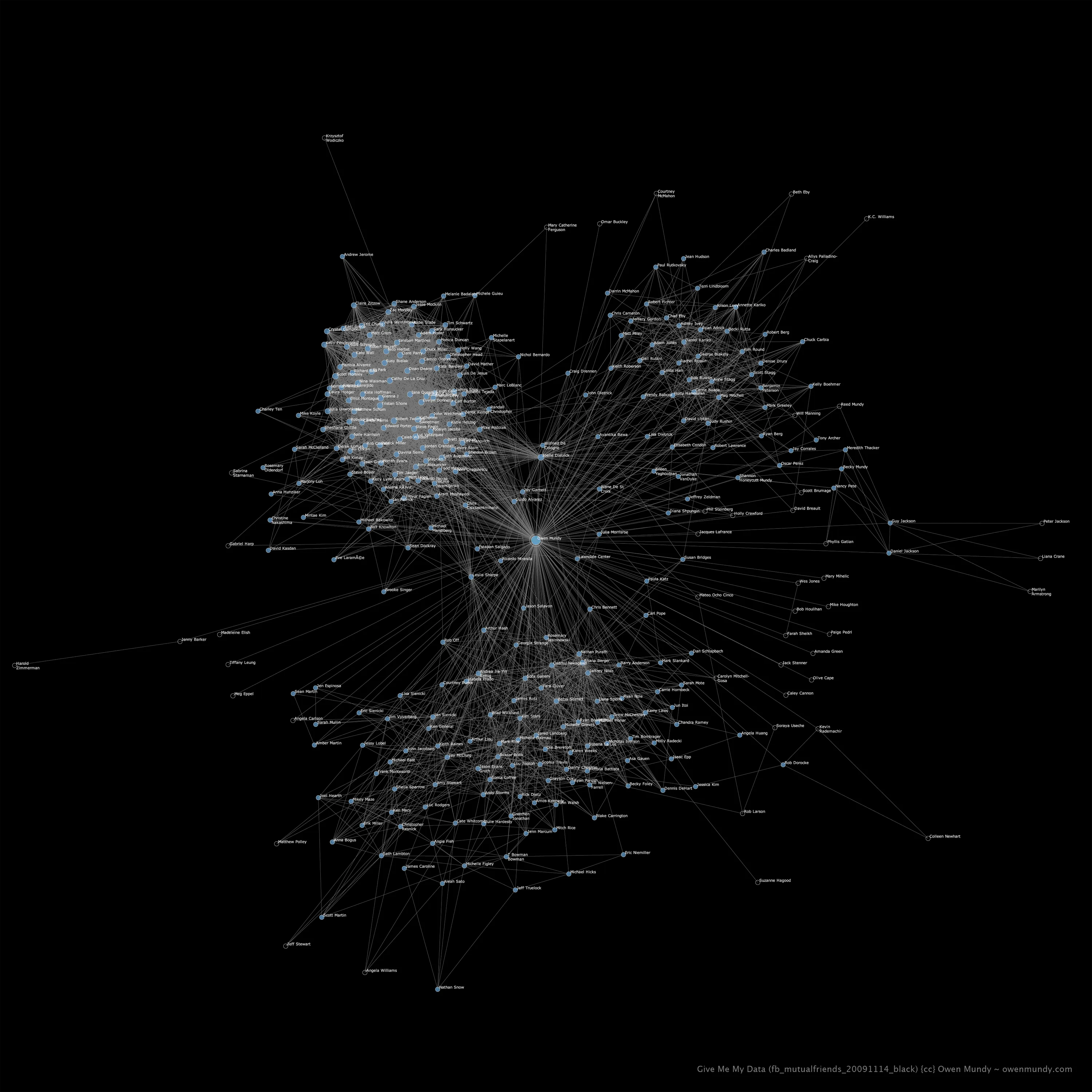
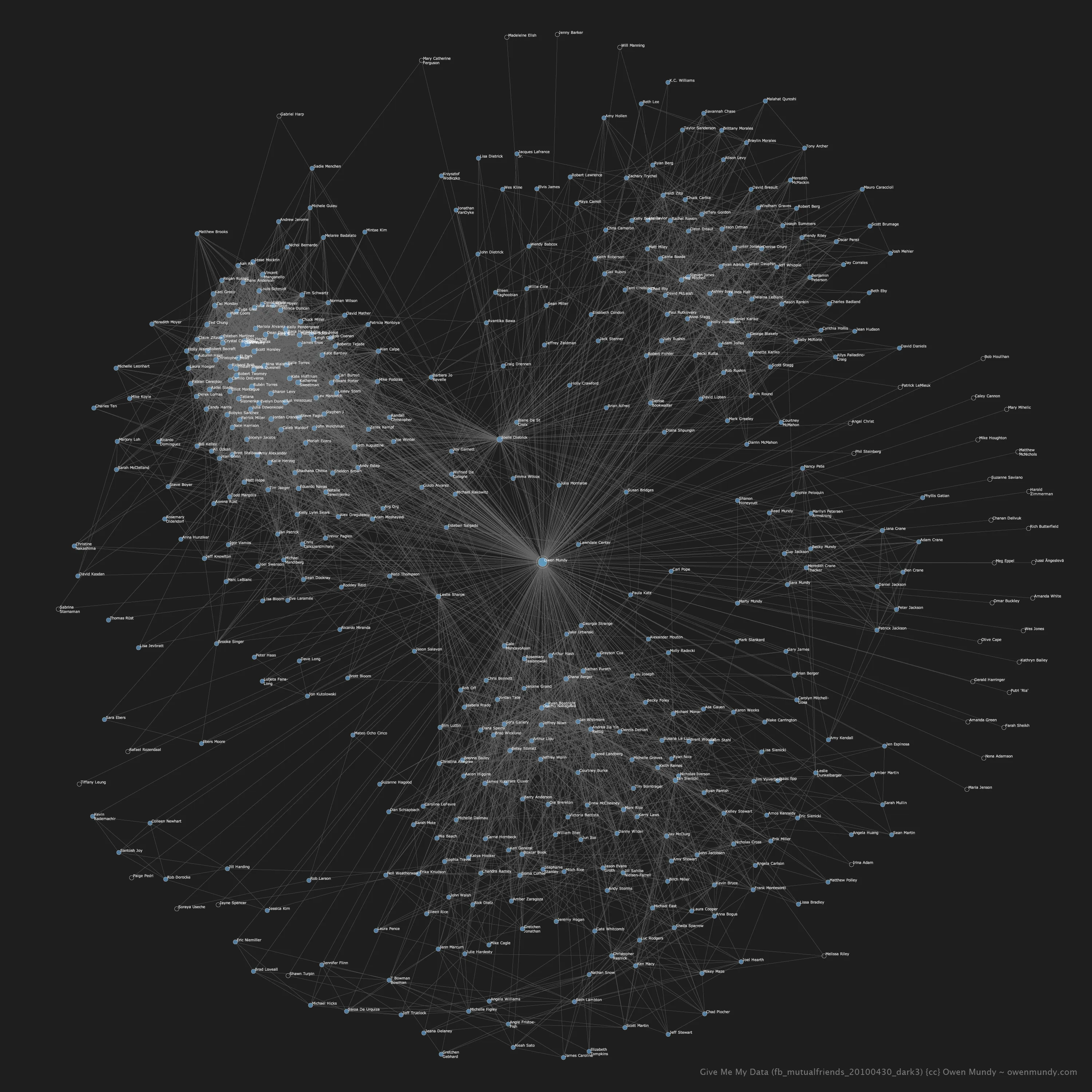
Give Me My Data and exporting mutual friends

On the one-year anniversary of the beginning of Give Me My Data I’m very happy to announce that you can now export your friends and your mutual friends from facebook using two new formats. Both of the data formats are geared towards making graphs by displaying objects and their relationships. Needless to say, this is the most often requested feature since the official beta launch in April 2010. See below for more information
The DOT language

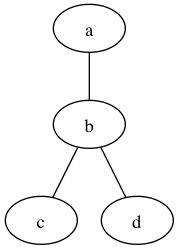
DOT is a plain text graph description language and can be rendered using a variety of layout applications like Graphviz or Tulip.

This example (saved as a plain text file with the .dot extension)

graph G
{
	a -- b -- c;
	b -- d;
}

Produces something like this

dot

Python / Nodebox 1.0

nodebox_logo

The other file format is also for visualizing relationships. You can copy and paste the contents into a plain text file saved with a .py extension and open it in Nodebox, a Mac application that uses Python to create 2D visuals. Learn more about creating graphs in Nodebox.

Here’s an example file. My mutual friends exported from Facebook…

fb_mutualfriends_20101123_3_fb-blue_800w

Automata: Counter-Surveillance in Public Space paper on the Public Interventions panel at ISEA2010

isea2010_logo_klein

ISEA2010 RUHR Conference in Dortmund, Germany

P26 Public Interventions
Tue 24 August 2010
15:00–16:30h
Volkshochschule Dortmund, S 137a
Moderated by Georg Dietzler (de)

  • 15:00h | Owen Mundy (us): Automata: Counter-Surveillance in Public Space
  • 15:20h | Christoph Brunner (ch/ca), Jonas Fritsch (dk): Balloons, Sweat and Technologies. Urban Interventions through Ephemeral Architectures
  • 15:40h | Georg Klein (de): Don’t Call It Art! On Artistic Strategies and Political Implications of Media Art in Public Space
  • 16:00h | Georg Dietzler (de): Radical Ecological Art and No Greenwash Exhibitions

About my talk:

Automata is the working title for a counter-surveillance internet bot that will record and display the mutually-beneficial interrelationships between institutions for higher learning, the global defense industry, and world militaries. Give Me My Data is a Facbook application that help users reclaim and reuse their Facebook data. The two projects, both ongoing, address important issues surounding contemporary forms of communication, surveillance, and control.

Facebook Death Star

Here are two images I created with NodeBox (Python) and PHP (data via facebook API).

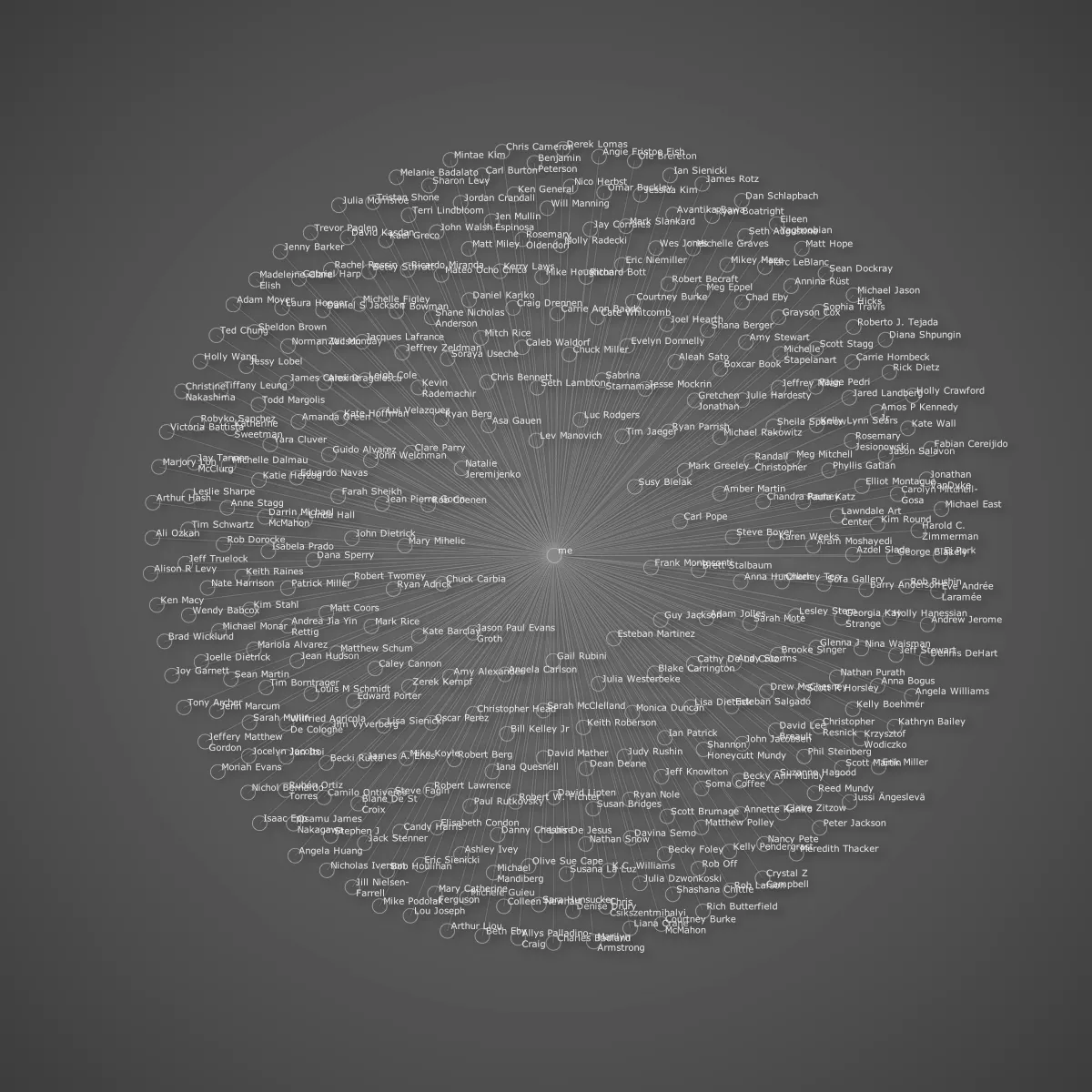
facebook_network_graph_bigcircle


All friends, one common link.

facebook_network_graph_mutualfriends


All the mutual connections I could gather before the script timed-out. Need to make the gathering more efficient.

Brief Notes on Days One and Two at TRANSITIO_MX, by Eduardo Navas

OwenJoelle

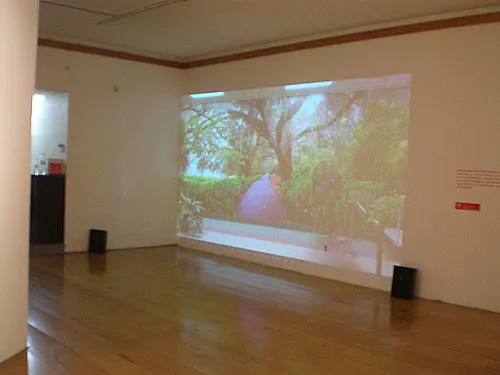
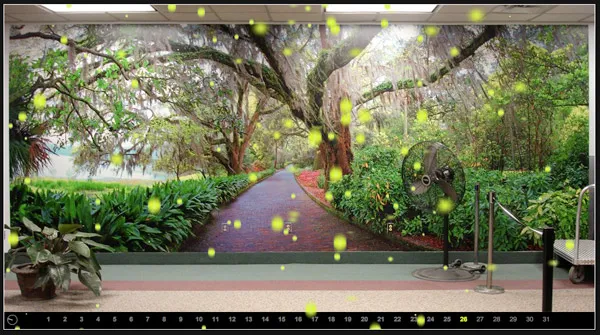
“Anemophilous Formula for Computer Art, 2007, by Joelle Dietrick and Owen Mundy. One of my five selections. It consists of a wall projection of Tallahassee’s airport lounge, which hosts a wall size photographic reproduction of Mcklay Gardens. The city is often bombarded with pollen during the month of March. The airport lounge offers a reference of nature in an artificial space. Under the concept of non-places, which was my curatorial thematic, this work was placed in Centro Multimedia’s hallway where people constantly walked, to emphasize the use of the original image in a “non-place.””
—Eduardo Navas

Reblogged from http://remixtheory.net/?p=394

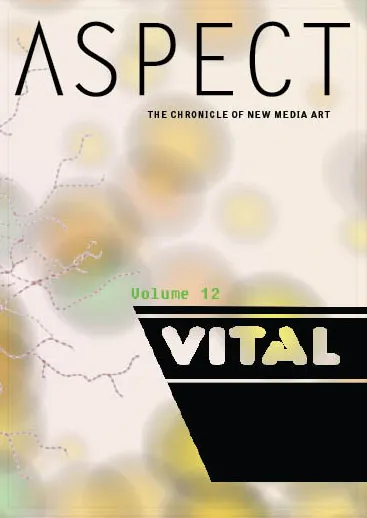
Aspect: The Chronicle of New Media Art _VOL.12 Fall 2008

aspect12_cover

Aspect: The Chronicle of New Media Art
Volume 12: Vital presents nine artists exploring that which is essential, grave, indispensable, and/or critical to existence. Mirroring preconceived notions of reality, these works re-imagine new deities, investigate animal nature and human desire, contemplate the body vs. the psyche, meditate on the circular nature of our existence, and in one case force us to witness the final minutes of life. We confront our own profound mortality, experience fear and displacement within a technological landscape, and consider the sustaining reciprocal relationship of artist and gallery.

  • 9-11/9-11 by Mel Chin w/ commentary by Ute Meta Bauer
  • Liberation of the Paranoid World; Gargoyling; Pressing the Vessel by Goatsilk w/ commentary by Ricardo de Mambro Santos
  • Primate Cinema by Rachel Mayeri w/ commentary by Meredith Tromble
  • Sequence of Good Intentions by Park McArthur w/ commentary by Michael O’Malley
  • Bathyscape by Andrew Mowbray w/ commentary by Matthew Nash
  • Anemophilous Formula for Computer Art by Joelle Dietrick and Owen Mundy w/ commentary by Eduardo Navas
  • Freund Hein by Elisabeth Smolarz w/ commentary by Angelique Campens
  • Polar Bear God by Deke Weaver w/ commentary by Una Chaudhuri
  • excerpts from Untitled (Red); Untitled (Blue); Tell Me; Ned Talking by Suara Welitoff w/ commentary by Andrew Witkin

anemophilous

Anemophilous Formula for Computer Art by Joelle Dietrick and Owen Mundy
custom software
2007

Inspired by Jim Campbell’s Formula for Computer Art and Tallahassee’s annual sea of tree pollen, Mundy and Dietrick created a data-based animation referencing new forms of cross-pollination and re-use. Made to be meditative and aesthetically pleasing, the format parodies computer art that simply crunches numbers to create useless forms. The diligently recorded data of the National Allergy Board guides the animation down a predictable path and stands in stark contrast to the chaos of everyday life. The project calls into question our obsession with mapping nature, as if grasping its sublimity would be essential to finding lifelong satisfaction.